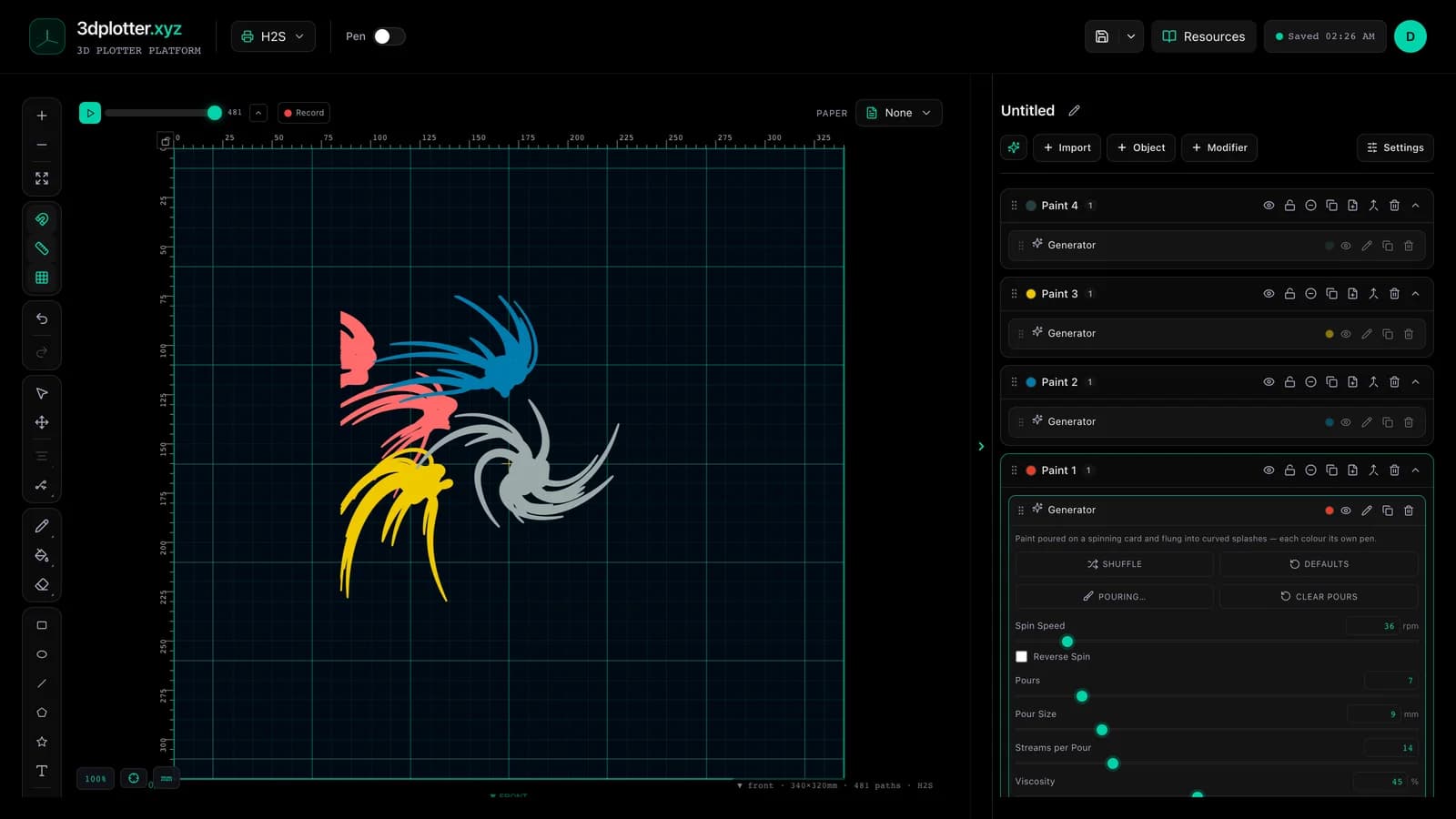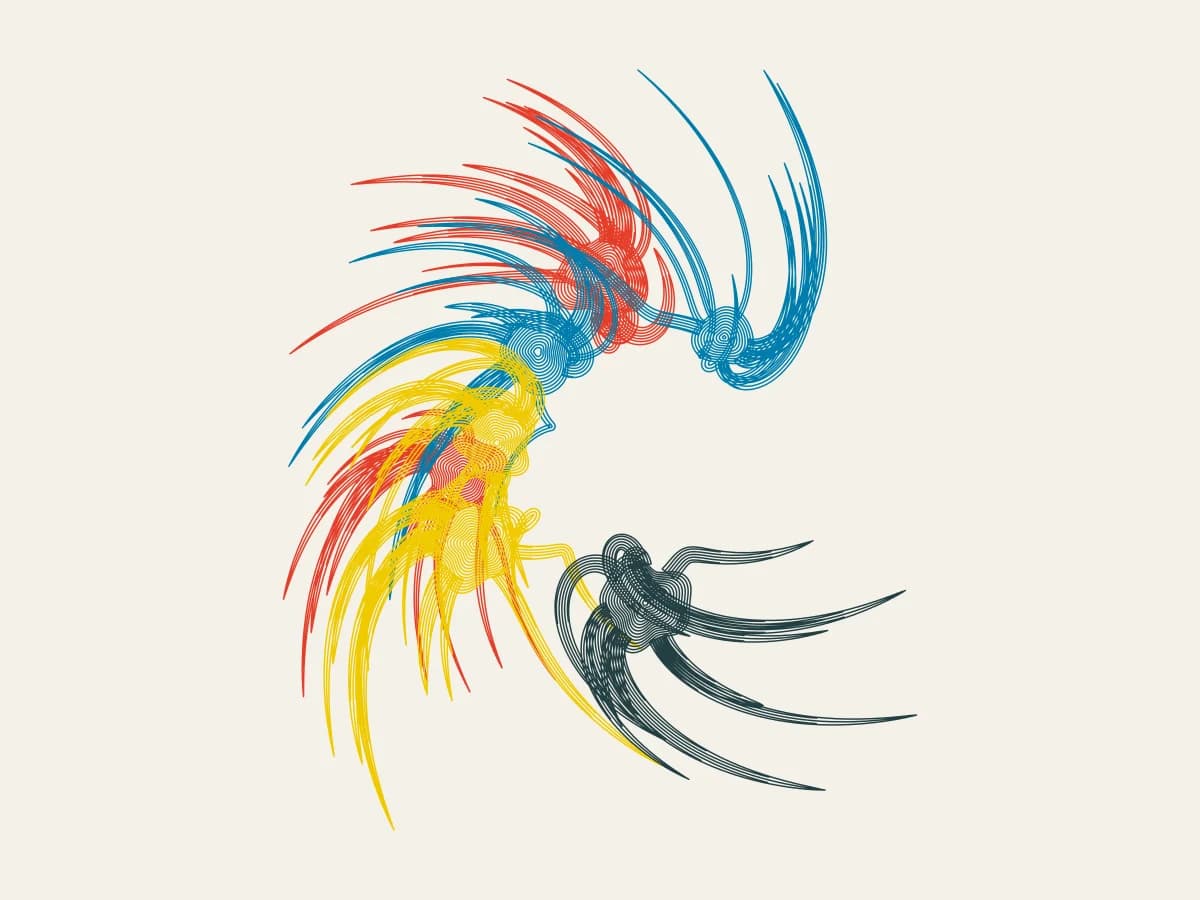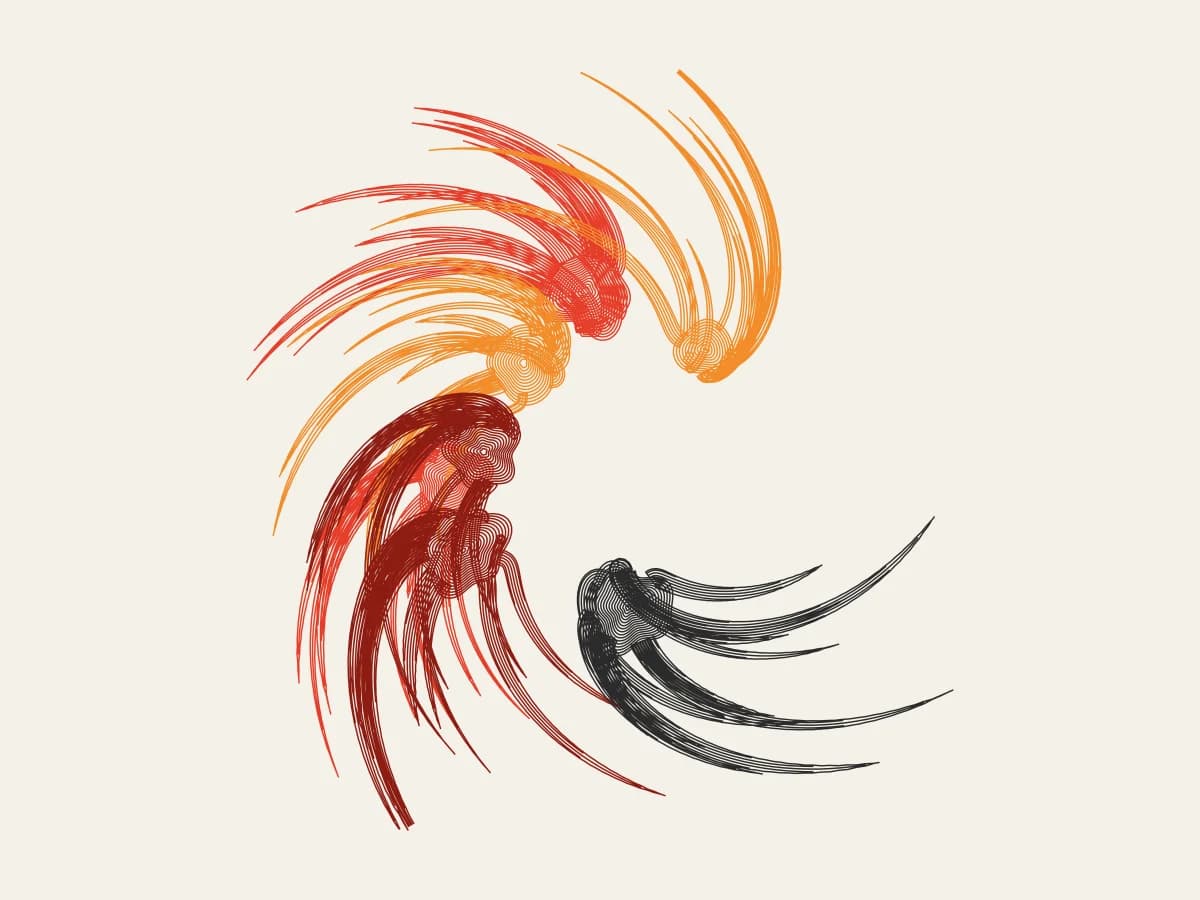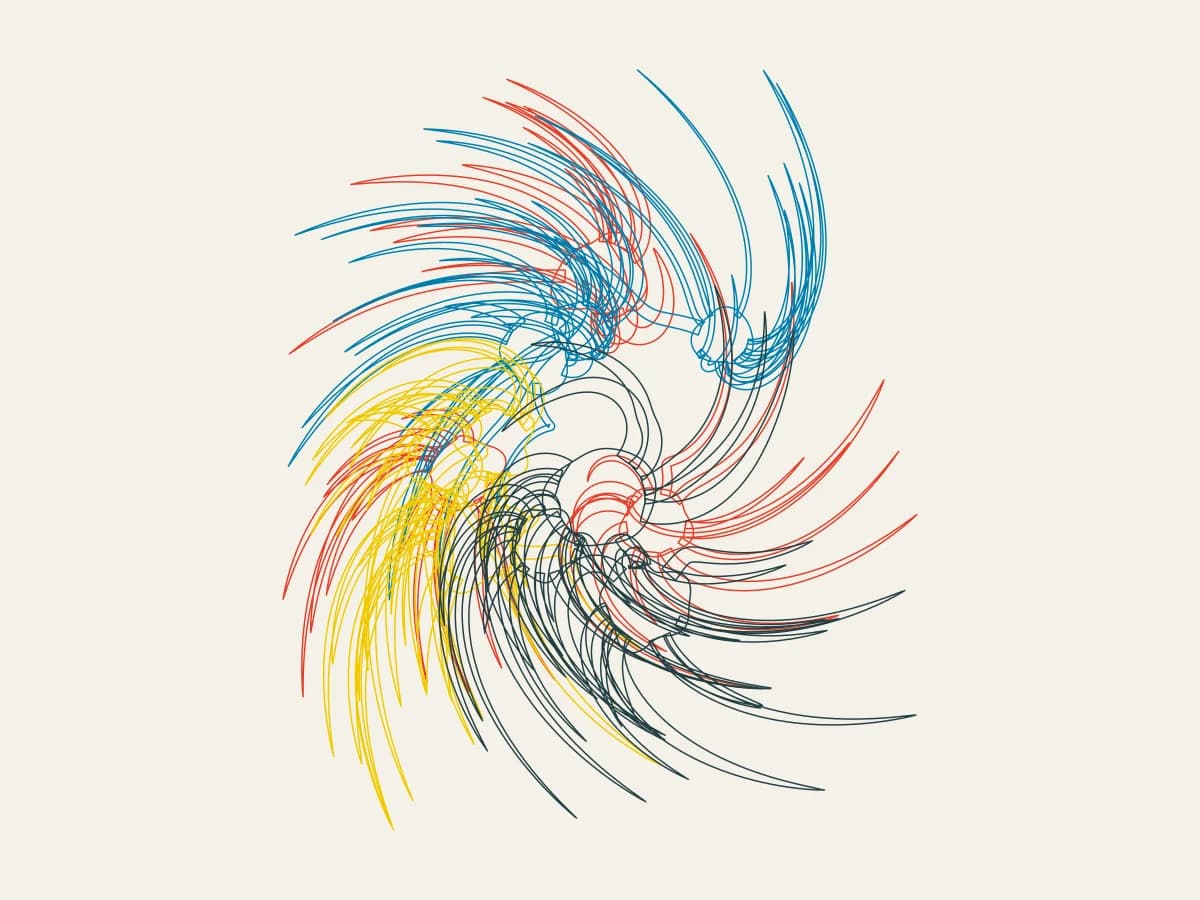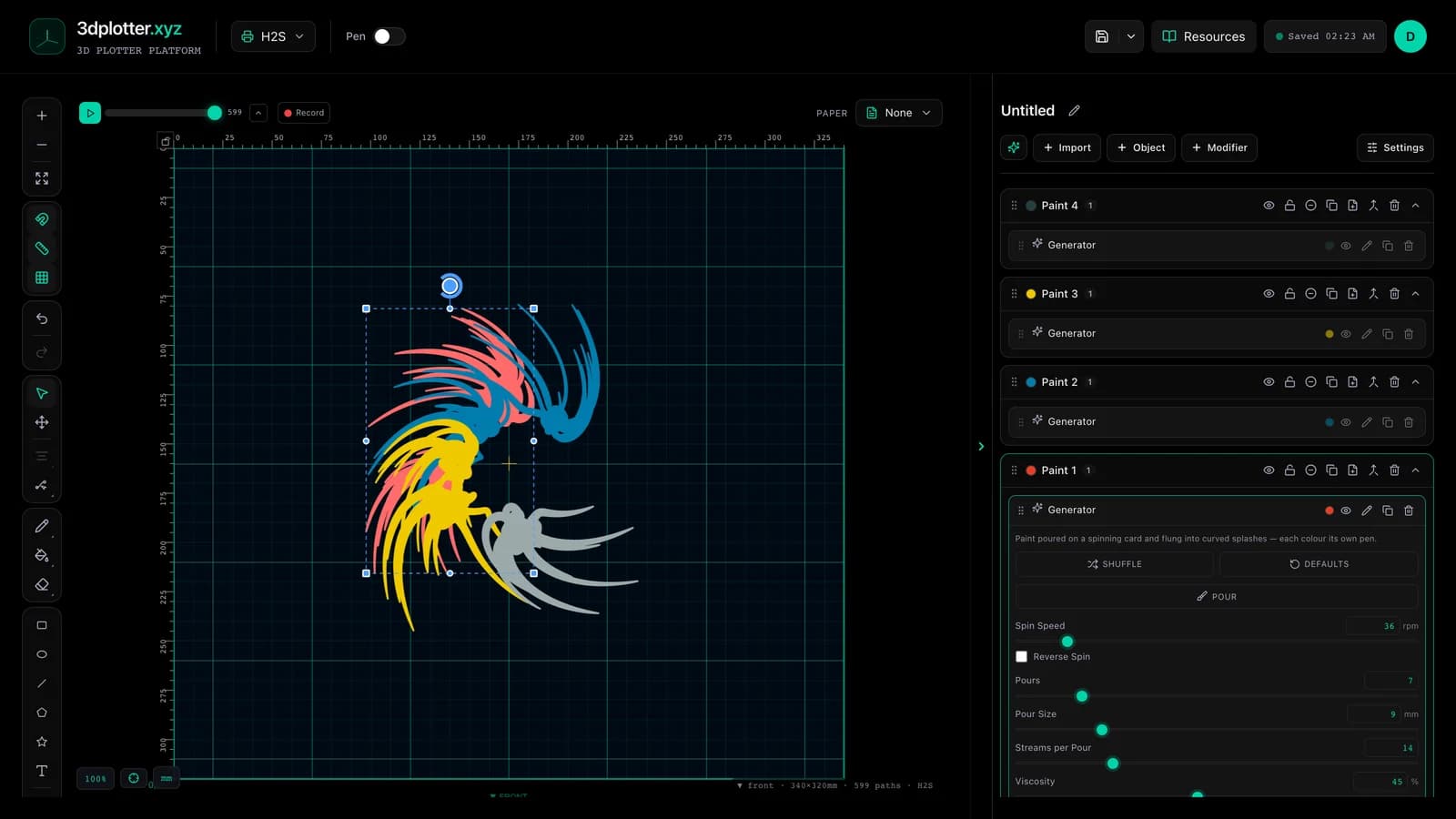
Pour paint on a spinning card and plot the splashes with Spin Art, all in your browser. It is one of the newest tools in 3DPlotter Studio.
How to use Spin Art
- Open Studio → Add Object → Simulation → Spin Art
- A live Spin Art element is added to the active layer
- Tune parameters in the element card in the right sidebar (live preview on the canvas)
- Export plot-ready G-code when satisfied
Menu path: Add Object → Simulation → Spin Art
What it does
Spin Art simulates paint on a spinning card. Each pour leaves a puddle and throws streams outward; the spin flings them, Coriolis bends them and viscosity slows them, so they land as curved, tapering splashes. Each colour sits on its own layer, drawn as outlines or filled with pen lines.
Step by step
- Add Object → Simulation → Spin Art: four paint layers appear
- Press Pour and press on the card where the paint should land; drag to pour as you move
- Set Spin Speed and Reverse Spin
- Viscosity decides how far the paint runs; Streams per Pour how many splashes each pour throws
- Choose Filled (pen lines) or Outlines
- Give each paint layer a pen and export G-code
Tips for clean plots
- Filled style hatches every splash at Fill Spacing; match it to your pen width.
- Higher spin speed curls the splashes more; thicker paint keeps them short.
- All four paint layers share one card, so pouring on any layer pours for all.
Key controls
- Palette: primaries, options: Primaries, Lagoon, Ember...
- Style: filled, options: Filled (pen lines), Outlines
- This Layer Draws: all, options: Every paint, Paint 1, Paint 2...
- Spin Speed: 36rpm (1-300rpm step 1)
- Pours: 7 (1-40 step 1)
Tune palette, style, this layer draws, spin speed, and pours in the right sidebar. Open Studio to see every control.
Shuffle (in the element card) re-rolls: seed, pours, streams, spinSpeed, viscosity, reverse.
What I plot with Spin Art
- Pen-plotter art on Bambu Lab, Prusa, Creality, and other pen-holder setups
- Layered linework exported as G-code with pen-up travel
- Combined with other V3 objects and modifiers in the same document
Frequently asked questions
Why do the splashes curve?
The paint is thrown outward while the card keeps turning underneath, so each stream bends against the spin.
Can I pour by hand?
Yes. Press Pour and press or drag on the board. Colours take turns with each pour.
Is filled style plottable?
Yes. Fills are parallel pen lines one Fill Spacing apart, not solid shapes.
Try Spin Art
Open 3DPlotter Studio, follow the steps above, and export a test plot. Lifetime V3 access is €29.90. Creator Bundle (€39.90) adds Map to Pen Plot, String Art, Wax Seal, and 3D Model to SVG.
More tools: Feature hub · V3 launch