GenplotPrompt → plotter-ready SVG in seconds
Describe line art for your pen plotter. Genplot returns clean vector paths — mono or multi-pen layers — sized to your bed, editable on the board, exportable as SVG or G-code.
1 credit per generation · €10.00 for 50 credits · free samples included
Try Genplot Right Here
This is the actual Genplot dialog — same examples, same prompts, same pen palettes. Click an example to see its artwork and the exact prompt behind it. In the app, your result lands on the bed ready to plot.
Two examples ship as free samples inside Genplot — load them without spending a credit.
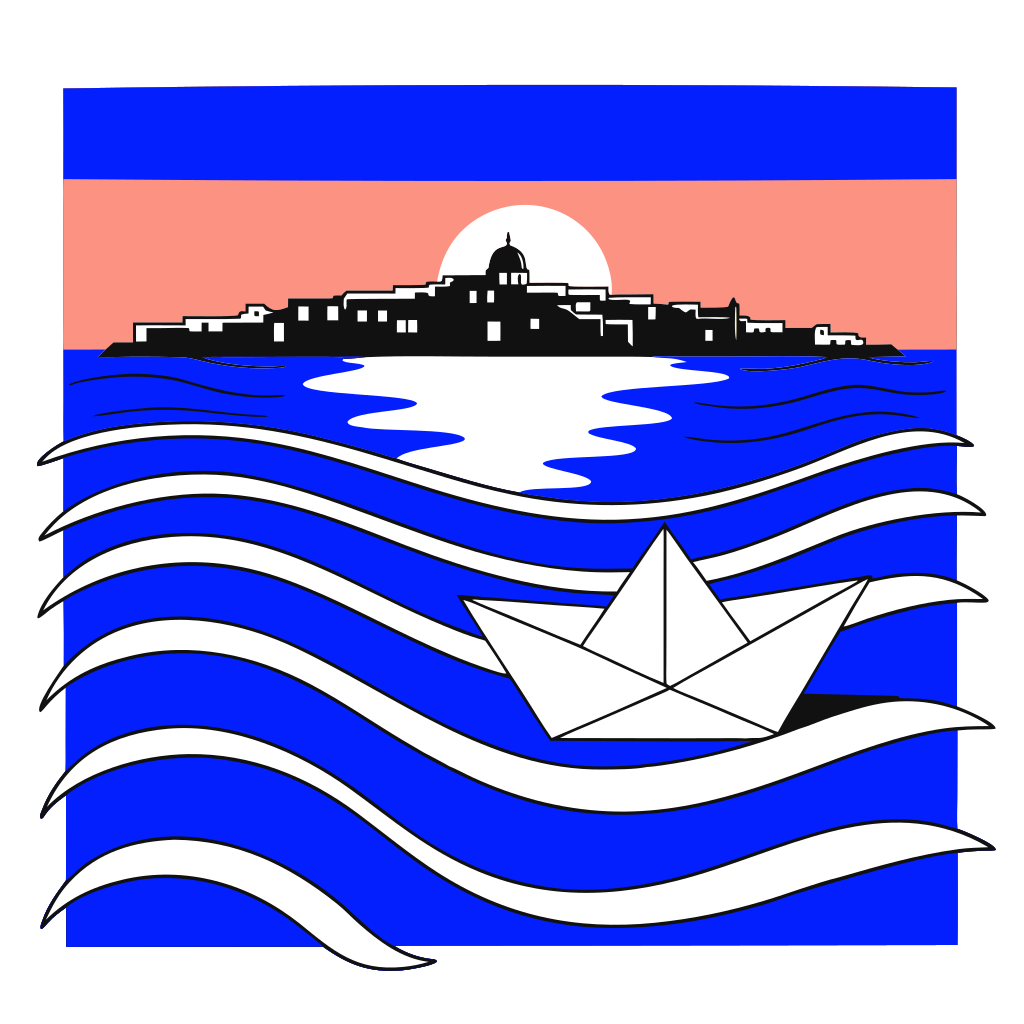
Free sampleAegean paper boat
Multi-color · Sunset coastal
Bold editorial vector illustration of a small white paper boat floating on calm Aegean sea at golden hour, gentle Mediterranean waves, distant Cycladic island silhouette, bright sun disc low on the horizon, exactly four flat fill colors only (cobalt blue water and sky, salmon pink sunset glow, cream white highlights on waves and folded paper boat, black outlines) with no gradients, no extra shades, no gray anti-aliasing, poster art style, clean separable color layers for pen plotting
€10.00
50 credits
€0.20 / generation + VAT
€25.00
139 credits
€0.18 / generation + VAT
€50.00
333 credits
€0.15 / generation + VAT
Curated Pen Palettes
Multi-color mode steers generation toward flat, separable inks so every color in the artwork becomes its own pen layer on import. Palettes are starting points, not limits — recolor any layer to any pens before you plot.
Sunset coastal
Cobalt seas, salmon sunsets, warm cream highlights over black linework — made for seaside poster scenes like the Aegean paper boat sample.
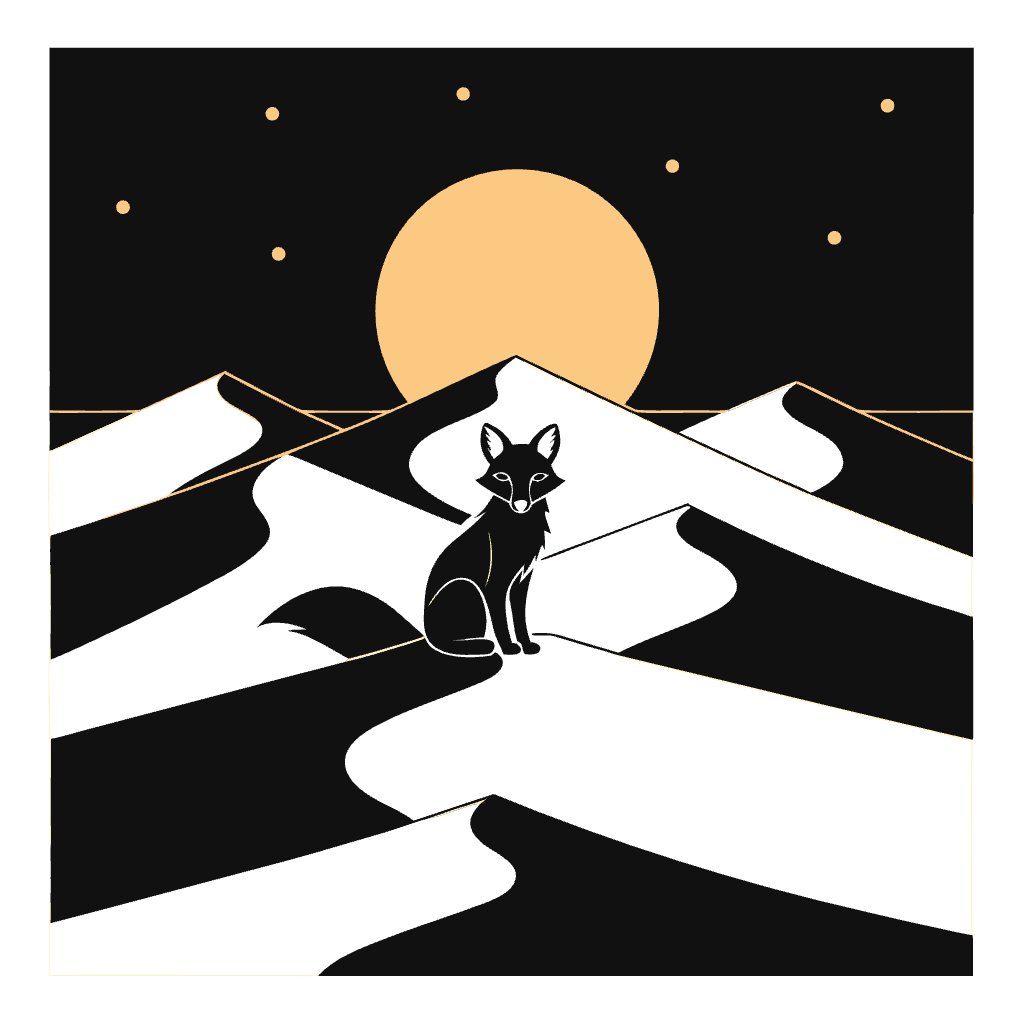
Desert twilight
Midnight navy dunes under an amber moon with cream starlight — built for dusk landscapes and moonlit silhouettes.
Forest garden
Deep greens, rose-red caps, and sunny yellow accents — tuned for botanical still lifes and woodland scenes.
How Genplot Works
From prompt to physical ink in four steps — no Illustrator tracing, no bitmap cleanup.
Describe Your Line Art
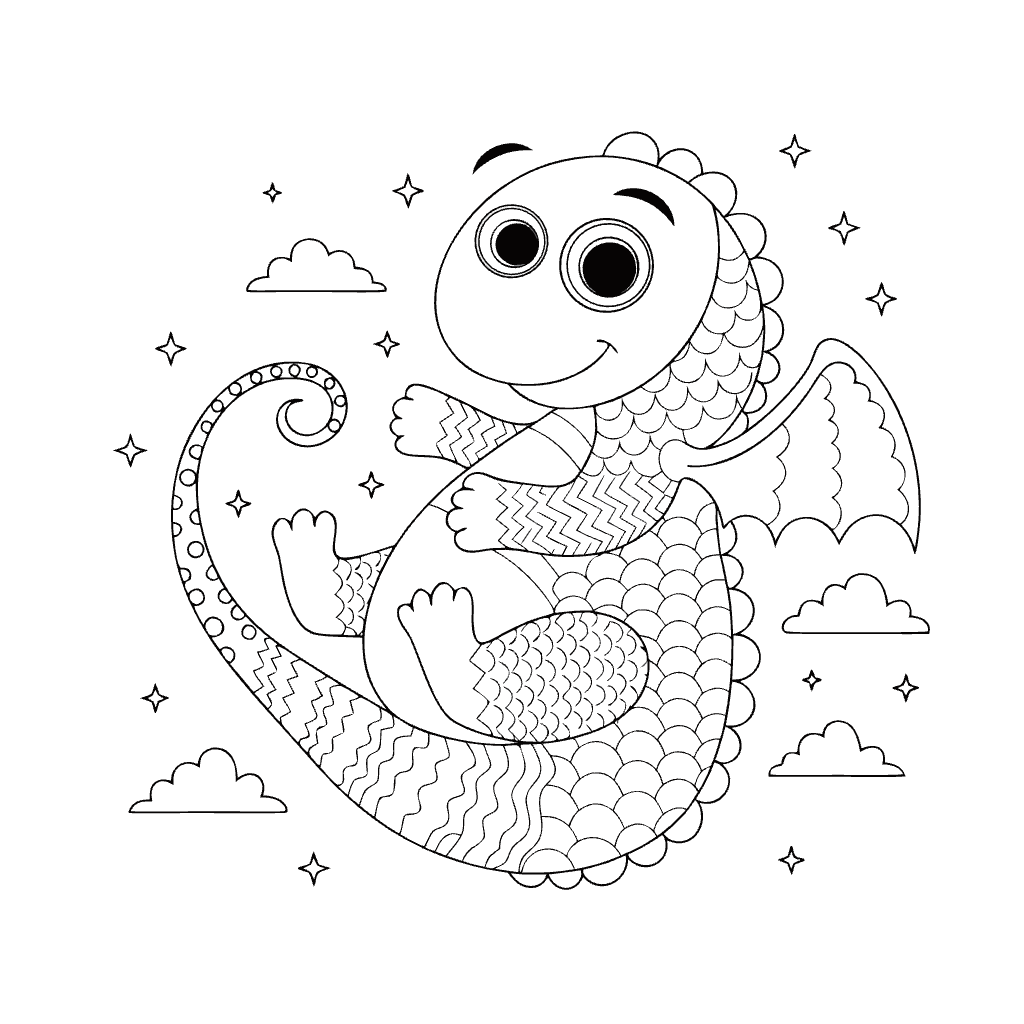
Open Genplot inside 3DPlotter and type what you want — "minimal mountain range", "art deco border", "friendly dragon outline". Prompts run up to 1,000 characters, and every generation is steered toward single-weight strokes that pens can actually draw.
- Up to 1,000 characters per prompt
- Curated example library — load any prompt with one click
- Two free samples load instantly, no credit spent
- Tuned for drawable outlines, not shaded bitmaps
Pick Single or Multi-Pen
Choose one black layer for classic mono plots, or switch to multi-color mode and let a curated four-pen palette steer the artwork — Sunset Coastal, Desert Twilight, or Forest Garden.
- Single pen: one SVG layer, ideal for fineliners
- Multi-color: each hue becomes its own pen layer
- Palettes guide both generation and pen assignment
- Palette presets aligned to common pen sets
Choose Your Aspect Ratio
Generate square (1024×1024), landscape (16:9), portrait (9:16) — or pick Bed fit and the canvas is sized to your actual bed dimensions before a single line is drawn.
- Square 1024×1024 · Landscape 16:9 · Portrait 9:16
- Bed fit reads your printer profile's real bed size
- No scaling surprises when art meets paper
- Swap ratios freely while you iterate
Add to Bed & Plot
Preview the result in the dialog, then send it to your virtual bed. Multi-color vectors arrive as pen layers with solid-fill hatching ready to plot. Erase, move, scale — then export G-code through PlotFlow Engine.
- Live preview at your bed dimensions
- Import panel: pen layers, fill mode, final size
- Download the edited SVG anytime — it is yours
- One-click G-code with pen-up heights and pen-change pauses
Built for Plotters, Not Screens
General AI art tools optimize for pixels. Genplot optimizes for pens, beds, and G-code.
Plotter-Native Vectors
Genplot outputs clean SVG paths with consistent stroke weight — no raster tracing step, no jagged halftones. What you see on the bed is what the pen draws.
Multi-Pen Color Layers
Multi-color mode splits artwork into separate layers per ink — steered by named palettes like Sunset Coastal. Swap pens at each pause and produce full-color plots from a single prompt.
Free Samples & Prompt Library
Seven curated examples ship inside the dialog, each with its full engineered prompt. Two are free samples that load instantly without spending a credit.
Bed-Fit Aspect Ratio
Generate art sized to your actual bed — A1 mini, P1S, custom board — so scaling surprises disappear before you load paper.
Fair Credits, Auto-Refunds
Pay as you go: 10 for 50 credits. If a generation fails, the credit is refunded automatically — you only pay for output.
Your Vectors Stay Yours
Download the SVG before or after editing. Keep it for laser cutting, vinyl, or another plotter. Genplot is a creative starting point, not a walled garden.
What Makers Plot with Genplot
Wall Art & Posters
Generate geometric patterns, botanical line work, or typographic compositions sized to A3 or custom frames.
Greeting Cards & Stationery
Seasonal borders, monograms, and illustration outlines that plot cleanly on cardstock with a fine liner.
Multi-Color Gift Plots
Layered color art for birthdays, weddings, and studio commissions — each pen pass adds another ink.
Rapid Ideation
Sketch ten directions in minutes before committing paper. Iterate prompts until the composition clicks.
Frequently Asked Questions
What is Genplot?
Genplot is the AI line-art generator built into 3DPlotter. You describe artwork in plain language and receive SVG vector paths optimized for pen plotters — single-weight outlines suitable for physical pens, not filled illustrations meant for screens.
How much does Genplot cost?
Each generation costs 1 AI credit. Credits are sold in packs of 50 for €10.00 (excluding tax; VAT is calculated at Stripe checkout). That is roughly €0.20 per image. You also need 3DPlotter web app access (included in the Creator Bundle).
Is there a free way to try Genplot?
Yes — two ways. First, the example gallery doubles as a prompt library: click any example to load its full engineered prompt. Second, two examples ship as free samples (the mono sacred-geometry mandala and the multi-color Aegean paper boat) that load instantly without spending a credit. Create an account, open the plotter, click Genplot, and try them.
What are Genplot's pen palettes?
In multi-color mode you can steer generation with a named palette: Sunset Coastal (cobalt blue, salmon pink, cream, black), Desert Twilight (midnight navy, amber, cream, black), or Forest Garden (forest green, rose red, yellow, black). Each color in the result lands on its own pen layer — and palettes are just starting points: every layer can be reassigned to any pen before you plot.
Do I need a 3D printer to use Genplot?
Genplot runs inside 3DPlotter and is designed for people who plot with a 3D printer and pen holder. You can still download the SVG and use it elsewhere — laser cutter, Cricut, dedicated AxiDraw — but the full bed preview and G-code export assume a printer-based plotter setup.
What is the difference between single pen and multi-color mode?
Single pen mode outputs one black layer — best for mono fineliner plots. Multi-color mode splits the artwork into separate SVG layers by color so you can assign each layer to a different pen and export G-code with pen-change pauses between layers.
Can I edit the AI artwork before plotting?
Yes. Every generation lands on the plotter bed as editable vector paths. Remove unwanted paths with Eraser, reposition groups with Move, combine with imported SVGs or Hershey text, then export SVG or G-code.
Which printers work with Genplot output?
Any FDM printer with a compatible pen holder and a 3DPlotter profile — Bambu Lab (A1, P1, P2, X1, H2), Prusa, Creality, Ender, and custom bed sizes. Genplot produces SVG; PlotFlow Engine converts it to printer-specific G-code.
How is Genplot different from DALL·E or Midjourney?
General image AI tools output pixels. Genplot outputs vector paths with plotter-friendly stroke logic — fewer filled blobs, more drawable lines. It is purpose-built for pen plotting inside a workflow that already handles G-code, pen heights, and multi-pen exports.
Ready to Plot Your First AI Line Art?
Open 3DPlotter, click Genplot on the toolbar, load a free sample, then generate your own vectors.