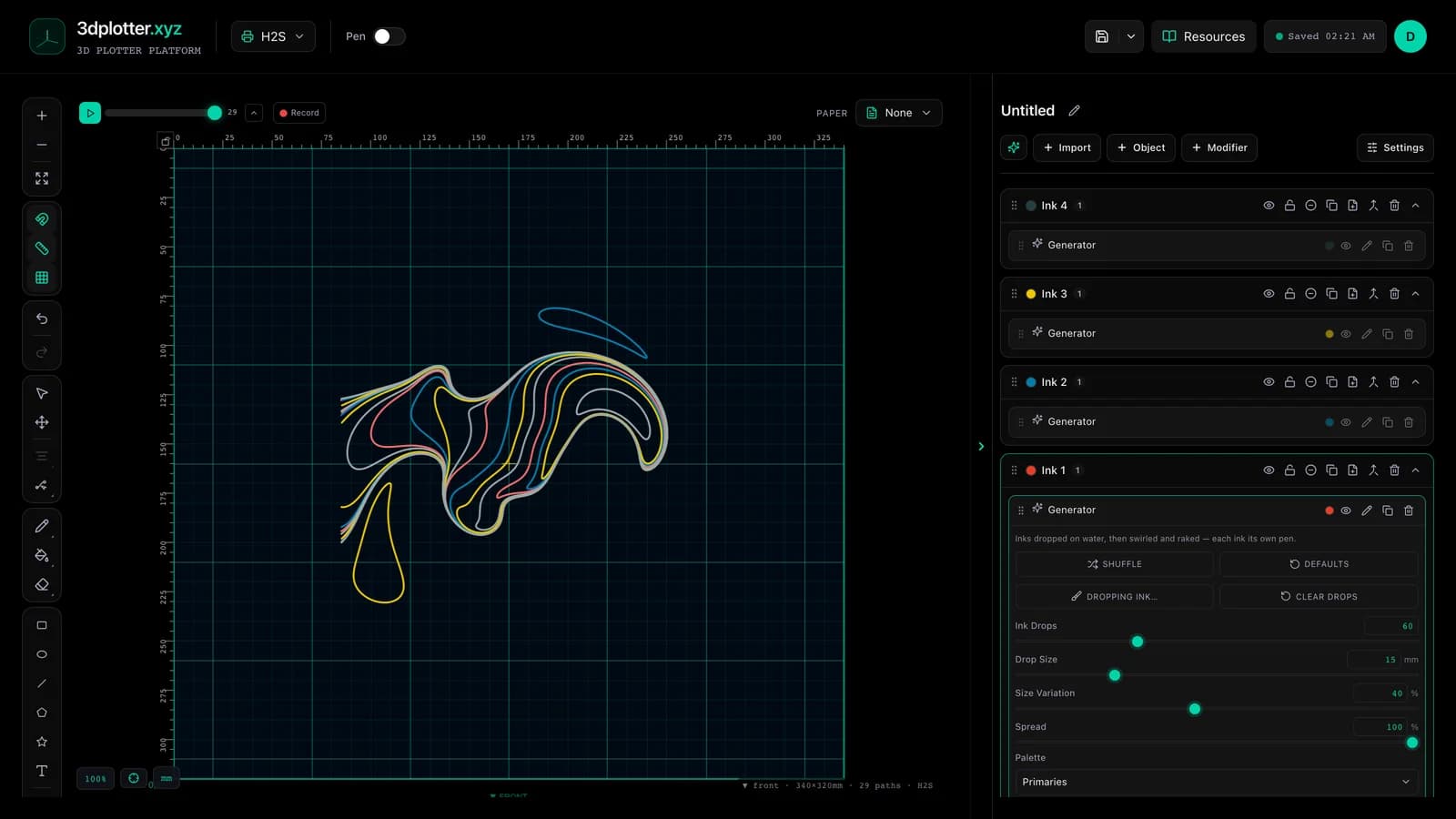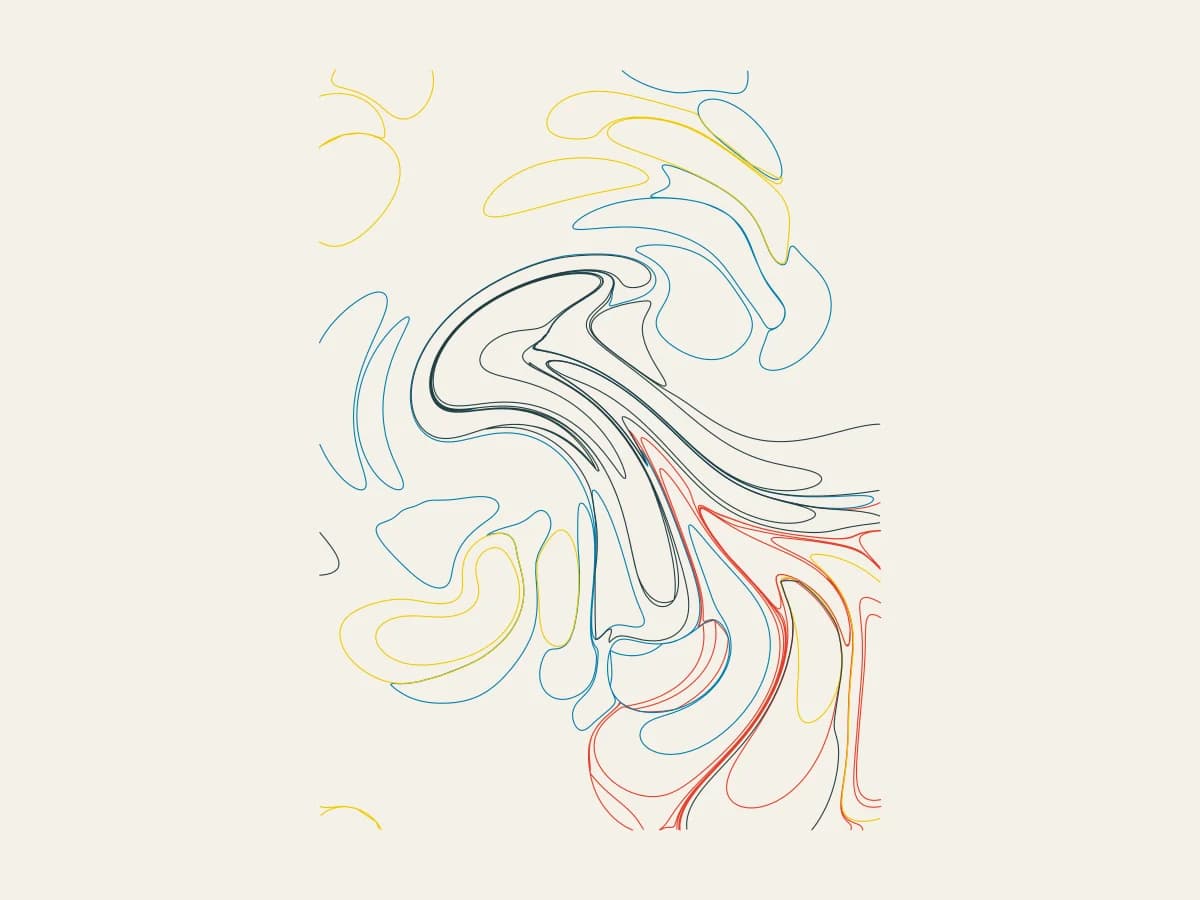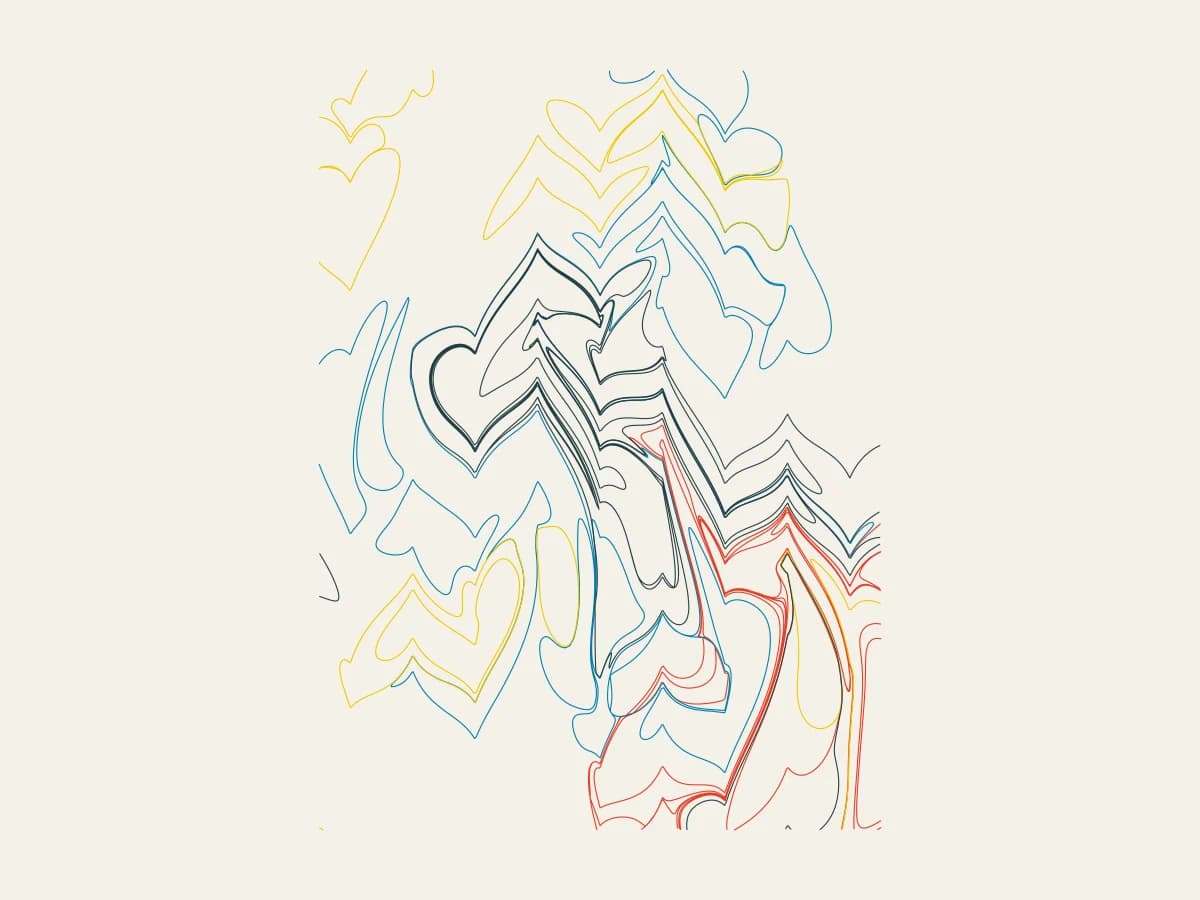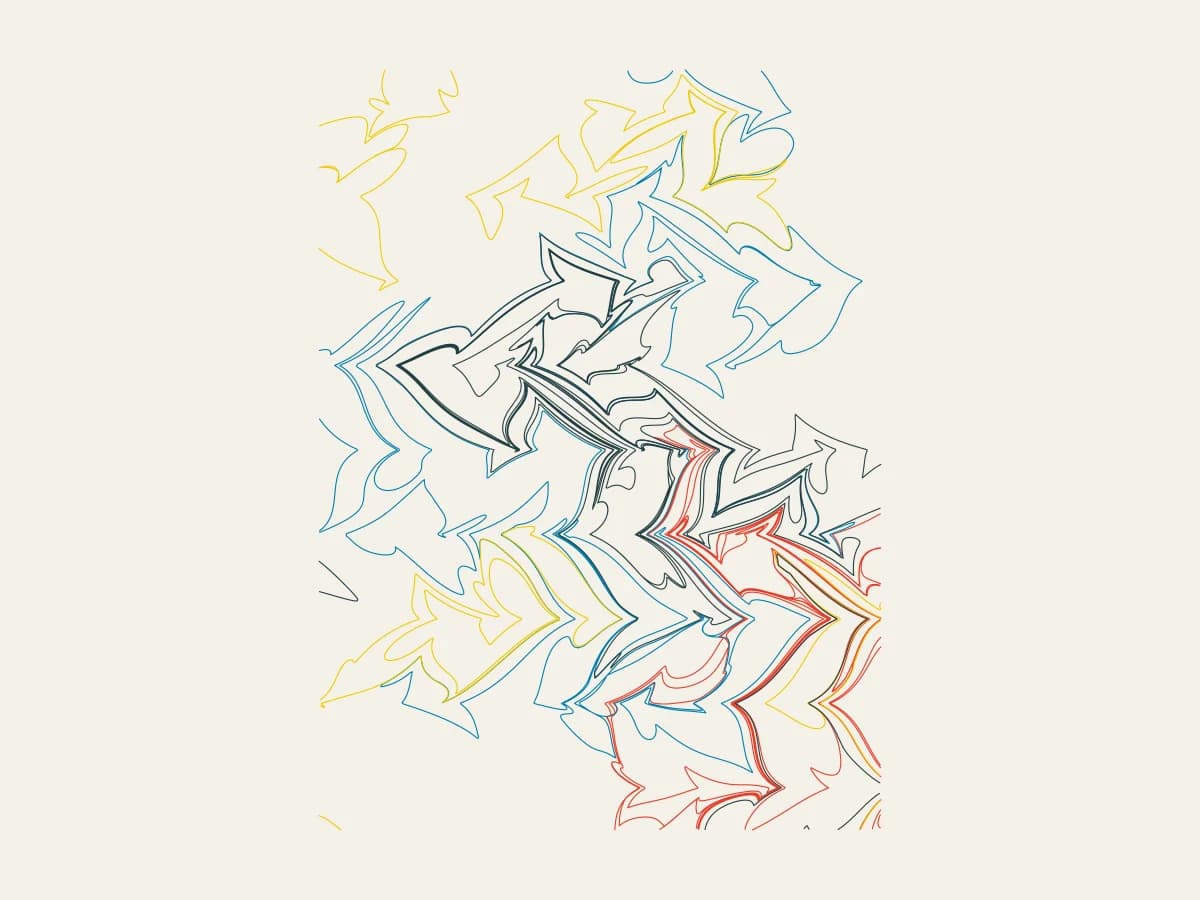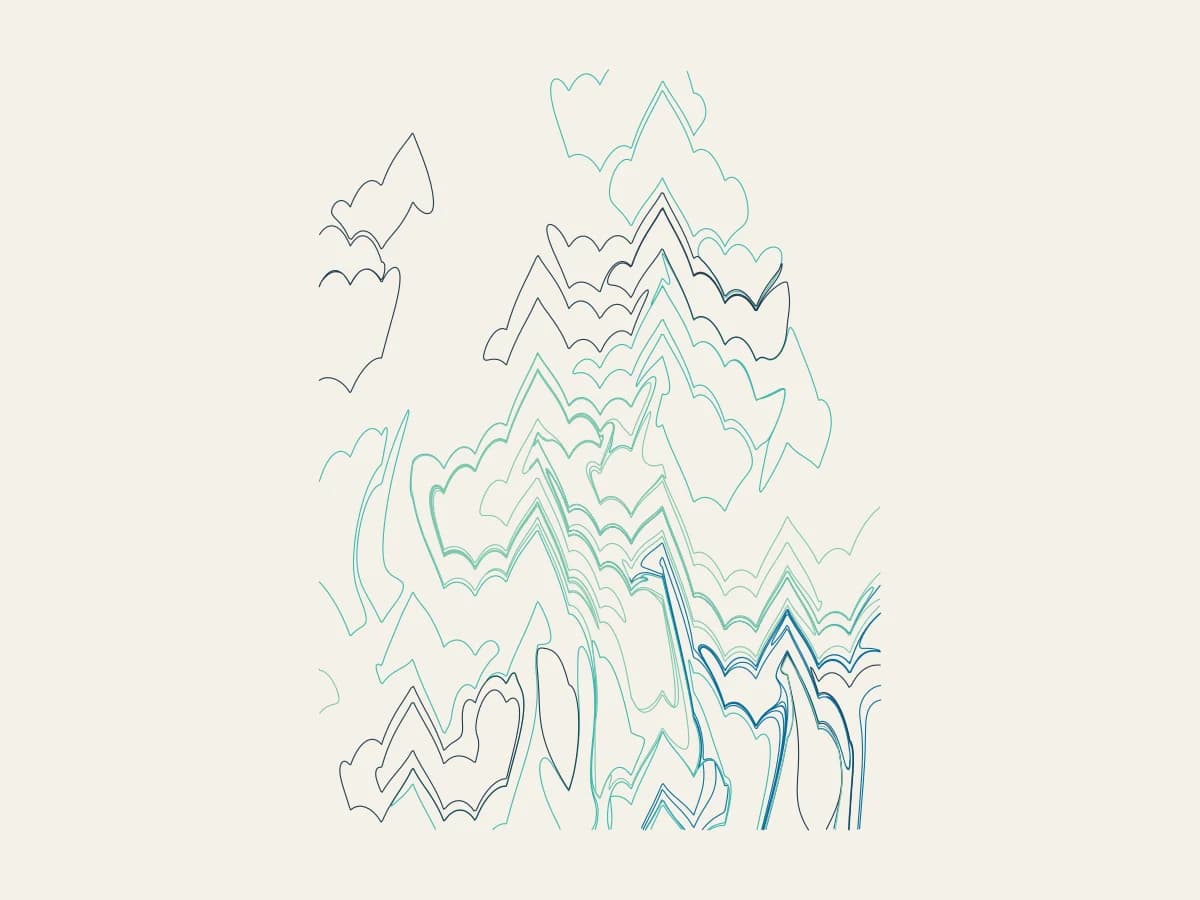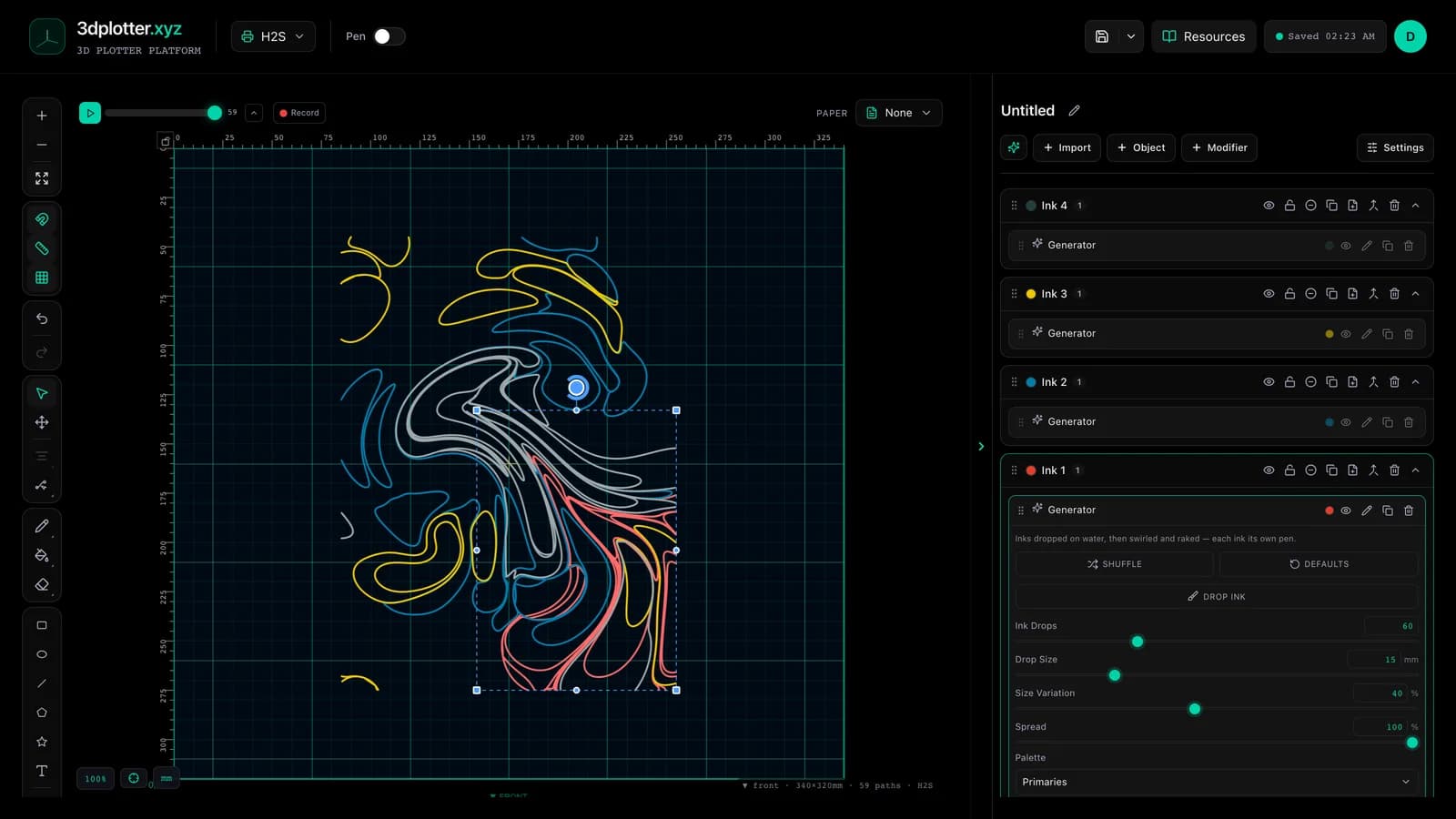
Marble inks on water and plot every colour with its own pen using Marbling, all in your browser. It is one of the newest tools in 3DPlotter Studio.
How to use Marbling
- Open Studio → Add Object → Simulation → Marbling
- A live Marbling element is added to the active layer
- Tune parameters in the element card in the right sidebar (live preview on the canvas)
- Export plot-ready G-code when satisfied
Menu path: Add Object → Simulation → Marbling
What it does
Marbling floats drops of ink on a water bath. Every new drop pushes the earlier ones outward into rings, then swirls and a rake drag the inks into stone, chevron, combed or feathered patterns, just like traditional paper marbling. Each ink is placed on its own layer, so you can plot it with its own pen.
Step by step
- Add Object → Simulation → Marbling: four ink layers appear
- Press Drop ink and press on the board to drop ink; drag to pour a trail of drops
- Add Swirls and set Swirl Radius and Swirl Strength
- Pick a Rake: None (stone), Chevron, Combed or Feathered, then set Tines and Rake Drag
- Viscosity changes how far swirls and rakes carry the ink
- Give each ink layer a pen and export G-code
Tips for clean plots
- All four layers share one bath: change a setting or drop ink on any of them and every ink follows.
- Fewer, larger drops make bold stone patterns; many small drops make fine combed ones.
- Swap pens per layer for your own palette; the layer colours are just a starting point.
Key controls
- Palette: primaries, options: Primaries, Lagoon, Ember...
- Rake: stone, options: None (stone), Rake (chevron), Combed (both ways), Feathered
- This Layer Draws: all, options: Every ink, Ink 1, Ink 2...
- Ink Drops: 60 (1-200 step 1)
- Drop Size: 15mm (1-60mm step 0.5)
Tune palette, rake, this layer draws, ink drops, and drop size in the right sidebar. Open Studio to see every control.
Shuffle (in the element card) re-rolls: seed, drops, swirls, swirlStrength, pattern, eddies.
What I plot with Marbling
- Pen-plotter art on Bambu Lab, Prusa, Creality, and other pen-holder setups
- Layered linework exported as G-code with pen-up travel
- Combined with other V3 objects and modifiers in the same document
Frequently asked questions
Is this real marbling maths?
Yes. It uses the published closed-form marbling maps: drops push ink outward, swirls turn it, and rake tines drag it.
Can I drop the ink myself?
Yes. Press Drop ink and press or drag on the board.
Why four layers?
One per ink, so a multi-pen plotter or pen swaps can draw each colour separately.
Try Marbling
Open 3DPlotter Studio, follow the steps above, and export a test plot. Lifetime V3 access is €29.90. Creator Bundle (€39.90) adds Map to Pen Plot, String Art, Wax Seal, and 3D Model to SVG.
More tools: Feature hub · V3 launch