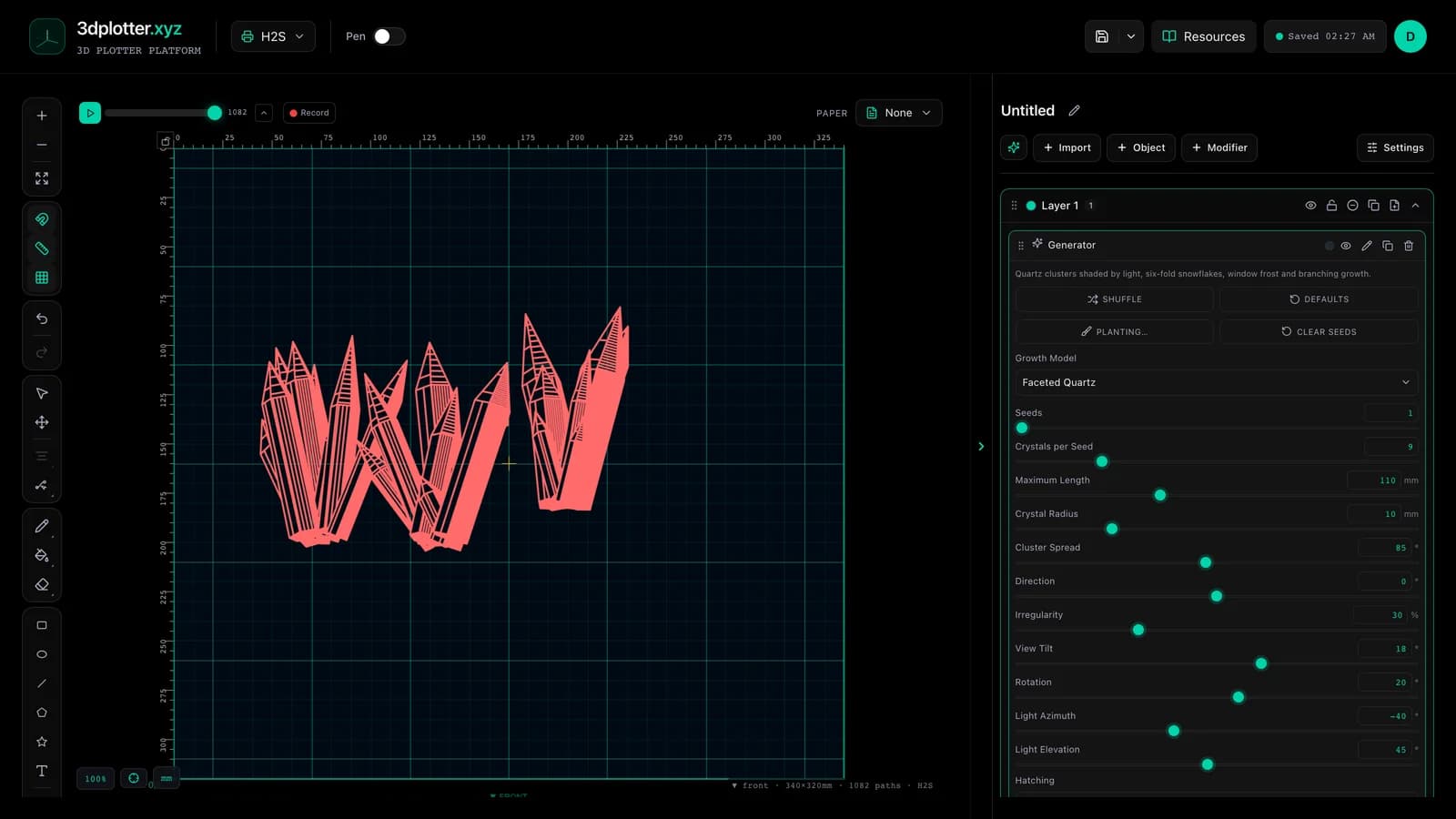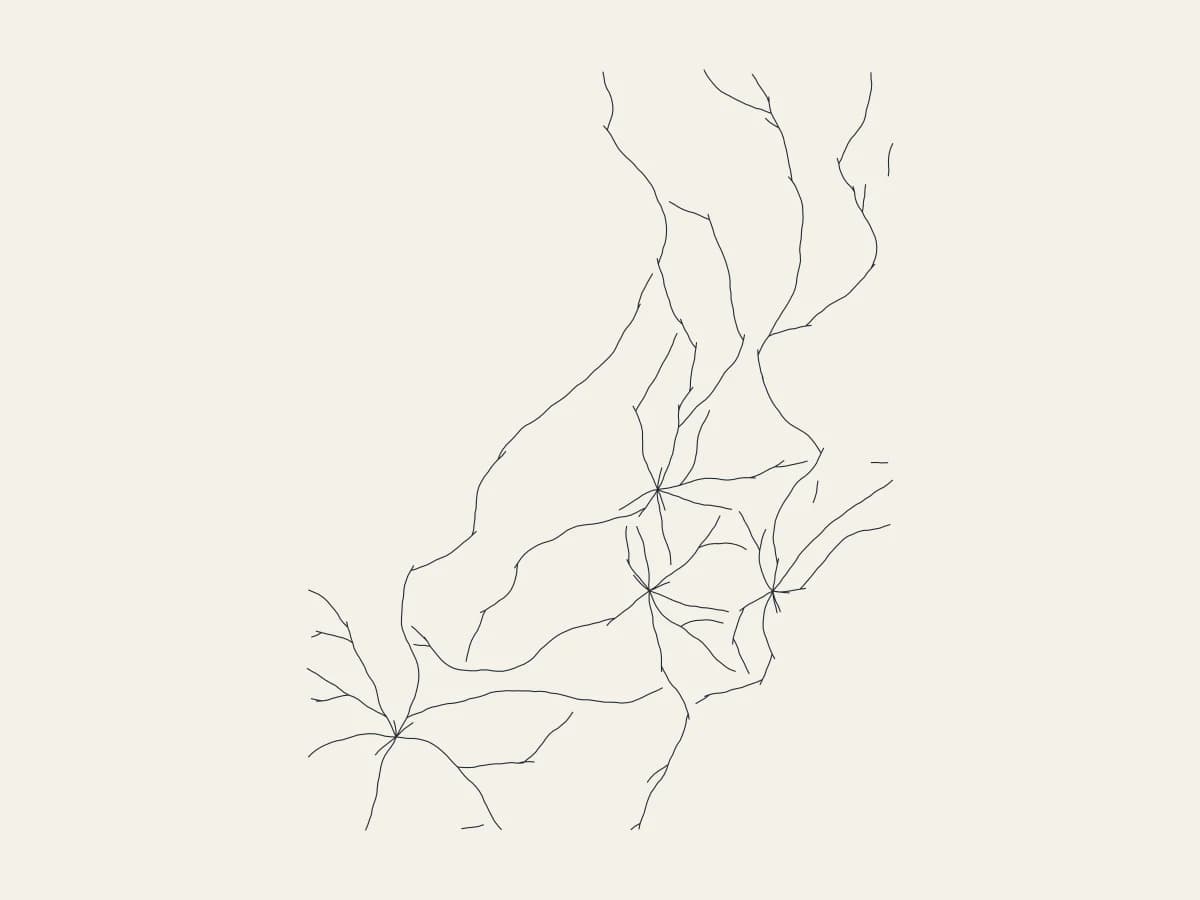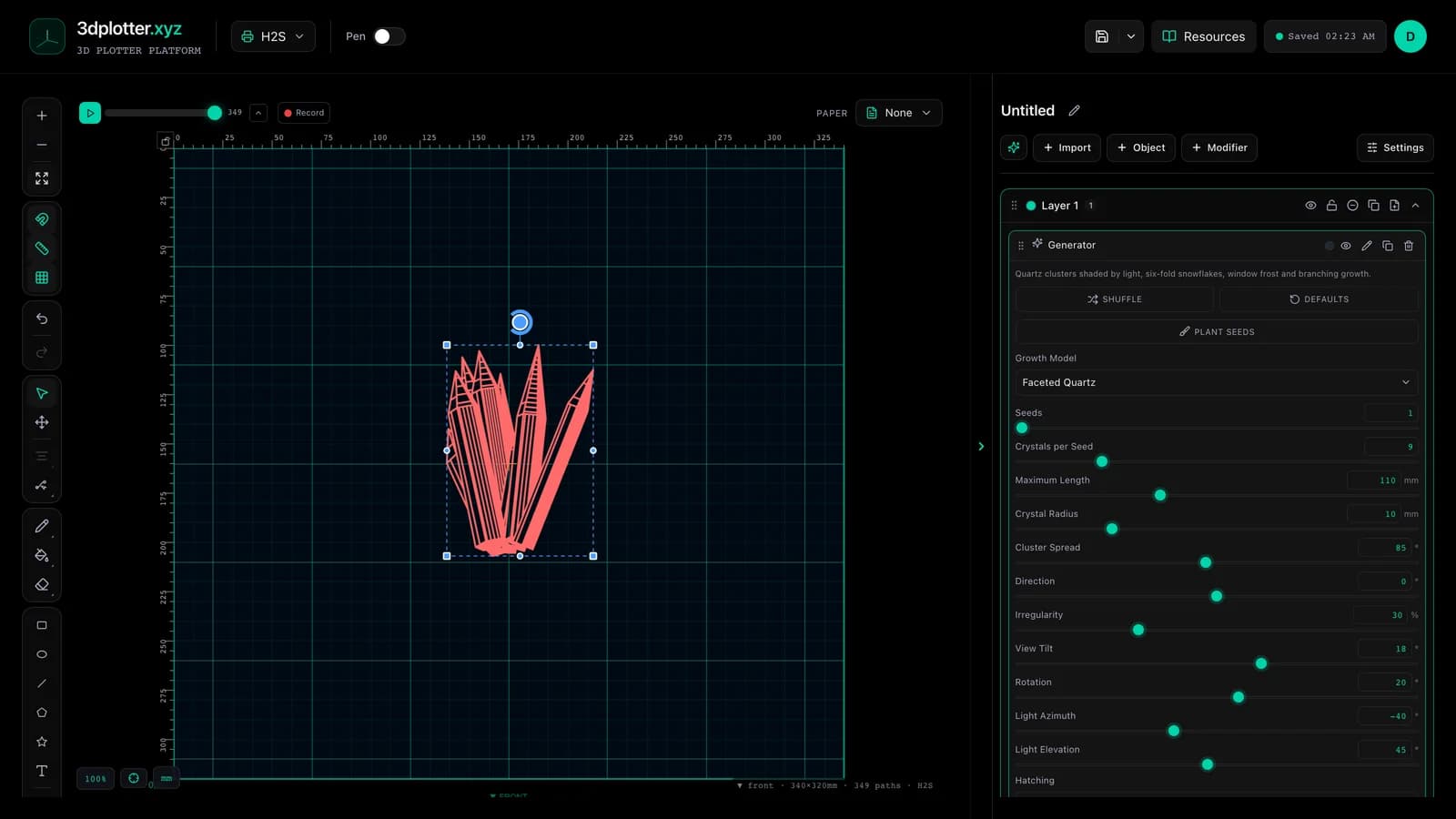
Draw shaded quartz clusters, snowflakes and frost with Crystal, all in your browser. It is one of the newest tools in 3DPlotter Studio.
How to use Crystal
- Open Studio → Add Object → Simulation → Crystal
- A live Crystal element is added to the active layer
- Tune parameters in the element card in the right sidebar (live preview on the canvas)
- Export plot-ready G-code when satisfied
Menu path: Add Object → Simulation → Crystal
What it does
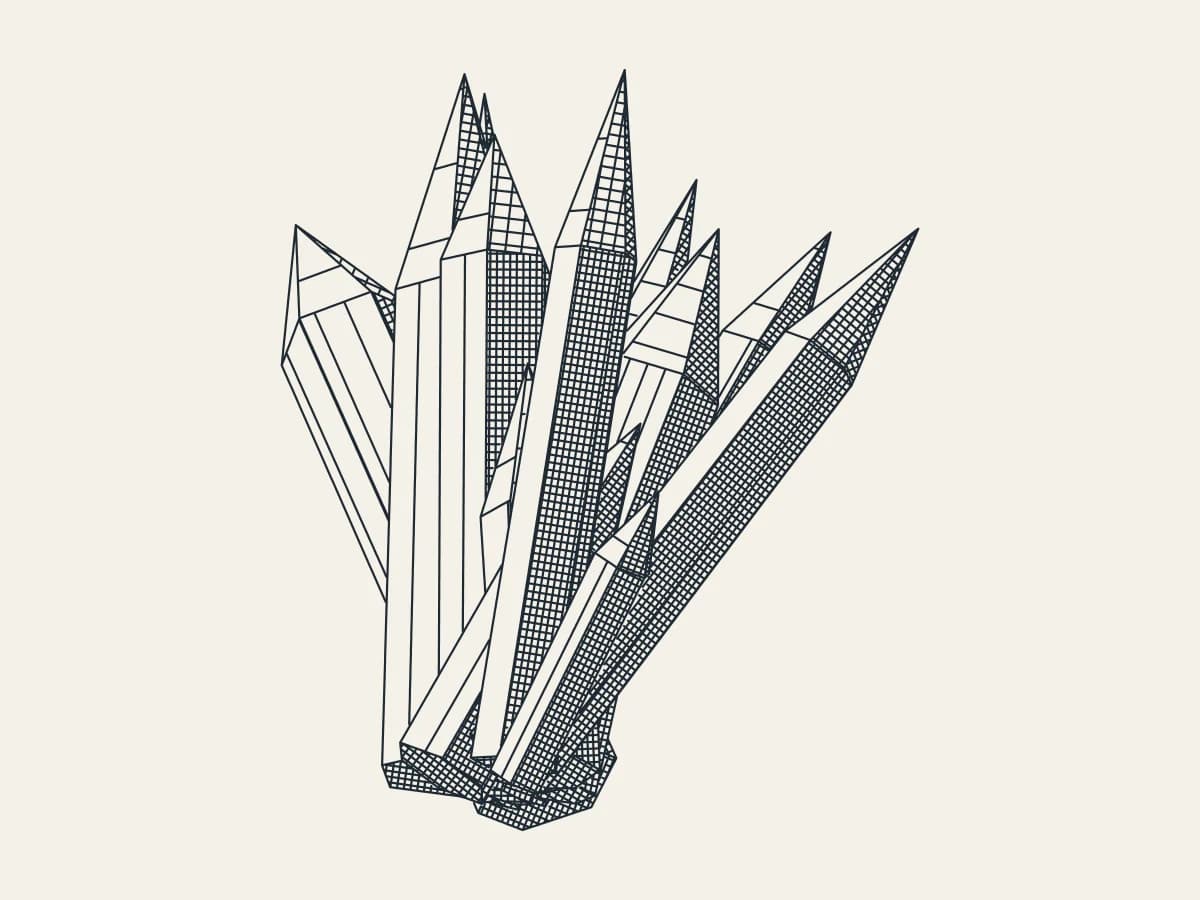
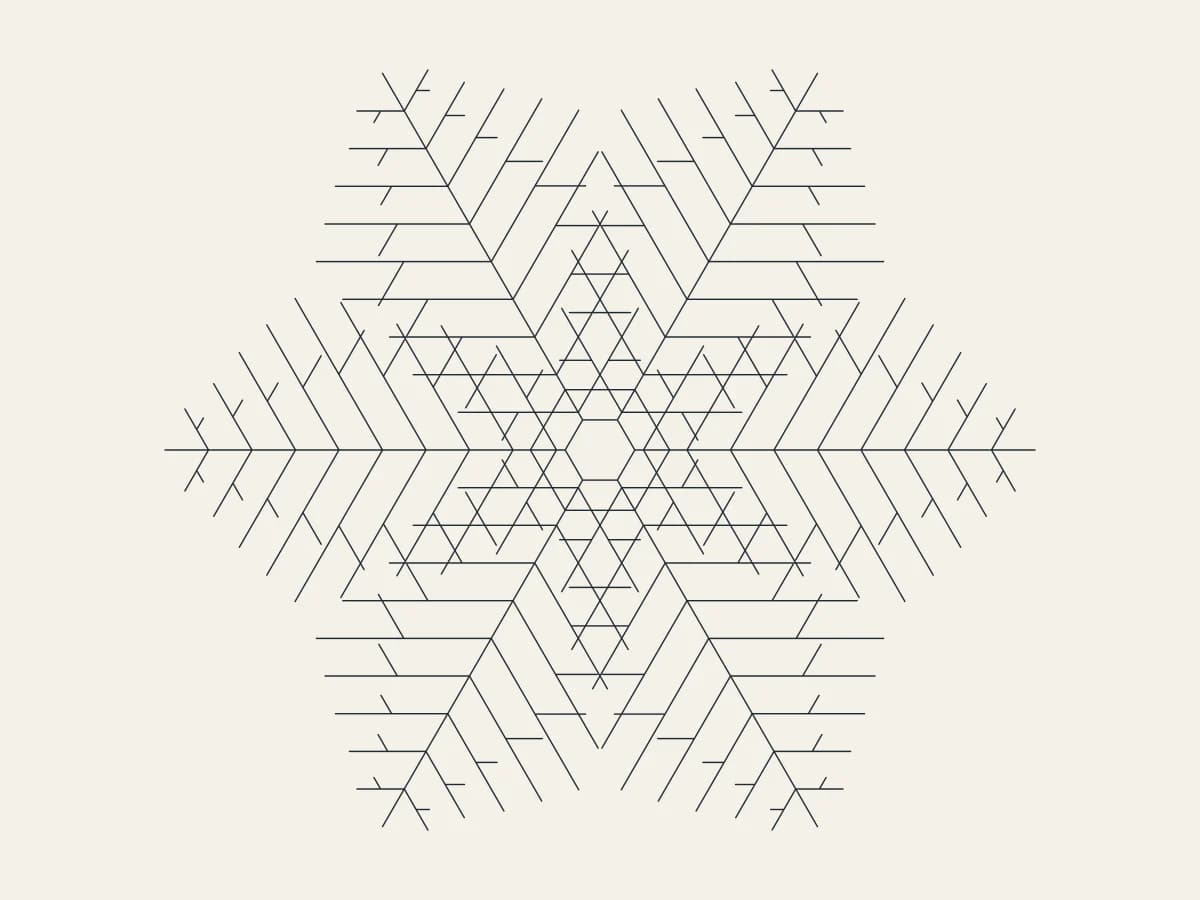
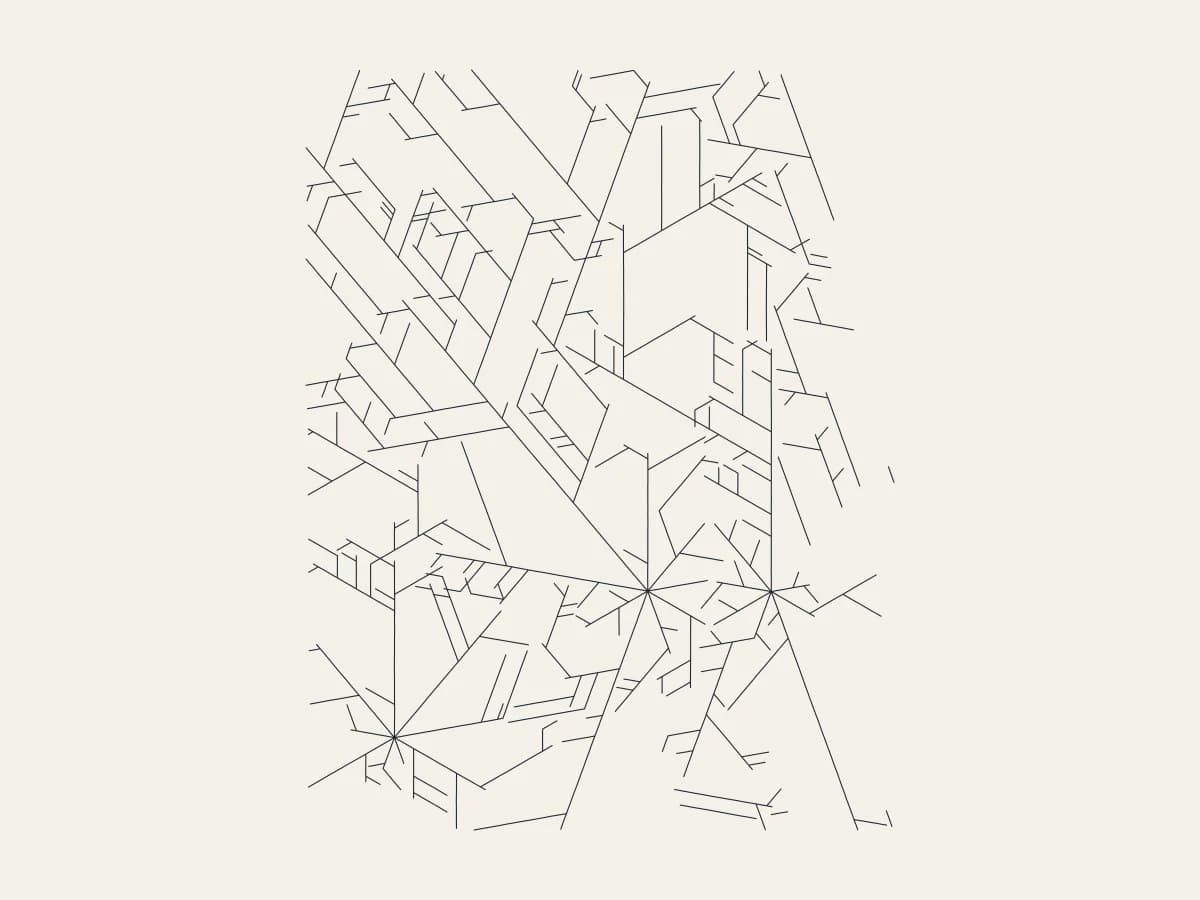
Crystal has four growth models. Faceted Quartz builds clusters of hexagonal crystals in 3D, hides the lines behind nearer crystals and hatches every face by how far it turns from the light. Snowflake grows a six-fold dendrite. Frost and Branching send tips across the page that fork and stop when they meet.
Step by step
- Add Object → Simulation → Crystal and pick a Growth Model
- Press Plant seeds and click on the board where crystals should grow
- Set Crystals per Seed, Maximum Length, Crystal Radius and Cluster Spread
- Move the light with Light Azimuth and Light Elevation; choose Parallel or Cross-hatch in shadow
- Turn the cluster with View Tilt and Rotation
- Export G-code
Tips for clean plots
- Darkest Spacing sets the tightest hatch; keep it above your pen width.
- Frost looks best with three or more seeds spread across the boundary.
- Irregularity breaks the perfect hexagons for a more natural cluster.
Key controls
- Growth Model: quartz, options: Faceted Quartz, Snowflake, Frost, Branching
- Hatching: parallel, options: Parallel, Cross-hatch in shadow, Outlines only
- Seeds: 1 (1-30 step 1)
- Crystals per Seed: 9 (1-40 step 1)
- Maximum Length: 110mm (5-300mm step 1)
Tune growth model, hatching, seeds, crystals per seed, and maximum length in the right sidebar. Open Studio to see every control.
Shuffle (in the element card) re-rolls: seed, crystalsPerSeed, clusterSpread, irregularity, rotation, lightAzimuth.
What I plot with Crystal
- Pen-plotter art on Bambu Lab, Prusa, Creality, and other pen-holder setups
- Layered linework exported as G-code with pen-up travel
- Combined with other V3 objects and modifiers in the same document
Frequently asked questions
Are hidden lines removed?
Yes. Faces turned away are skipped and nearer crystals hide the ones behind them.
Can I place the crystals myself?
Yes. Press Plant seeds and click on the board; each seed grows its own cluster, snowflake or frost.
What does the light do?
It decides the hatch density on each face, so the cluster reads as a lit solid.
Try Crystal
Open 3DPlotter Studio, follow the steps above, and export a test plot. Lifetime V3 access is €29.90. Creator Bundle (€39.90) adds Map to Pen Plot, String Art, Wax Seal, and 3D Model to SVG.
More tools: Feature hub · V3 launch