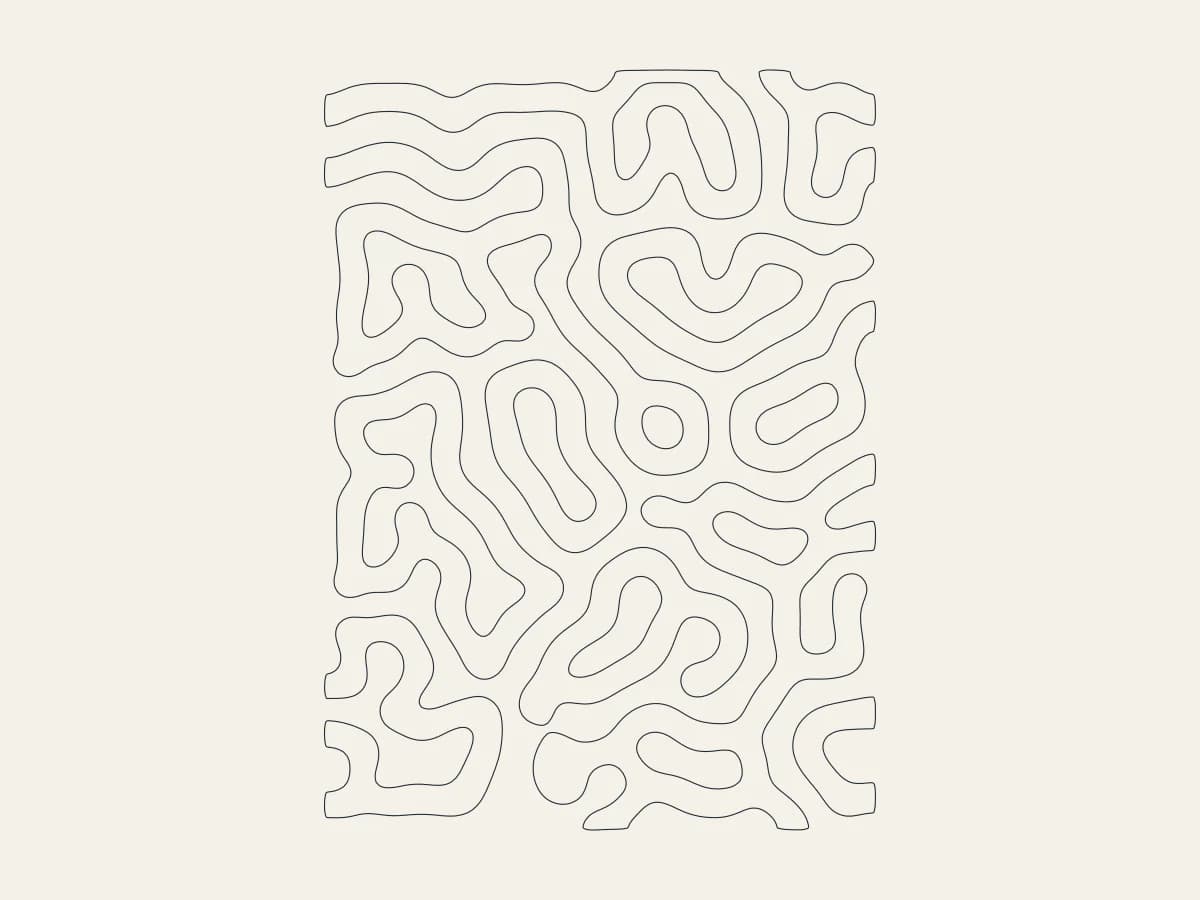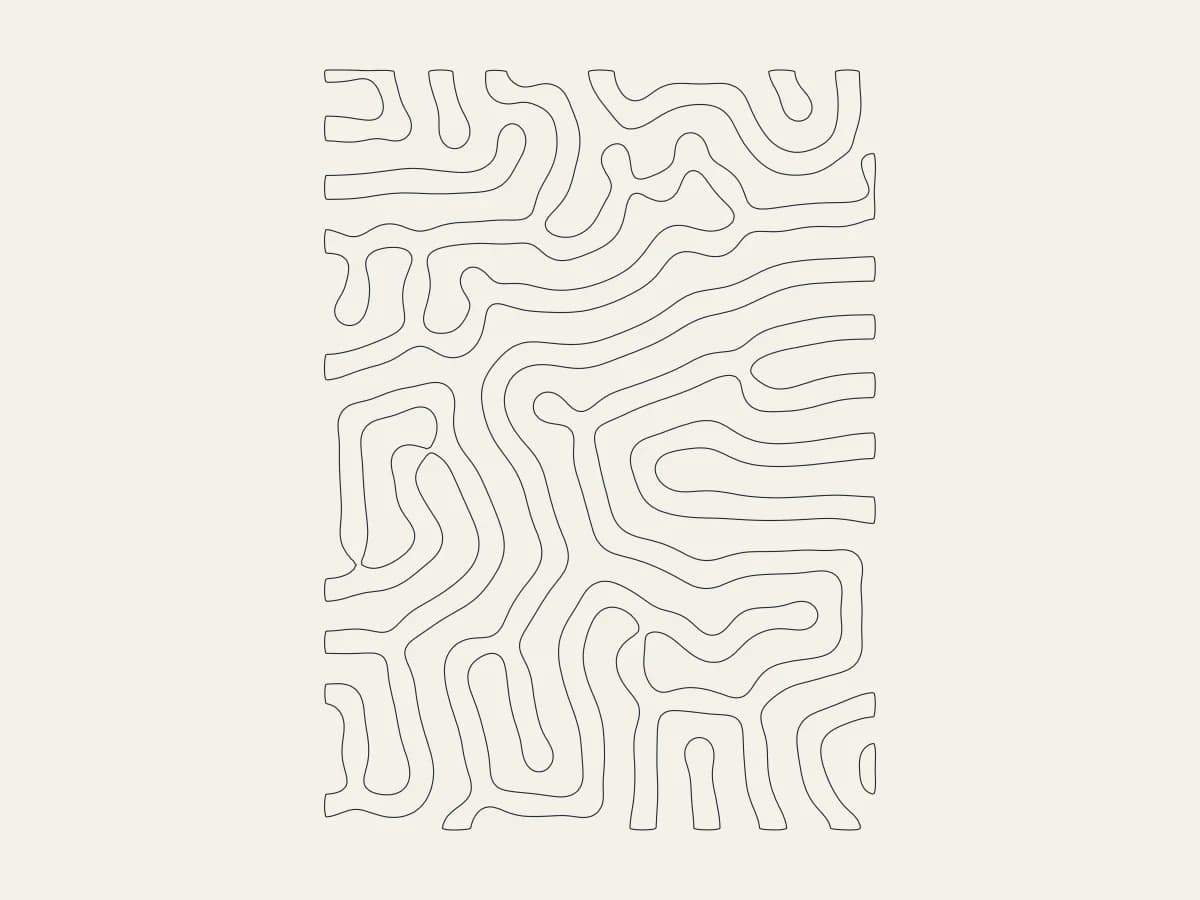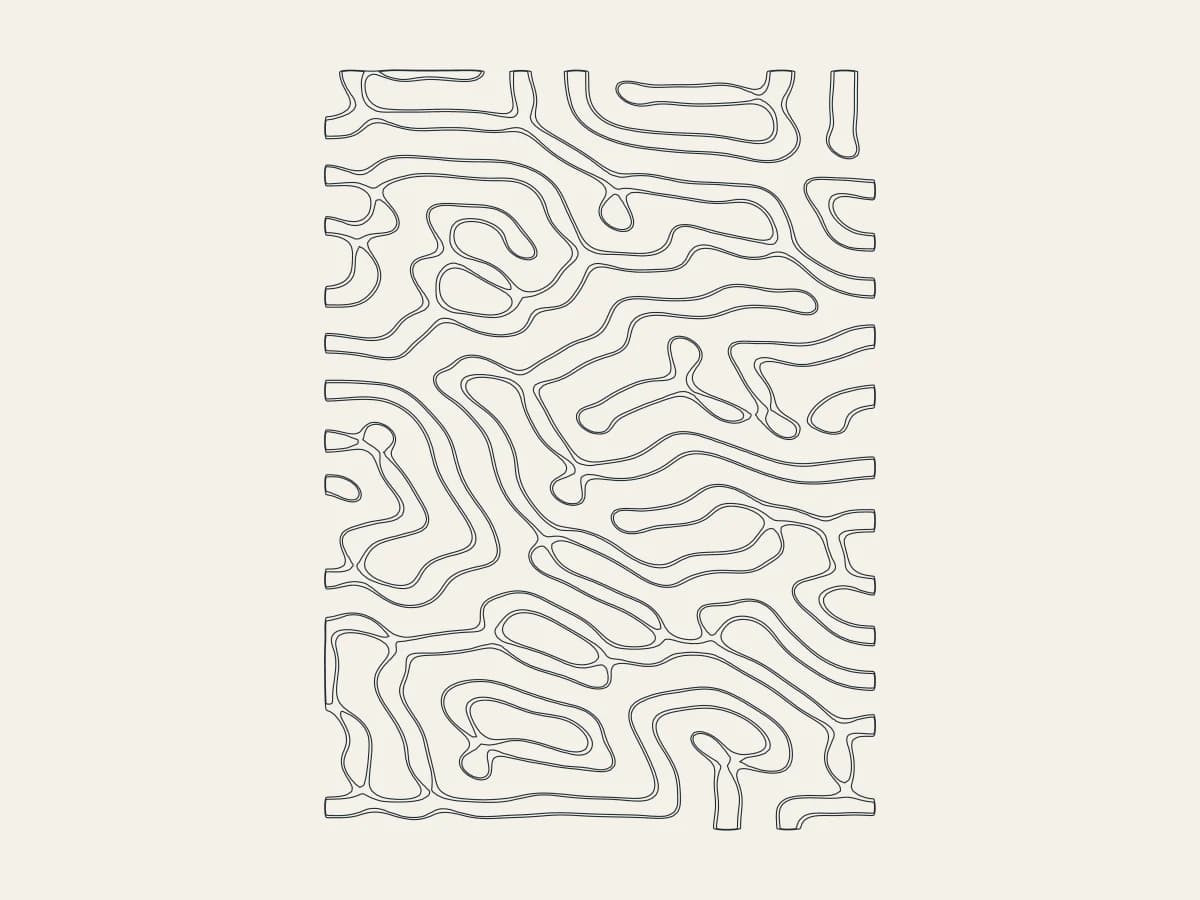
Grow coral, mazes and spots from a reaction–diffusion simulation with Turing, all in your browser. It is one of the newest tools in 3DPlotter Studio.
How to use Turing
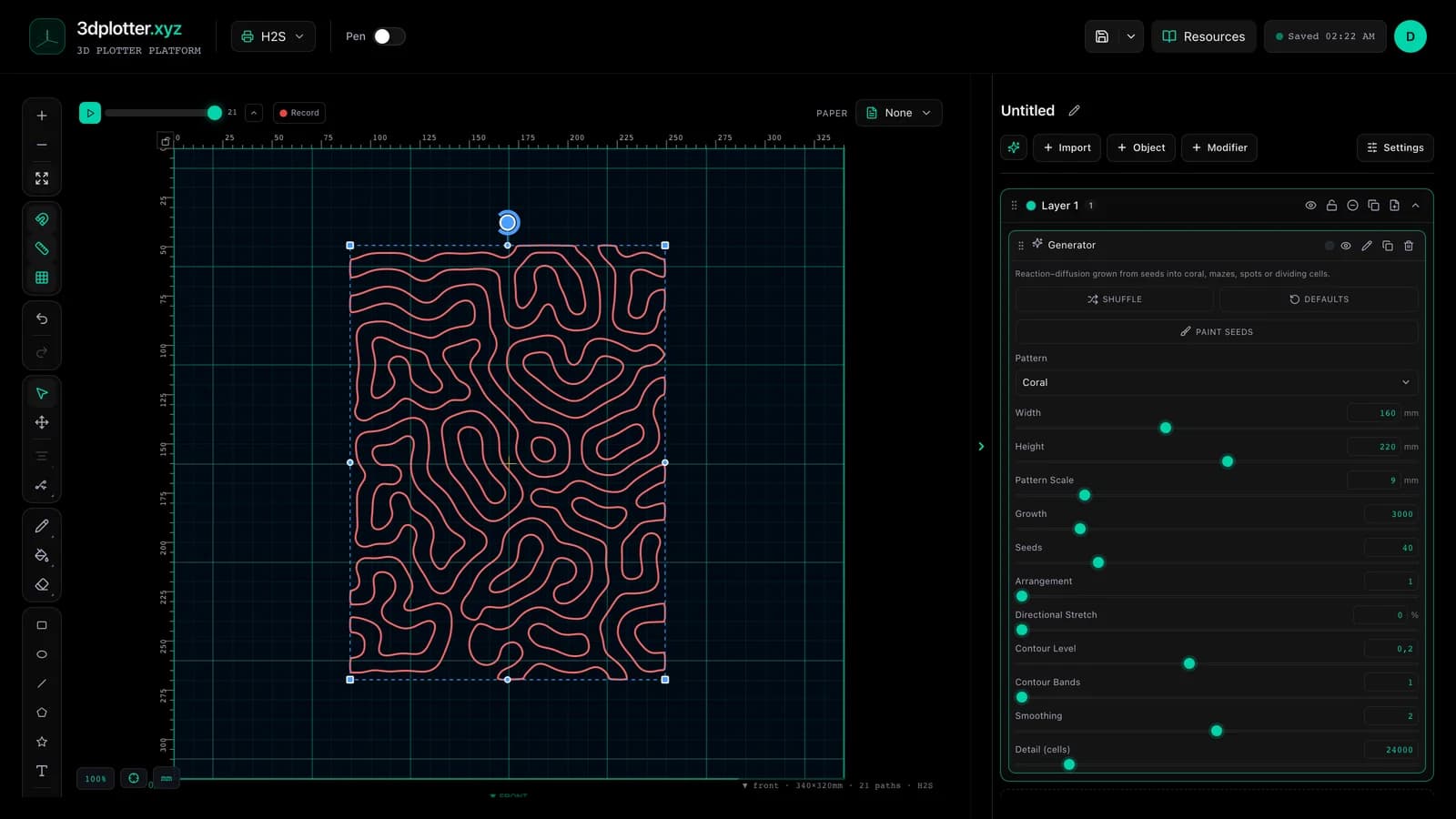
- Open Studio → Add Object → Simulation → Turing
- A live Turing element is added to the active layer
- Tune parameters in the element card in the right sidebar (live preview on the canvas)
- Export plot-ready G-code when satisfied
Menu path: Add Object → Simulation → Turing
What it does
Turing runs the Gray–Scott reaction–diffusion model, the chemistry behind animal markings that Alan Turing first described. From a few seeds it grows Coral, Maze, Spots, Dividing Cells or Fingerprint patterns, then traces their edges as closed contours ready to plot or fill.
Step by step
- Add Object → Simulation → Turing and pick a Pattern
- Set Width, Height and Pattern Scale for the size of the shapes
- Press Paint seeds and drag on the board to choose where the pattern starts
- Raise Growth to let it spread further
- Add Directional Stretch and a Direction to grow it along an angle
- Use Contour Bands for nested outlines, then export G-code
Tips for clean plots
- Every contour is closed, so a Fill modifier can hatch the shapes for a solid look.
- A smaller Pattern Scale gives more detail but takes longer to grow.
- Two or three Contour Bands make an etched, topographic look.
Key controls
- Pattern: coral, options: Coral, Maze, Spots...
- Width: 160mm (20-400mm step 1)
- Height: 220mm (20-400mm step 1)
- Pattern Scale: 9mm (3-40mm step 0.5)
- Growth: 3000 (0-20000 step 100)
Tune pattern, width, height, pattern scale, and growth in the right sidebar. Open Studio to see every control.
Shuffle (in the element card) re-rolls: pattern, seed, seeds, direction, stretch.
What I plot with Turing
- Pen-plotter art on Bambu Lab, Prusa, Creality, and other pen-holder setups
- Layered linework exported as G-code with pen-up travel
- Combined with other V3 objects and modifiers in the same document
Frequently asked questions
What is reaction–diffusion?
Two chemicals that spread at different speeds while one feeds on the other. The balance between them makes stripes, spots and mazes.
Why is it slower than other tools?
It simulates thousands of steps over a grid. Results are cached, so changing only the contour settings is instant.
Can I control where it grows?
Yes. Paint seeds on the board and the pattern grows from them.
Try Turing
Open 3DPlotter Studio, follow the steps above, and export a test plot. Lifetime V3 access is €29.90. Creator Bundle (€39.90) adds Map to Pen Plot, String Art, Wax Seal, and 3D Model to SVG.
More tools: Feature hub · V3 launch