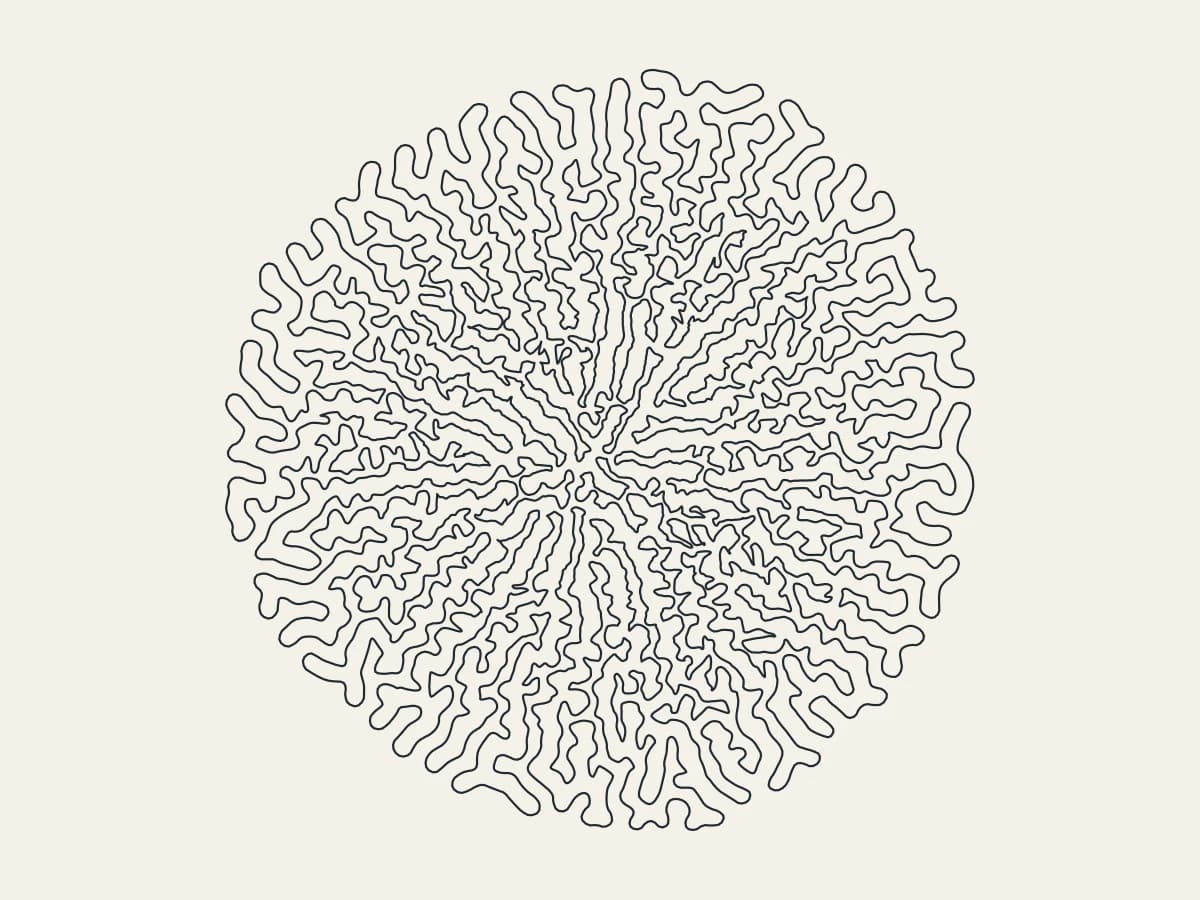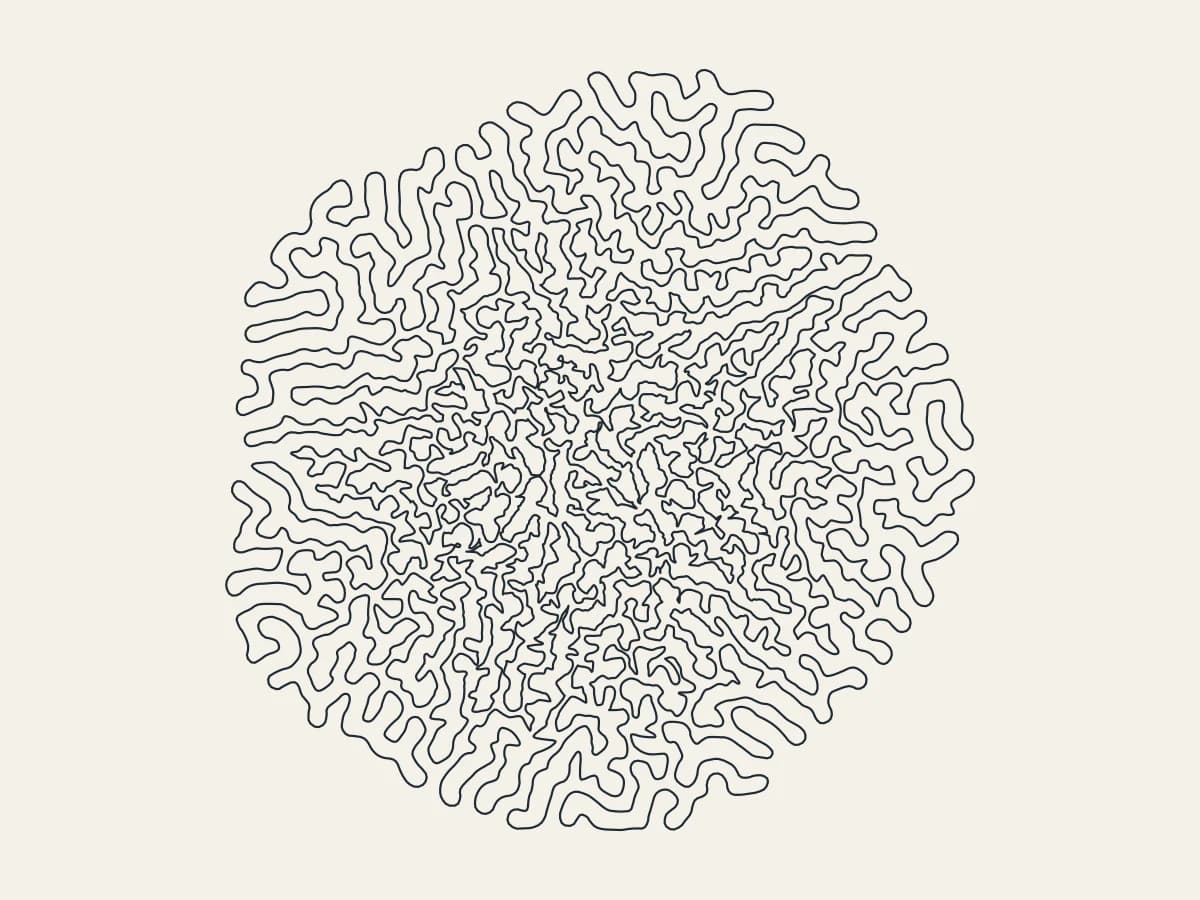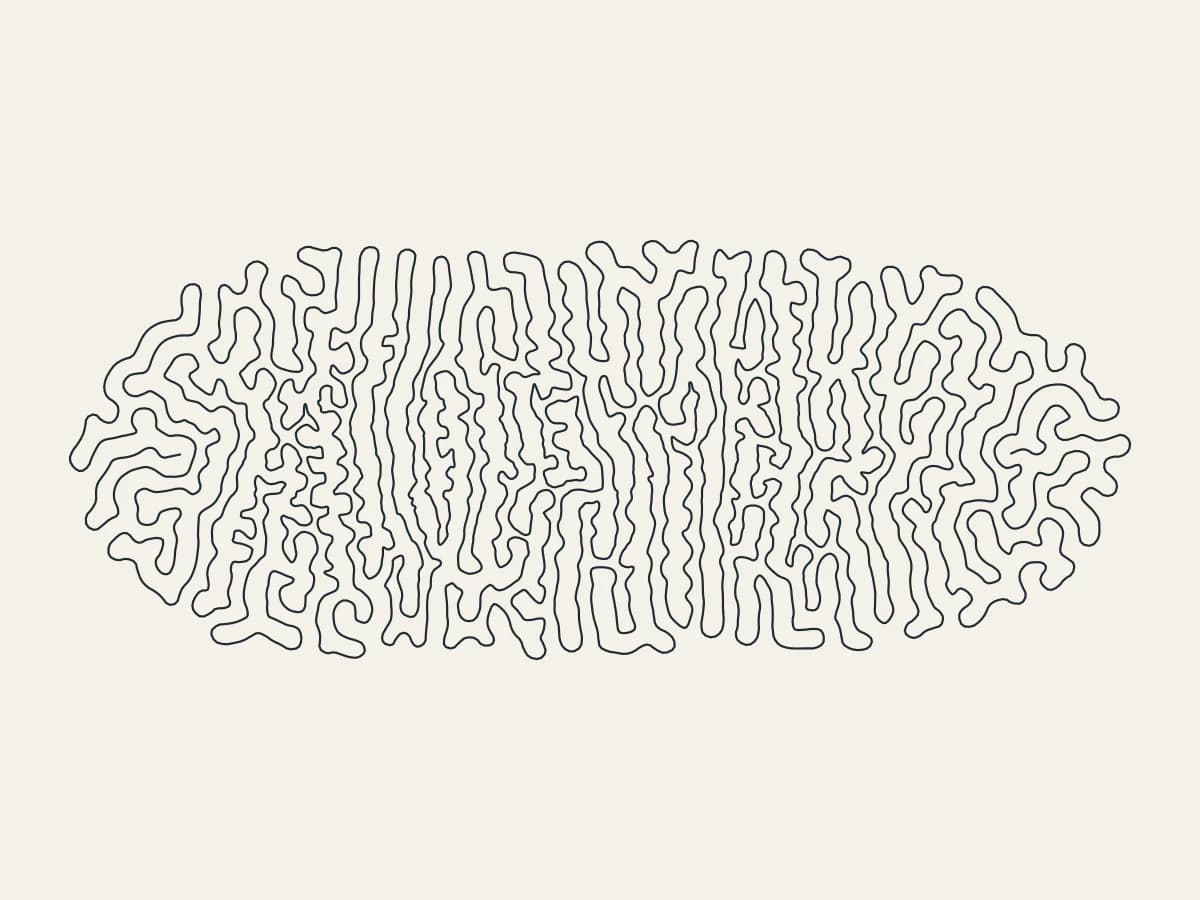
Grow one line into folding coral with Meander, all in your browser. It is one of the newest tools in 3DPlotter Studio.
How to use Meander
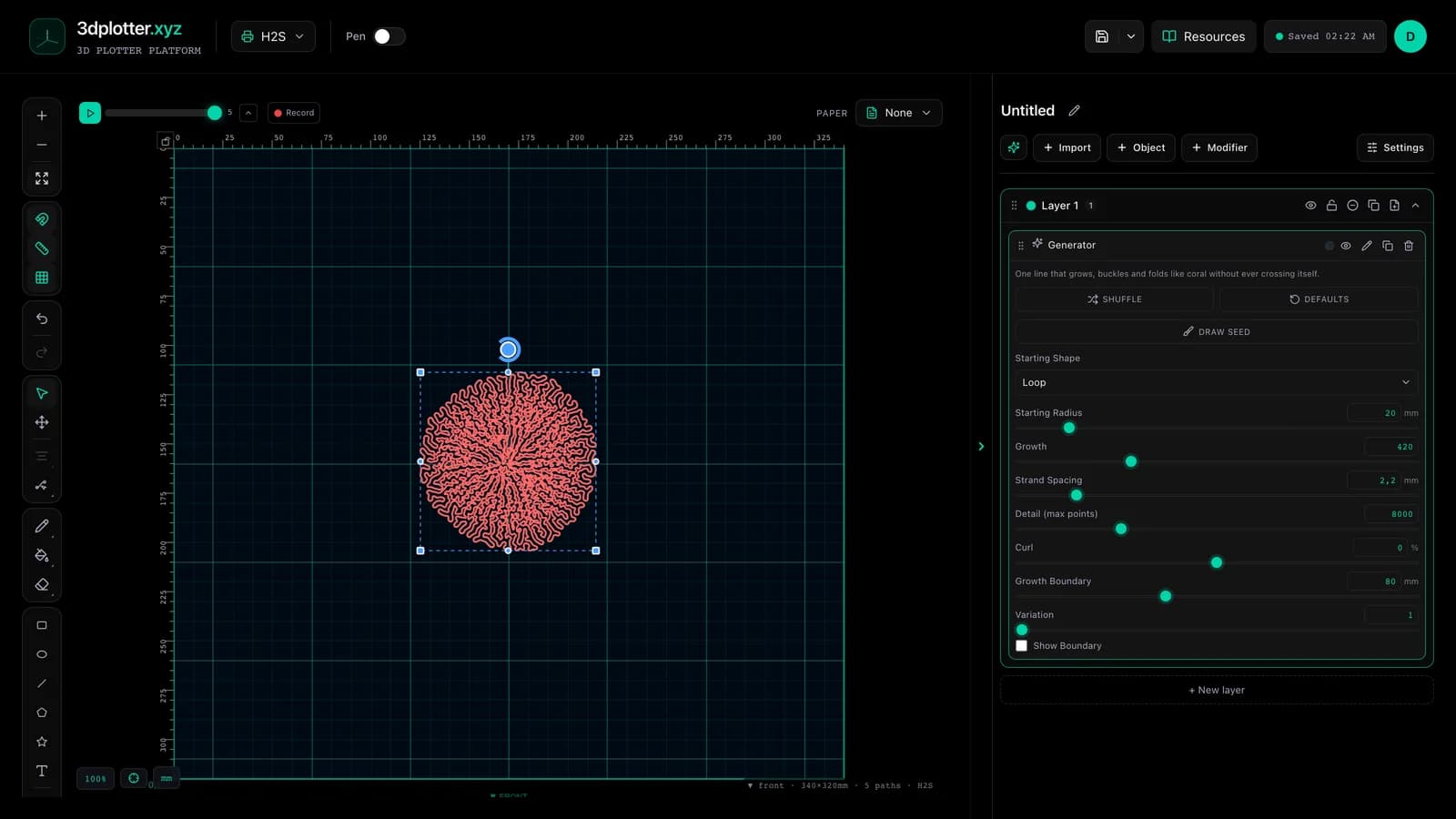
- Open Studio → Add Object → Simulation → Meander
- A live Meander element is added to the active layer
- Tune parameters in the element card in the right sidebar (live preview on the canvas)
- Export plot-ready G-code when satisfied
Menu path: Add Object → Simulation → Meander
What it does
Meander is differential growth: a single line whose points pull toward their neighbours and push away from everything else nearby. As it grows it buckles and folds like coral or brain tissue, without ever crossing itself. Start from a loop, a flower or an open line, or draw your own starting line on the board.
Step by step
- Add Object → Simulation → Meander
- Pick a Starting Shape: Loop, Flower or Open Line
- Or press Draw seed and draw a line on the board; end near the start to make a loop
- Raise Growth to grow it further; Strand Spacing sets how tightly it folds
- Curl winds the folds into spirals; Growth Boundary keeps it inside a square
- Export G-code
Tips for clean plots
- The whole drawing is one continuous line, so it plots with no pen lifts.
- Strand Spacing should be at least twice your pen width so the folds stay apart on paper.
- Very long growth packs the centre tightly; stop earlier for an airier drawing.
Key controls
- Starting Shape: loop, options: Loop, Flower, Open Line
- Starting Radius: 20mm (2-150mm step 1)
- Growth: 420 (0-1500 step 10)
- Strand Spacing: 2.2mm (0.6-12mm step 0.1)
- Detail (max points): 8000 (500-30000 step 100)
Tune starting shape, starting radius, growth, strand spacing, and detail (max points) in the right sidebar. Open Studio to see every control.
Shuffle (in the element card) re-rolls: seed, startShape, curl, growth.
What I plot with Meander
- Pen-plotter art on Bambu Lab, Prusa, Creality, and other pen-holder setups
- Layered linework exported as G-code with pen-up travel
- Combined with other V3 objects and modifiers in the same document
Frequently asked questions
Does the line ever cross itself?
No. Every point keeps at least one Strand Spacing away from the rest of the line.
Can I choose where it starts?
Yes. Press Draw seed and draw the starting line on the board.
Will the same settings give the same drawing?
Yes. Growth is seeded, so the same settings and drawn line always grow the same shape.
Try Meander
Open 3DPlotter Studio, follow the steps above, and export a test plot. Lifetime V3 access is €29.90. Creator Bundle (€39.90) adds Map to Pen Plot, String Art, Wax Seal, and 3D Model to SVG.
More tools: Feature hub · V3 launch