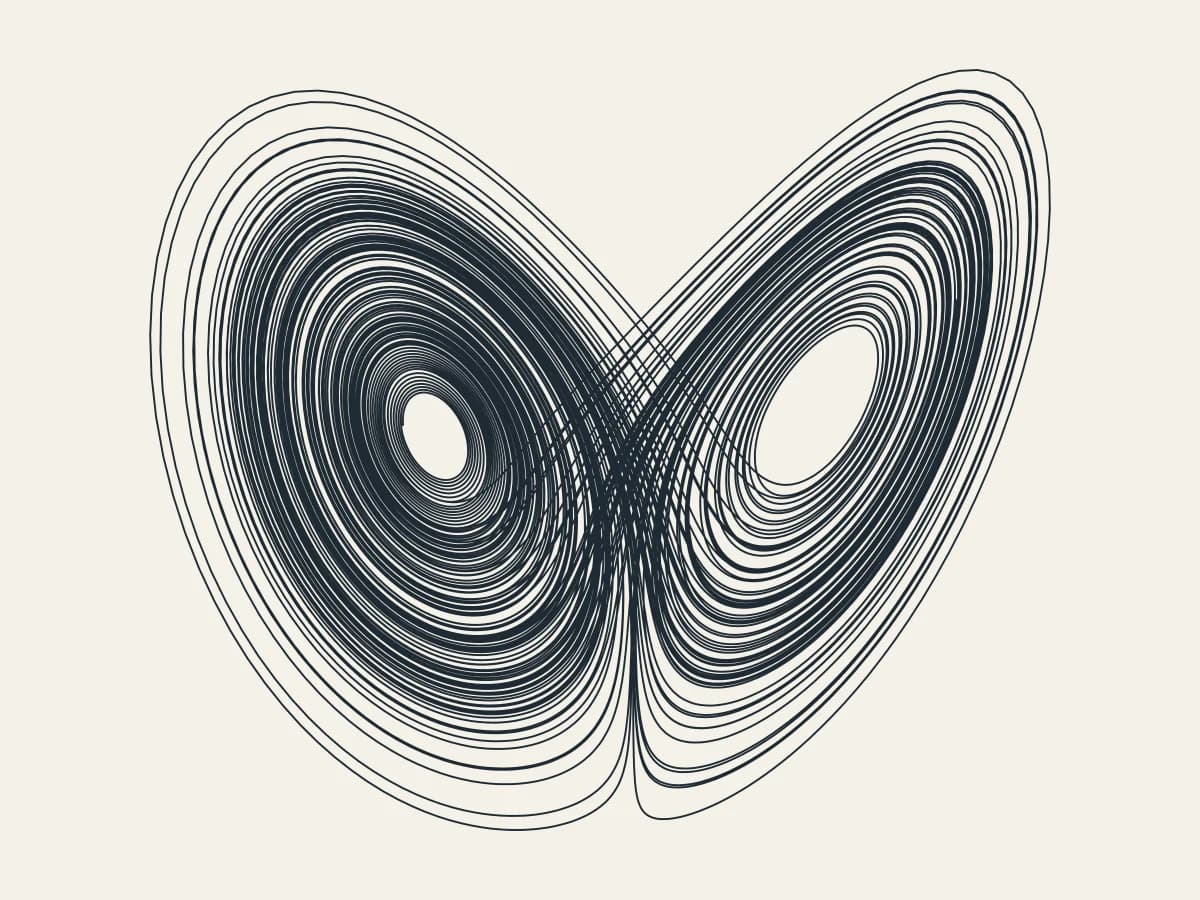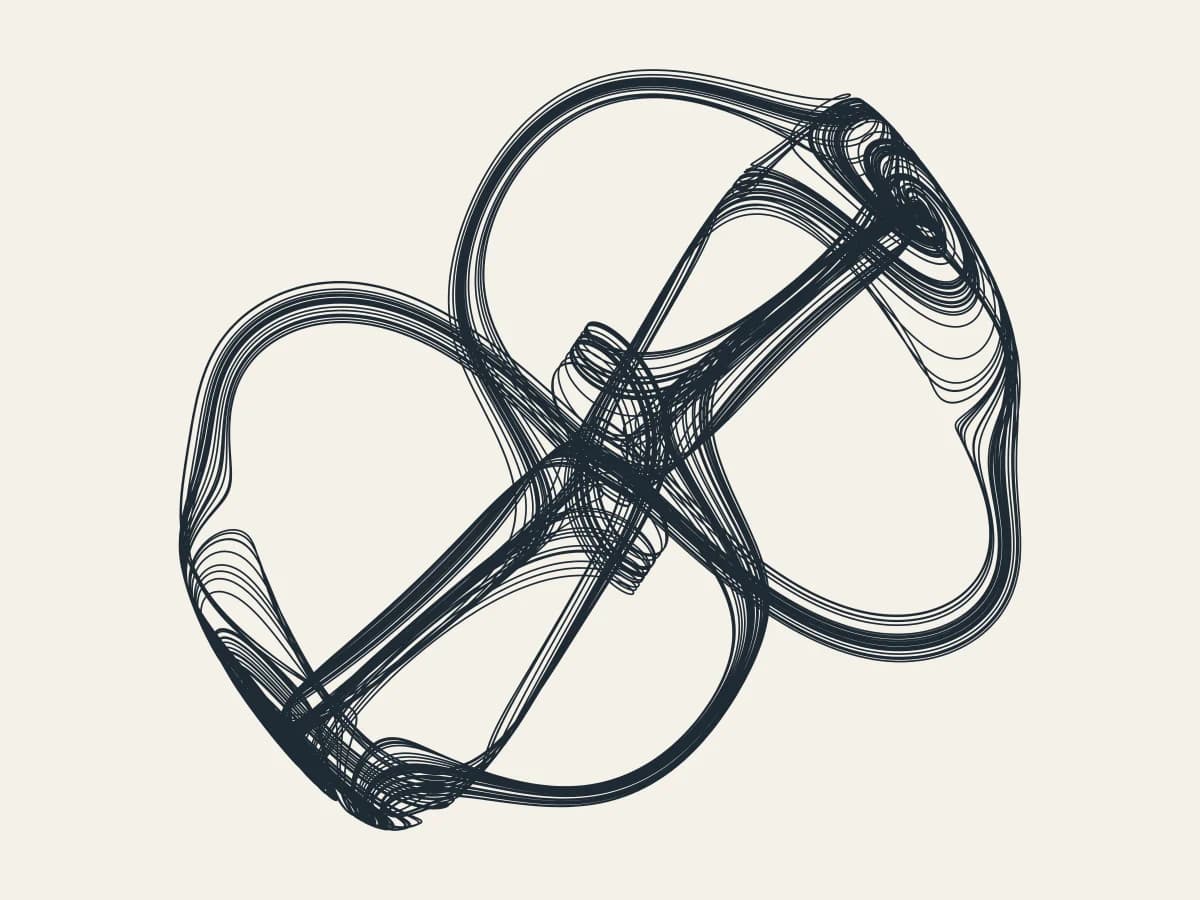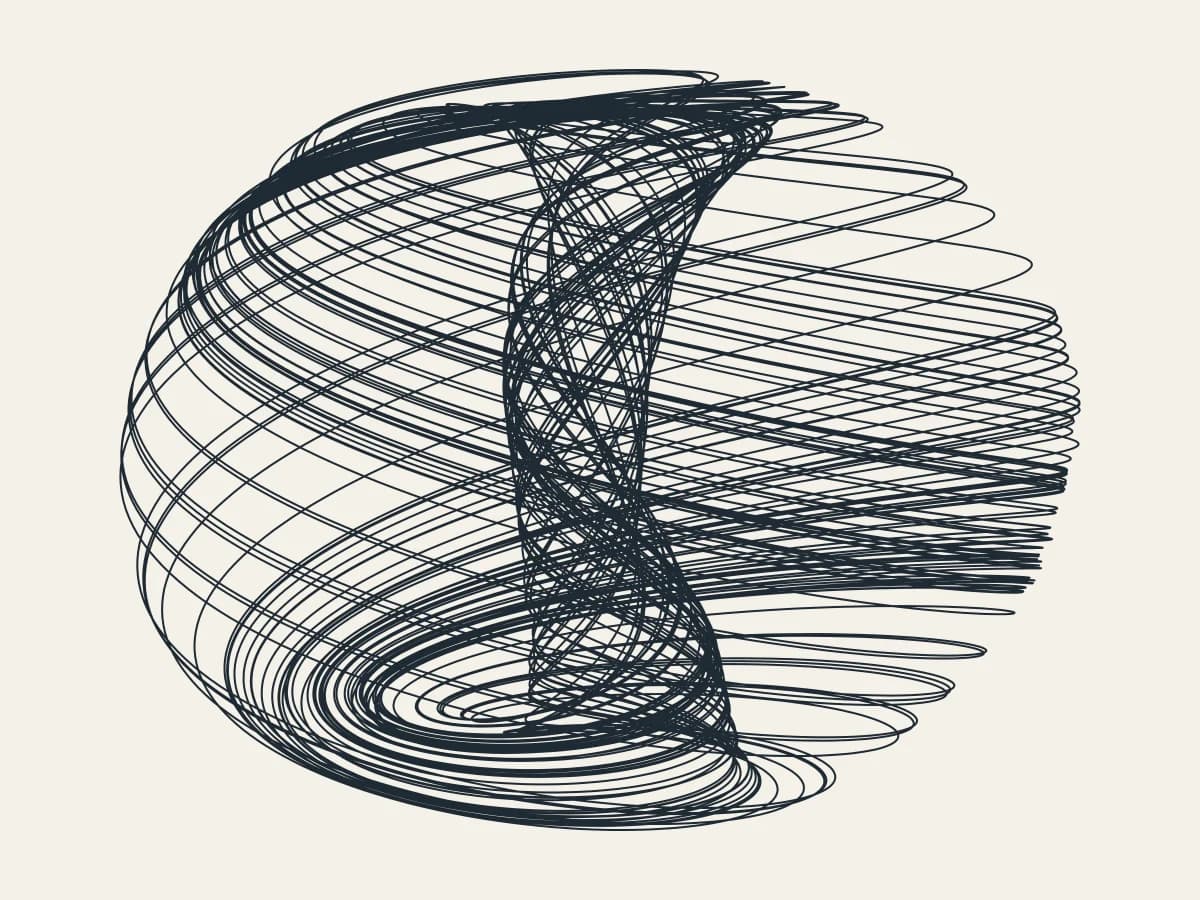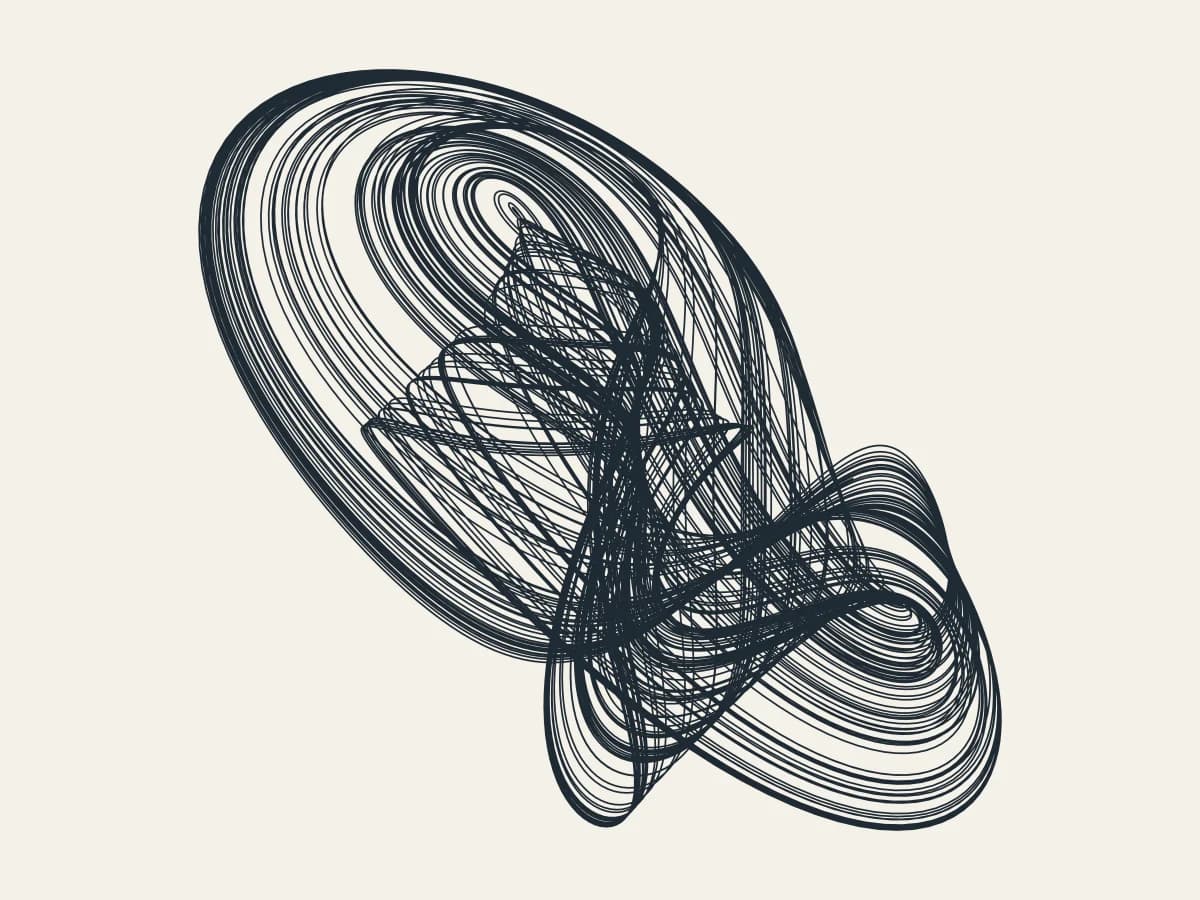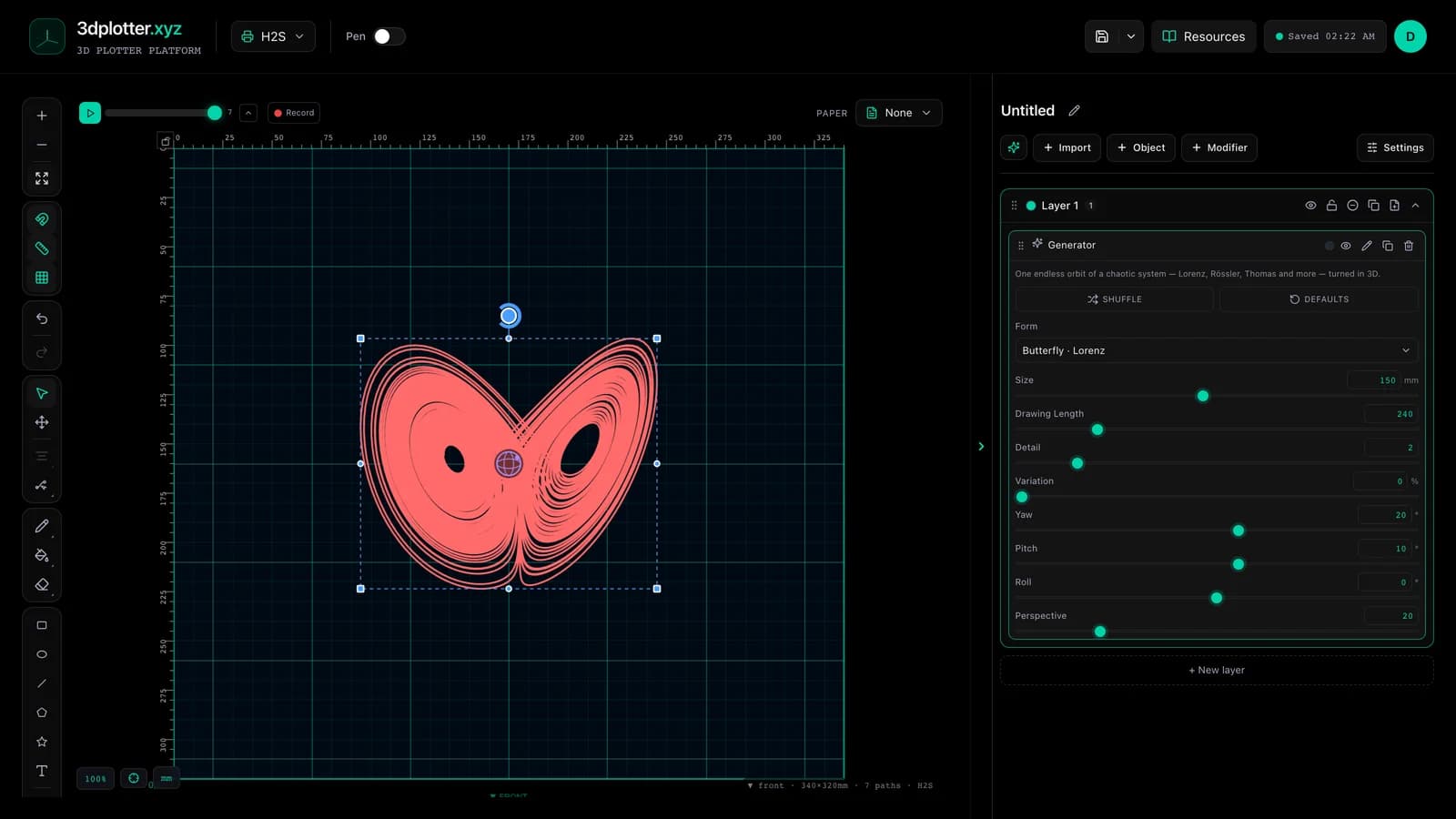
Plot one endless line traced by a chaotic system with Attractor, all in your browser. It is one of the newest tools in 3DPlotter Studio.
How to use Attractor
- Open Studio → Add Object → Simulation → Attractor
- A live Attractor element is added to the active layer
- Tune parameters in the element card in the right sidebar (live preview on the canvas)
- Export plot-ready G-code when satisfied
Menu path: Add Object → Simulation → Attractor
What it does
Attractor integrates a strange attractor (Lorenz, Rössler, Thomas, Aizawa or Halvorsen) and draws its orbit as a single continuous line in 3D. You can orbit it like any 3D object, make it longer, and nudge its coefficients with Variation for a sibling of the textbook shape.
Step by step
- Add Object → Simulation → Attractor
- Pick a Form: Butterfly · Lorenz, Orbit · Rössler, Knot · Thomas, Shell · Aizawa or Triskelion · Halvorsen
- Raise Drawing Length for a denser drawing, Detail for a smoother line
- Turn on Variation and change the Seed for a different version of the same system
- Drag the orbit handle or set Yaw and Pitch to turn it in 3D
- Export G-code
Tips for clean plots
- It is one long line, so plots are continuous with almost no pen lifts.
- Long drawings get dark in the middle; a fine pen (0.3 mm) keeps the loops separate.
- Thomas and Halvorsen look most different as you turn them, so try a few angles.
Key controls
- Form: lorenz, options: Butterfly · Lorenz, Orbit · Rössler, Knot · Thomas...
- Size: 150mm (20-300mm step 1)
- Drawing Length: 240 (10-1200 step 10)
- Detail: 2 (1-8 step 1)
- Variation: 0% (0-100% step 1)
Tune form, size, drawing length, detail, and variation in the right sidebar. Open Studio to see every control.
Shuffle (in the element card) re-rolls: form, seed, variation, yaw, pitch.
What I plot with Attractor
- Pen-plotter art on Bambu Lab, Prusa, Creality, and other pen-holder setups
- Layered linework exported as G-code with pen-up travel
- Combined with other V3 objects and modifiers in the same document
Frequently asked questions
What is a strange attractor?
A shape that a chaotic system keeps orbiting forever without ever repeating exactly. The Lorenz butterfly is the famous one.
Why does the Seed do nothing?
The Seed only changes the drawing when Variation is above zero. At zero you get the classic coefficients.
Is it a single path?
Yes, split into chunks only so very long drawings stay manageable.
Try Attractor
Open 3DPlotter Studio, follow the steps above, and export a test plot. Lifetime V3 access is €29.90. Creator Bundle (€39.90) adds Map to Pen Plot, String Art, Wax Seal, and 3D Model to SVG.
More tools: Feature hub · V3 launch