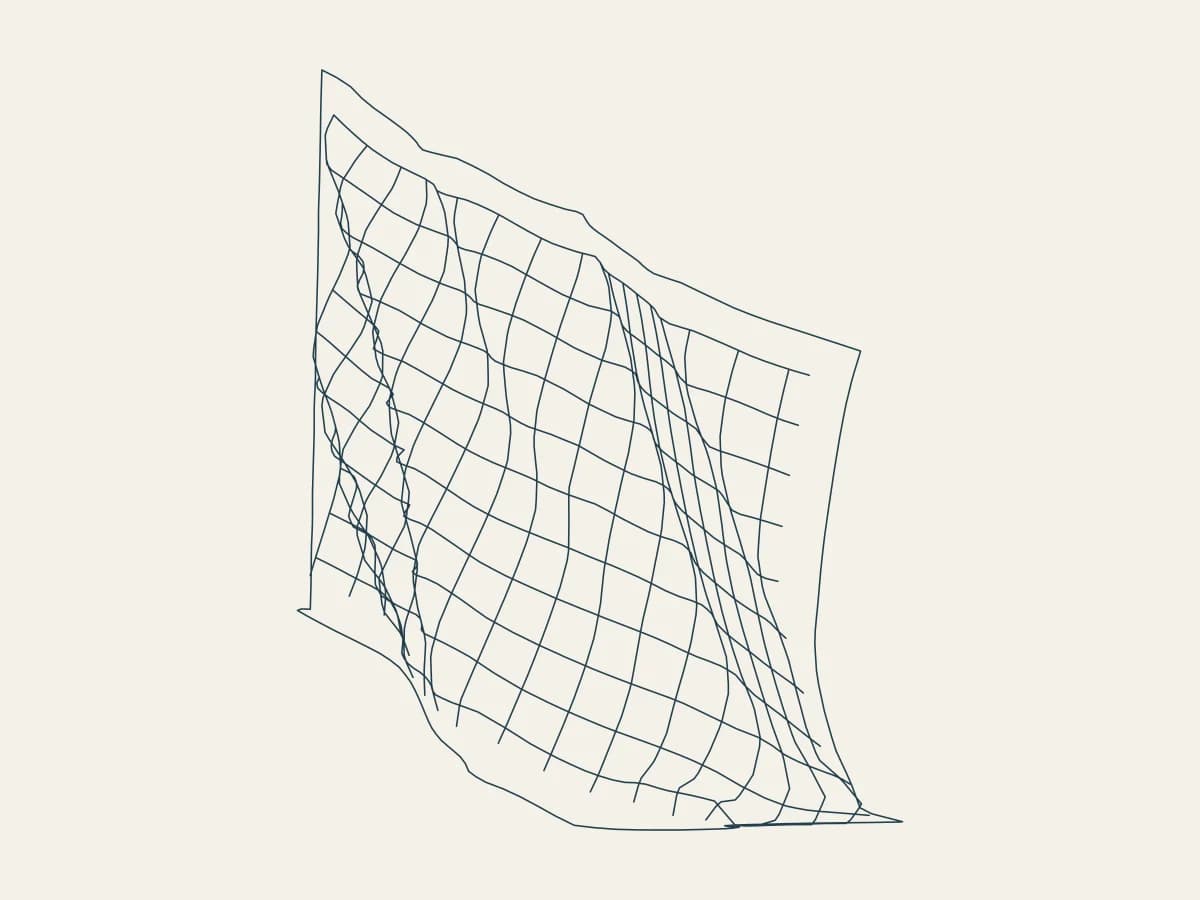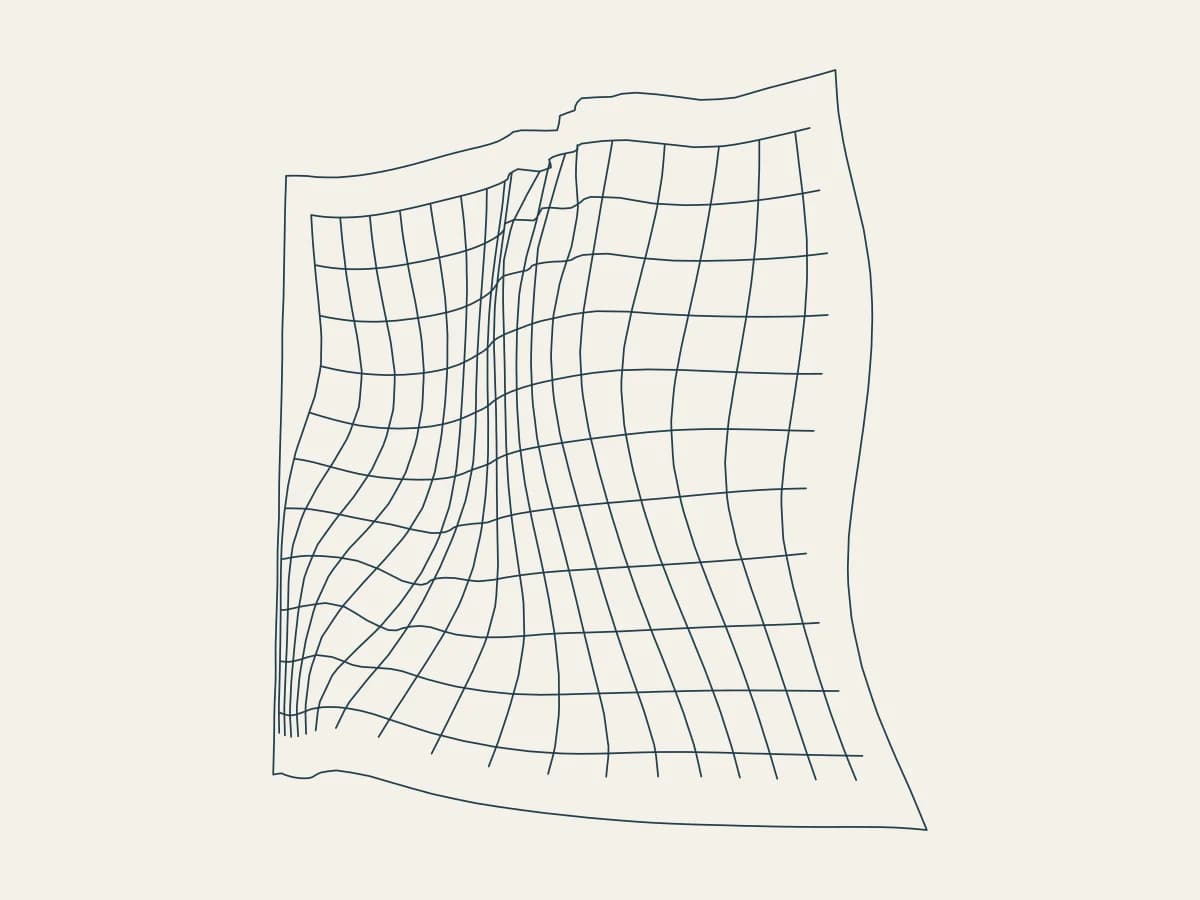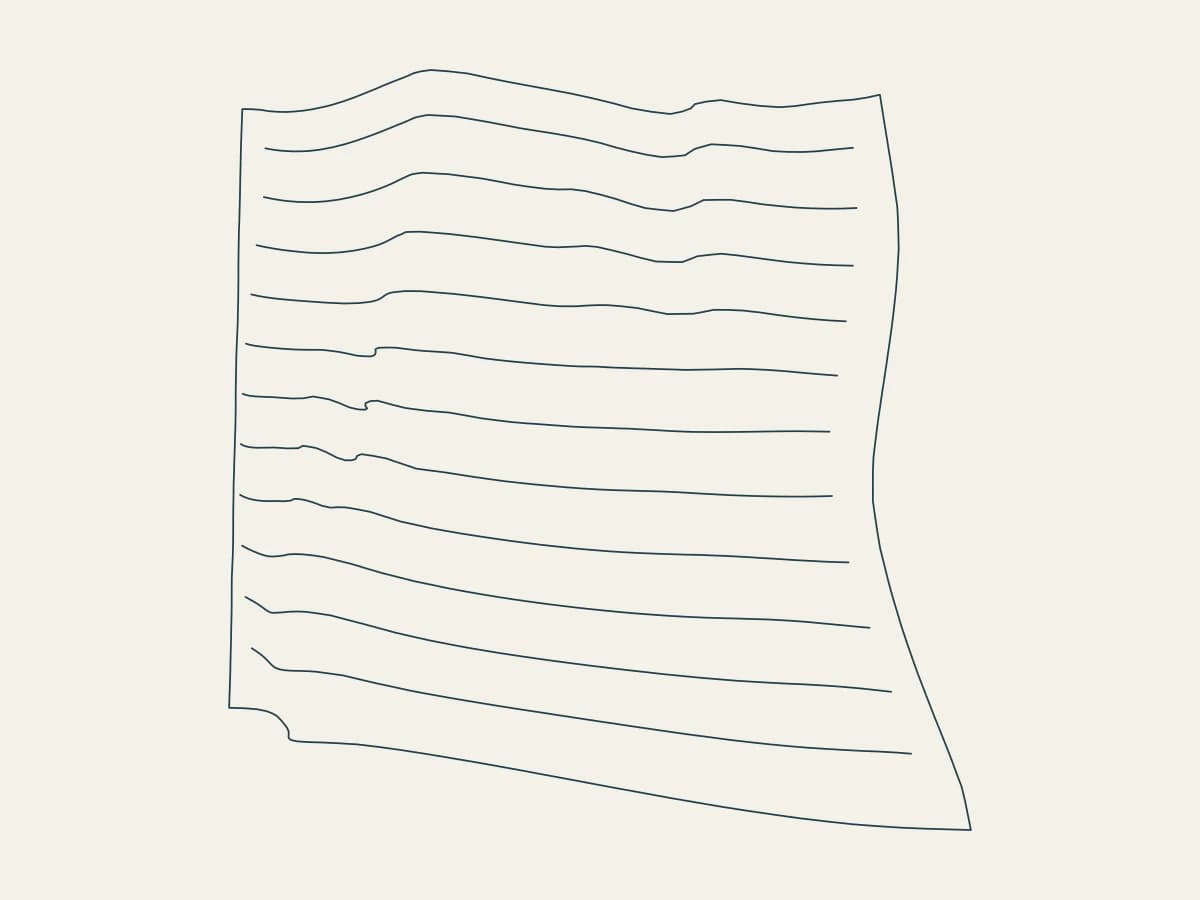
Plot a flag rippling in the wind with Pennant, all in your browser. It is one of the newest tools in 3DPlotter Studio.
How to use Pennant
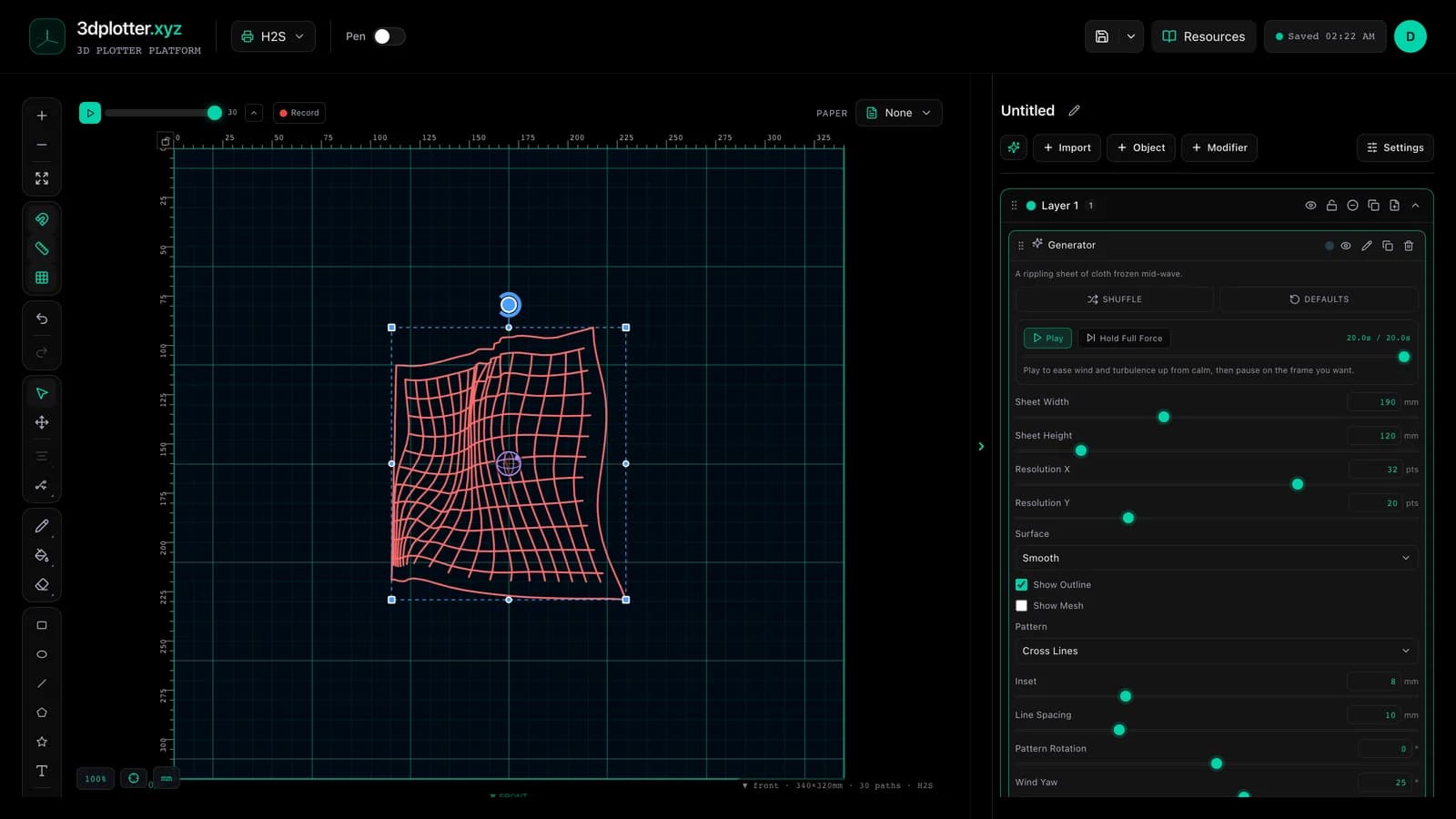
- Open Studio → Add Object → Simulation → Pennant
- A live Drape element is added to the active layer
- Tune parameters in the element card in the right sidebar (live preview on the canvas)
- Export plot-ready G-code when satisfied
Menu path: Add Object → Simulation → Pennant
What it does
Pennant is cloth pinned along one side to a pole, simulated with real wind physics: gravity pulls the sheet down while a steady wind and a turbulence field push it, and every thread is a spring. Press play and the wind ramps up over twenty seconds; pause on any frame and plot it. The pattern on the cloth (cross lines, stripes or a shape array) follows the folds instead of sitting flat on top.
Step by step
- Add Object → Simulation → Pennant
- Press Play to watch the wind fill the cloth, then pause on a frame you like
- Set Wind Yaw, Wind Pitch and Wind for direction and strength; raise Turbulence for gusts
- Pick Silk, Cotton or Canvas under Material: lighter cloth moves more
- Choose a Pattern and Line Spacing, then turn the view with Yaw and Pitch
- Export G-code
Tips for clean plots
- Turn the camera a little (Yaw around −35°) so the ripples read in depth.
- Cross Lines show the folds best; Horizontal Lines plot faster.
- Time is a plain setting, so the same frame always redraws the same cloth.
Key controls
- Surface: smooth, options: Smooth, Triangulated
- Pattern: crossLines, options: Horizontal Lines, Vertical Lines, Cross Lines...
- Shape: plus, options: Plus, Circle, Square, Star
- Material: silk, options: Silk, Cotton, Canvas
- Pinning: leftEdge, options: Top Edge, Left Side, Right Side...
Tune surface, pattern, shape, material, and pinning in the right sidebar. Open Studio to see every control.
Shuffle (in the element card) re-rolls: material, pinMode, surfacePattern, stockShape, surfaceInterpolation, meshColumns, meshRows, windYaw, windPitch, windRoll, windIntensity, turbulenceYaw, turbulencePitch, turbulenceRoll, turbulenceIntensity, gravity, stretchiness, patternRotation, yaw, pitch, roll.
Playback: Play to ease wind and turbulence up from calm, then pause on the frame you want.
What I plot with Pennant
- Pen-plotter art on Bambu Lab, Prusa, Creality, and other pen-holder setups
- Layered linework exported as G-code with pen-up travel
- Combined with other V3 objects and modifiers in the same document
Frequently asked questions
Is this a real cloth simulation?
Yes. It is a Verlet mass-spring cloth with gravity, wind and turbulence, pinned on the pole side.
How is it different from Drape?
It is the same engine. Pennant hangs the cloth from a pole and starts with wind already blowing, so it reads as a flag.
Can I pick the exact moment?
Yes. Pause playback or drag the Time slider anywhere between 0 and 20 seconds.
Try Pennant
Open 3DPlotter Studio, follow the steps above, and export a test plot. Lifetime V3 access is €29.90. Creator Bundle (€39.90) adds Map to Pen Plot, String Art, Wax Seal, and 3D Model to SVG.
More tools: Feature hub · V3 launch