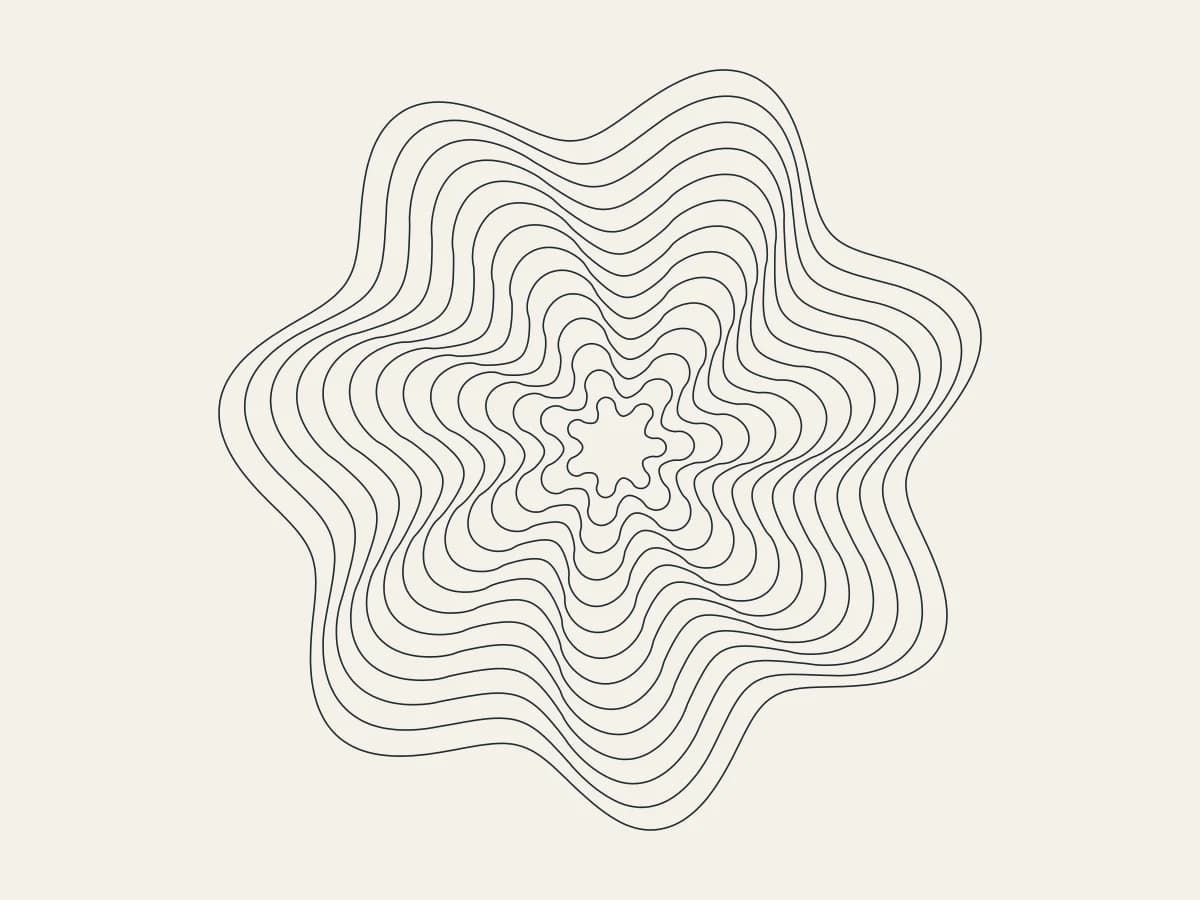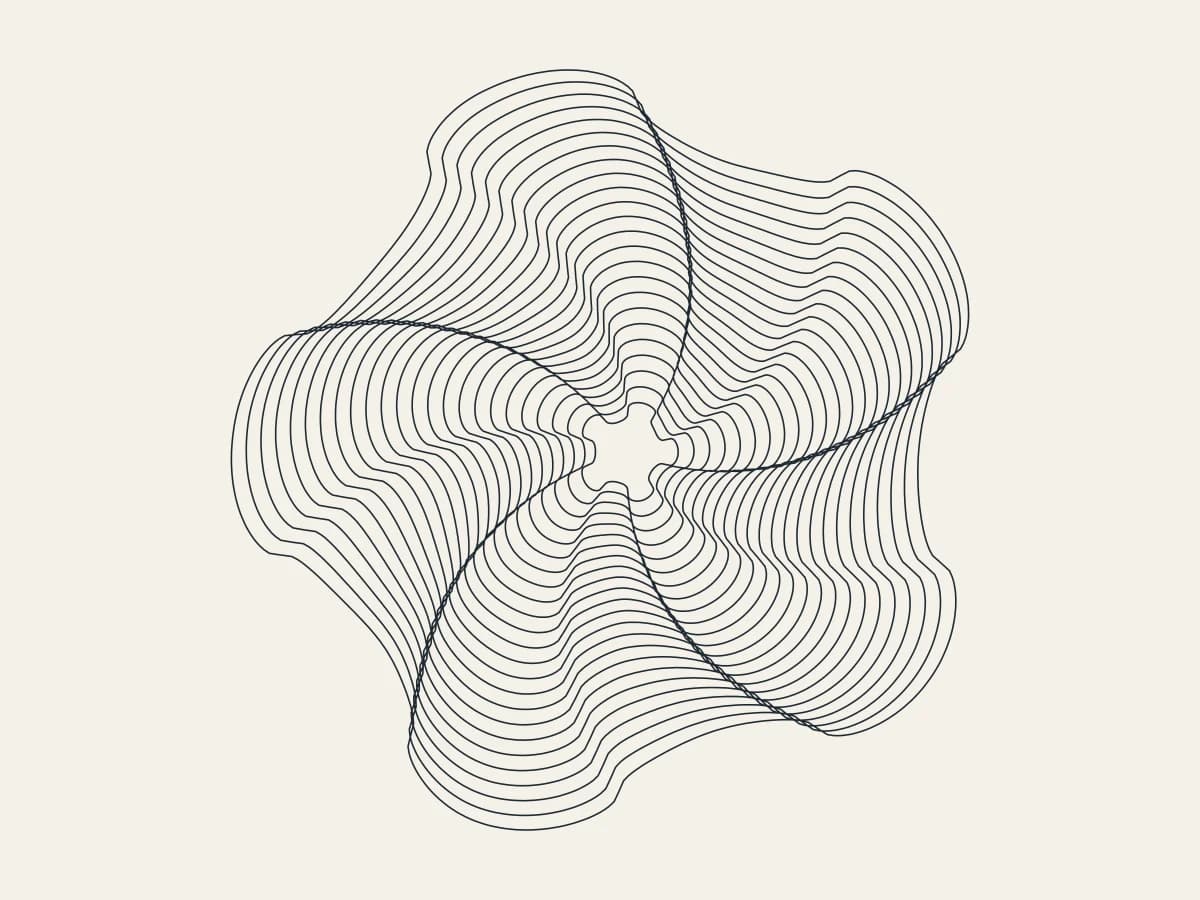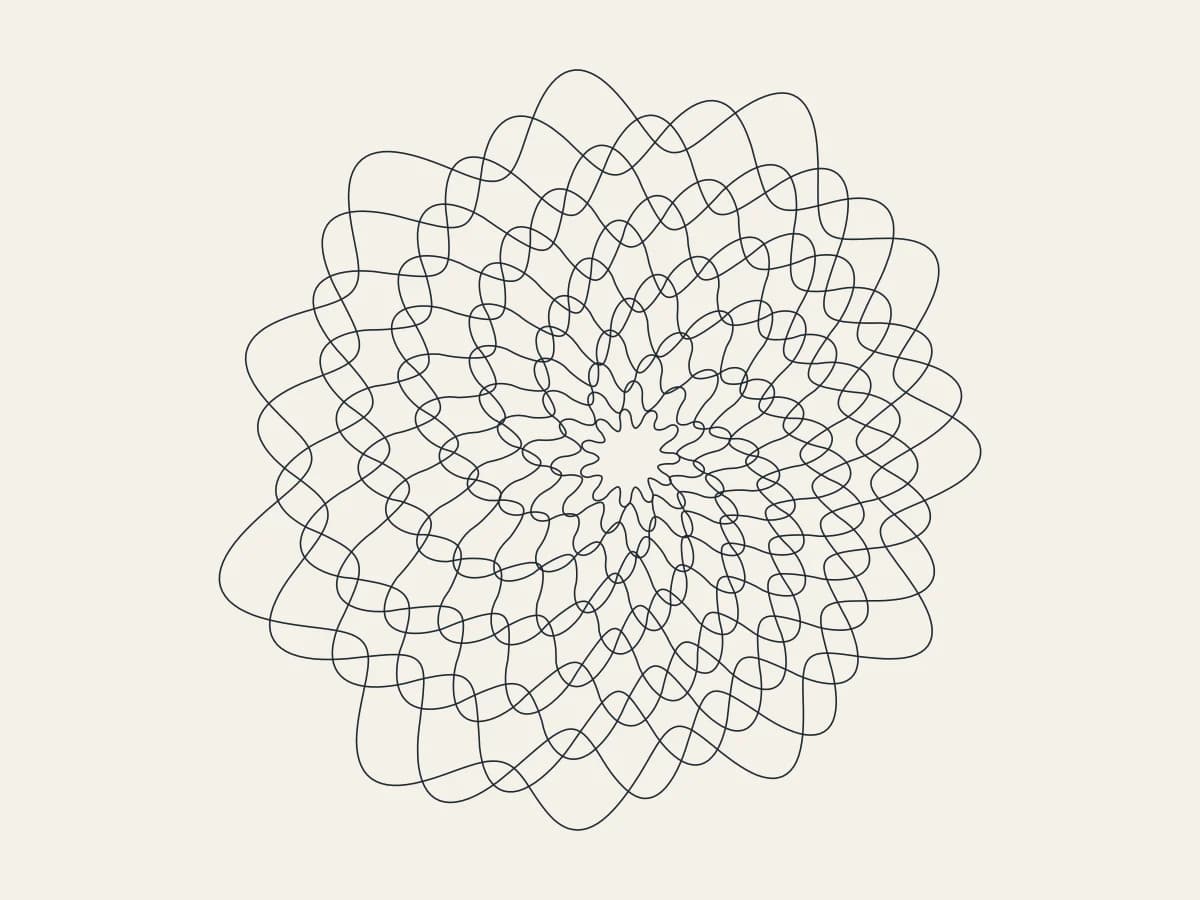
Draw nested petal rings that open like a flower with Bloom, all in your browser. It is one of the newest tools in 3DPlotter Studio.
How to use Bloom
- Open Studio → Add Object → Experimental → Bloom
- A live Bloom element is added to the active layer
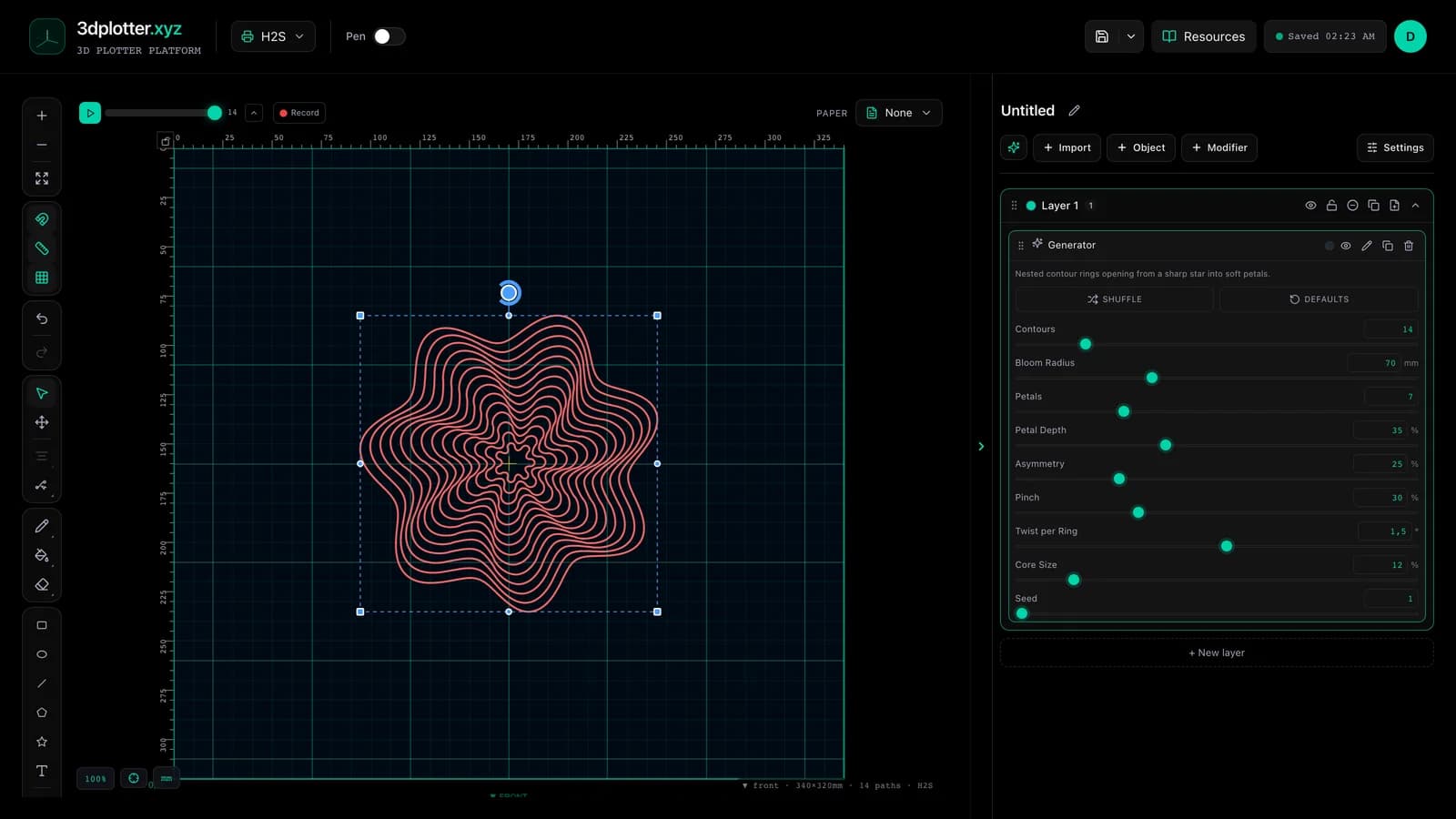
- Tune parameters in the element card in the right sidebar (live preview on the canvas)
- Export plot-ready G-code when satisfied
Menu path: Add Object → Experimental → Bloom
What it does
Bloom draws contour rings that open from a sharp star at the centre into soft petals at the edge. Petal depth, pinch, twist and a seeded asymmetry shape the bloom.
Step by step
- Add Object → Experimental → Bloom
- Set Contours, Bloom Radius and Petals
- Petal Depth and Pinch sharpen the petals; Twist per Ring turns each ring a little
- Asymmetry and Seed make it less perfect
- Export G-code
Tips for clean plots
- Keep Twist low if you want rings that never cross.
- Odd petal counts look more like real flowers.
Key controls
- Contours: 14 (1-80 step 1)
- Bloom Radius: 70mm (5-200mm step 1)
- Petals: 7 (1-24 step 1)
- Petal Depth: 35% (0-95% step 1)
- Asymmetry: 25% (0-100% step 1)
Tune contours, bloom radius, petals, petal depth, and asymmetry in the right sidebar. Open Studio to see every control.
Shuffle (in the element card) re-rolls: petals, petalDepth, asymmetry, pinch, twist, seed.
What I plot with Bloom
- Pen-plotter art on Bambu Lab, Prusa, Creality, and other pen-holder setups
- Layered linework exported as G-code with pen-up travel
- Combined with other V3 objects and modifiers in the same document
Frequently asked questions
Do the rings cross?
Only when Twist and Asymmetry are high. At low values they stay nested.
Are the rings closed?
Yes, each ring is one closed path.
Try Bloom
Open 3DPlotter Studio, follow the steps above, and export a test plot. Lifetime V3 access is €29.90. Creator Bundle (€39.90) adds Map to Pen Plot, String Art, Wax Seal, and 3D Model to SVG.
More tools: Feature hub · V3 launch