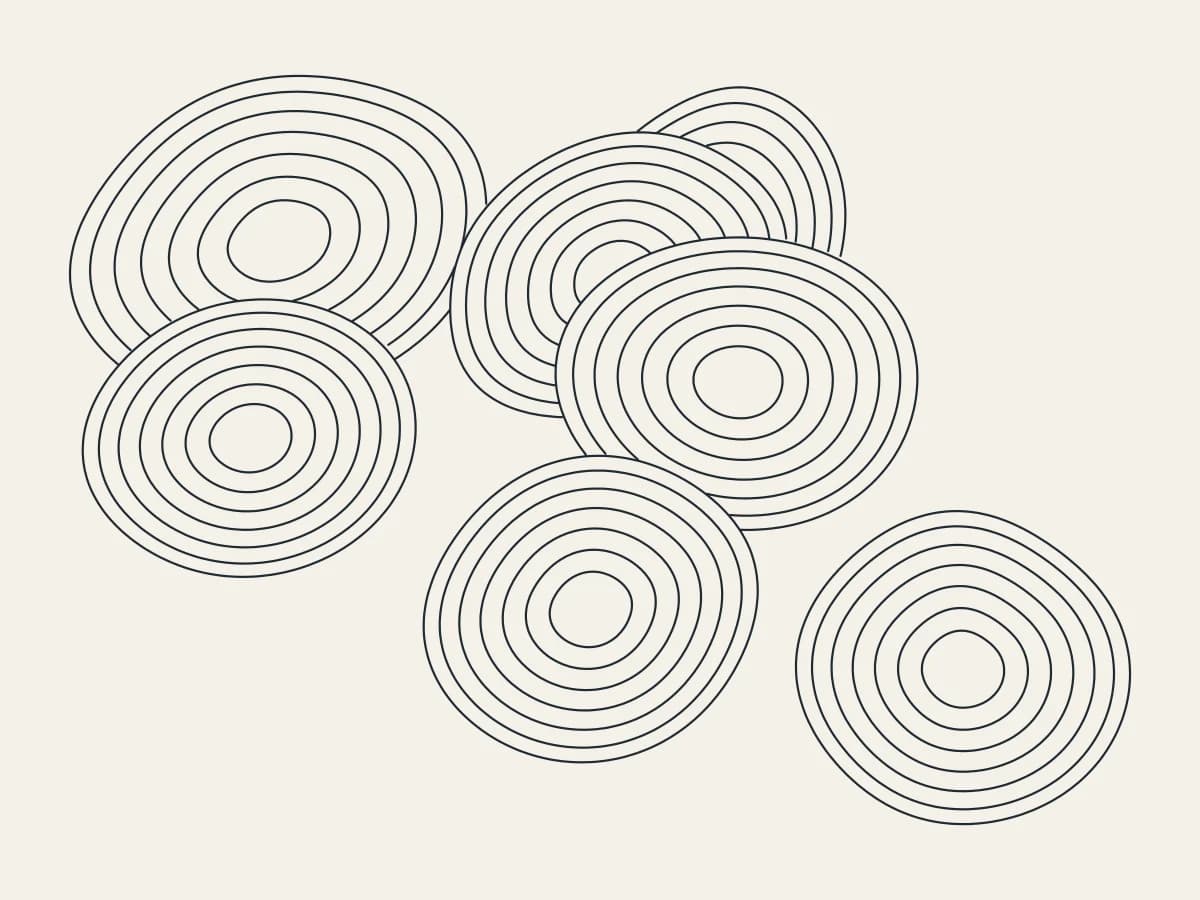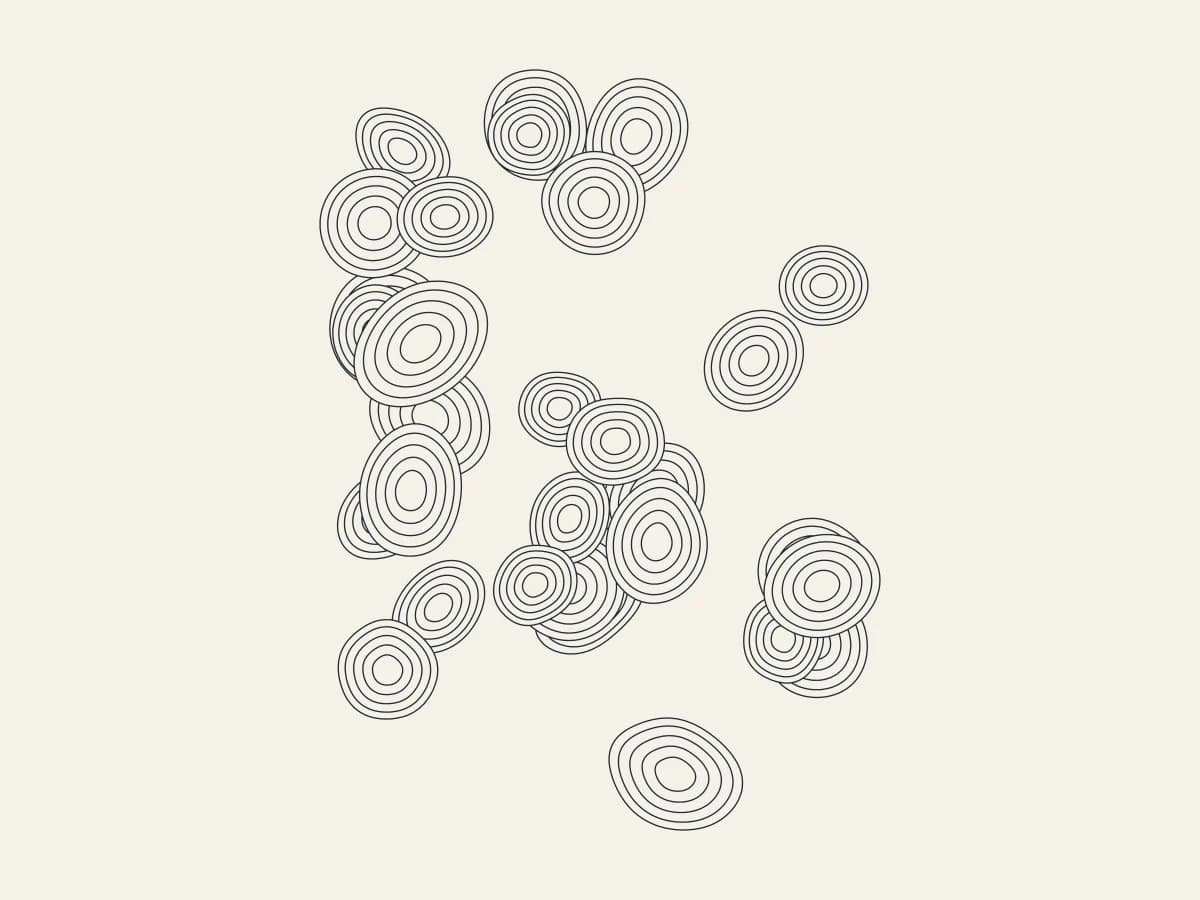
Scatter smooth stones drawn as contour bands with Pebbles, all in your browser. It is one of the newest tools in 3DPlotter Studio.
How to use Pebbles
- Open Studio → Add Object → Experimental → Pebbles
- A live Pebbles element is added to the active layer
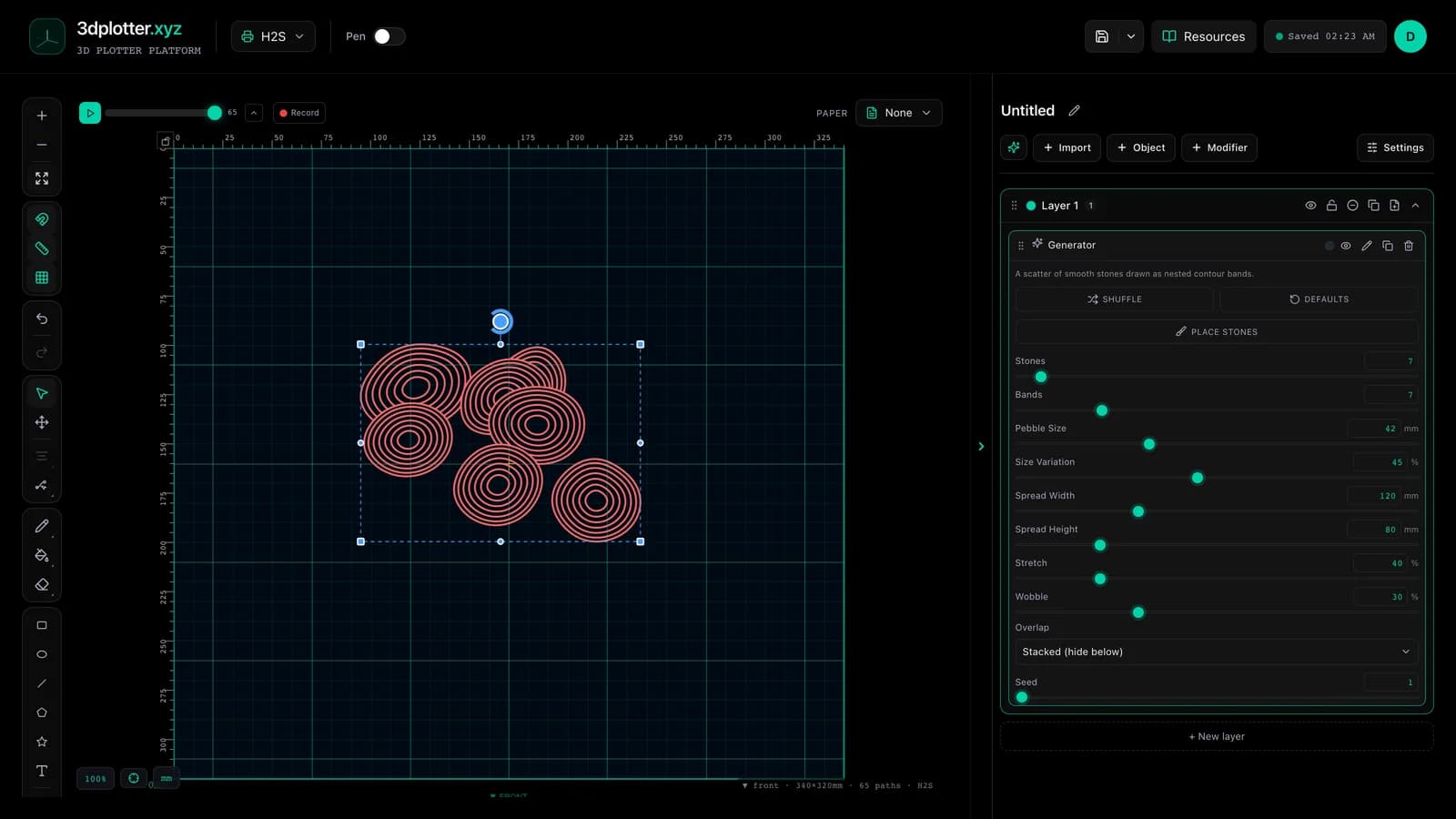
- Tune parameters in the element card in the right sidebar (live preview on the canvas)
- Export plot-ready G-code when satisfied
Menu path: Add Object → Experimental → Pebbles
What it does
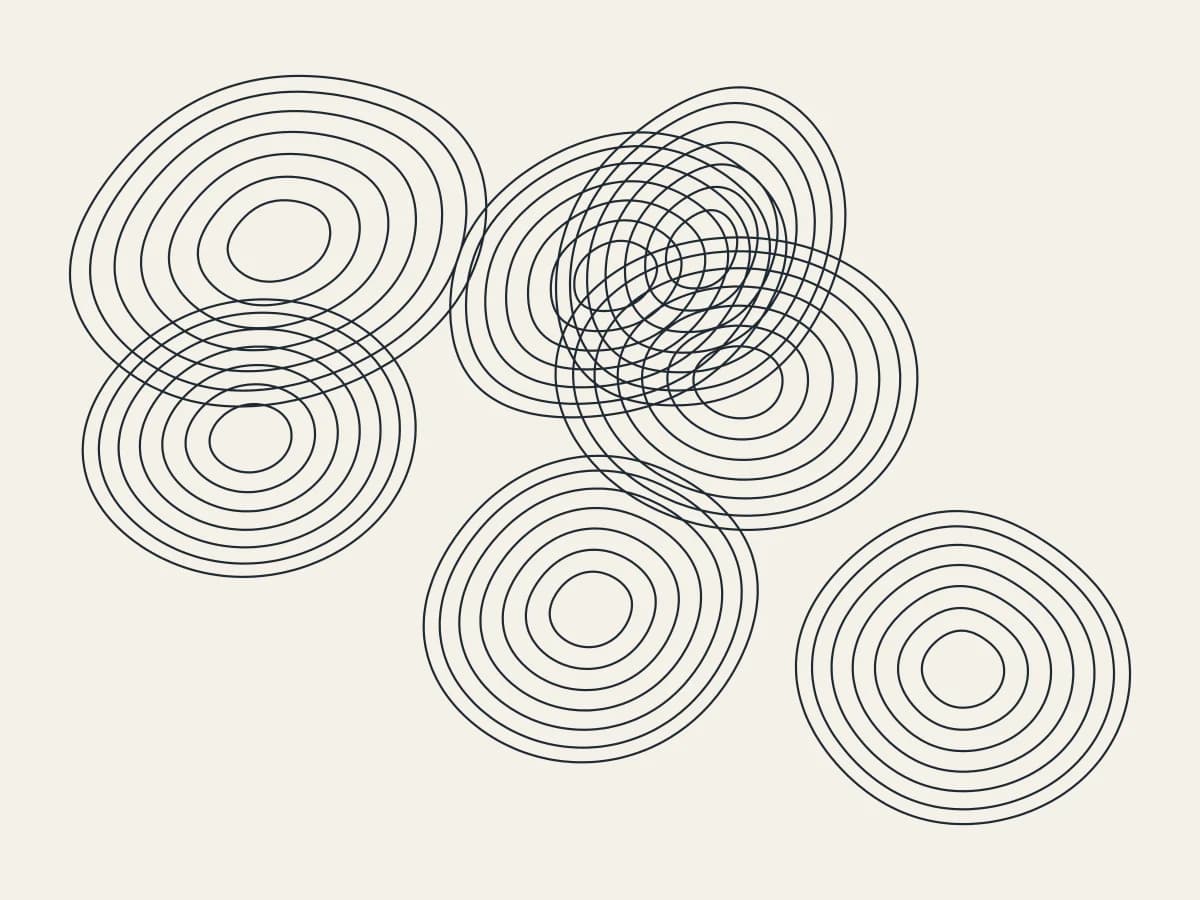
Pebbles draws stones as nested contour bands, like a topographic map of each rock. In Stacked mode nearer stones hide the ones below; in See-through mode every band is drawn. Place the stones yourself or let them scatter.
Step by step
- Add Object → Experimental → Pebbles
- Press Place stones and click on the board to place each stone, or set Stones and Spread
- Set Bands, Pebble Size and Size Variation
- Stretch and Wobble change the stone shapes
- Pick Stacked or See-through, then export G-code
Tips for clean plots
- Stacked hides lines under other stones, which saves plot time.
- Later stones sit on top, so place the big ones first.
Key controls
- Overlap: stacked, options: Stacked (hide below), See-through
- Stones: 7 (1-120 step 1)
- Bands: 7 (1-30 step 1)
- Pebble Size: 42mm (4-120mm step 1)
- Size Variation: 45% (0-100% step 1)
Tune overlap, stones, bands, pebble size, and size variation in the right sidebar. Open Studio to see every control.
Shuffle (in the element card) re-rolls: seed, stones, stretch, wobble, sizeVariation.
What I plot with Pebbles
- Pen-plotter art on Bambu Lab, Prusa, Creality, and other pen-holder setups
- Layered linework exported as G-code with pen-up travel
- Combined with other V3 objects and modifiers in the same document
Frequently asked questions
Can I choose where each stone goes?
Yes. Press Place stones and click on the board.
What is See-through?
Every band of every stone is drawn, so overlaps cross like glass pebbles.
Try Pebbles
Open 3DPlotter Studio, follow the steps above, and export a test plot. Lifetime V3 access is €29.90. Creator Bundle (€39.90) adds Map to Pen Plot, String Art, Wax Seal, and 3D Model to SVG.
More tools: Feature hub · V3 launch