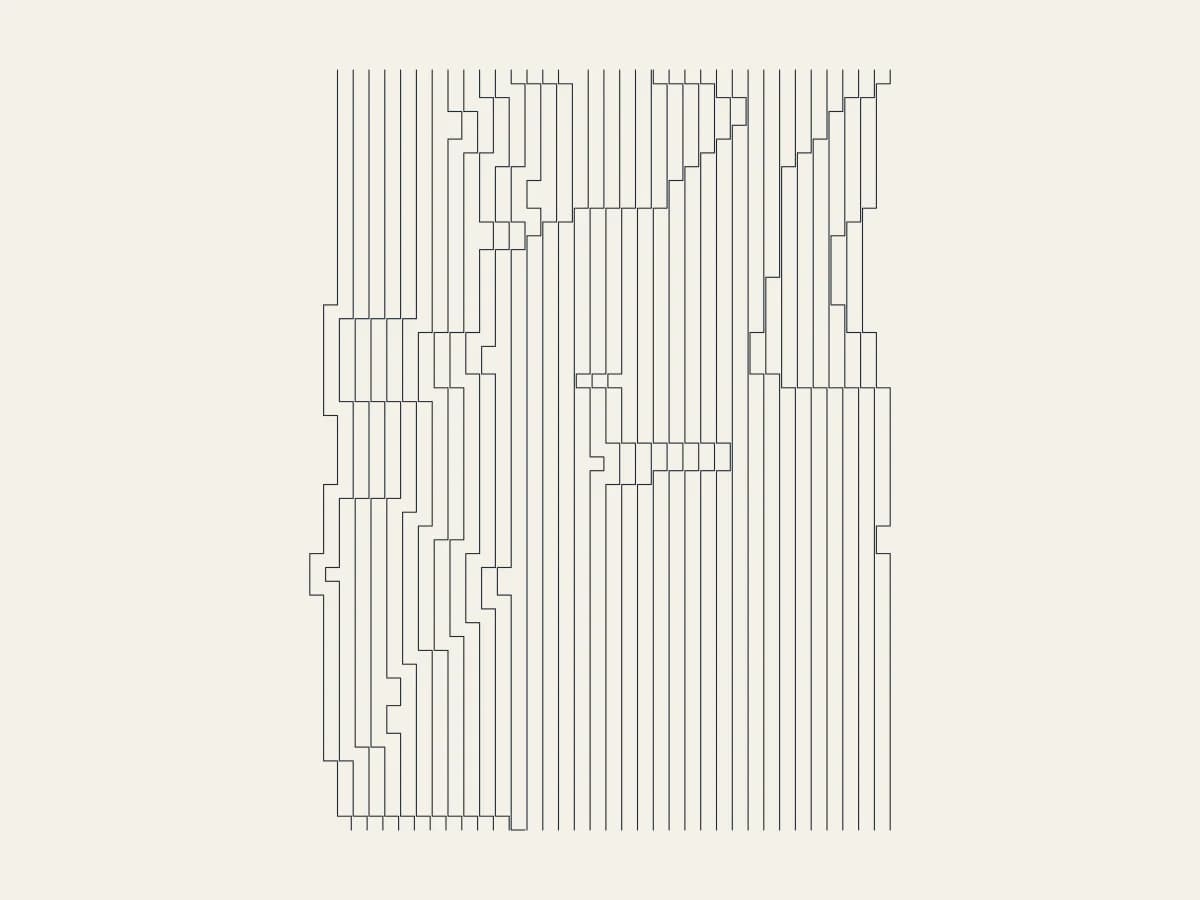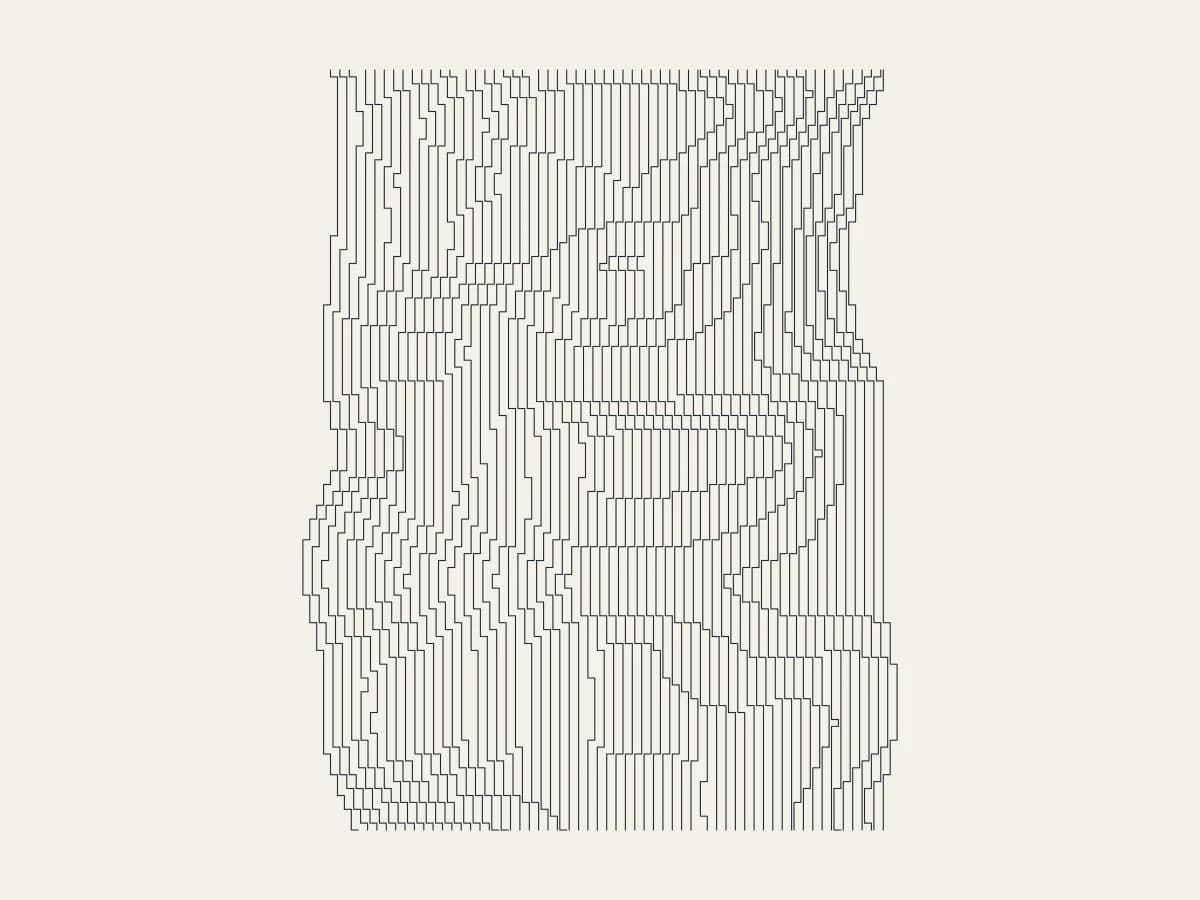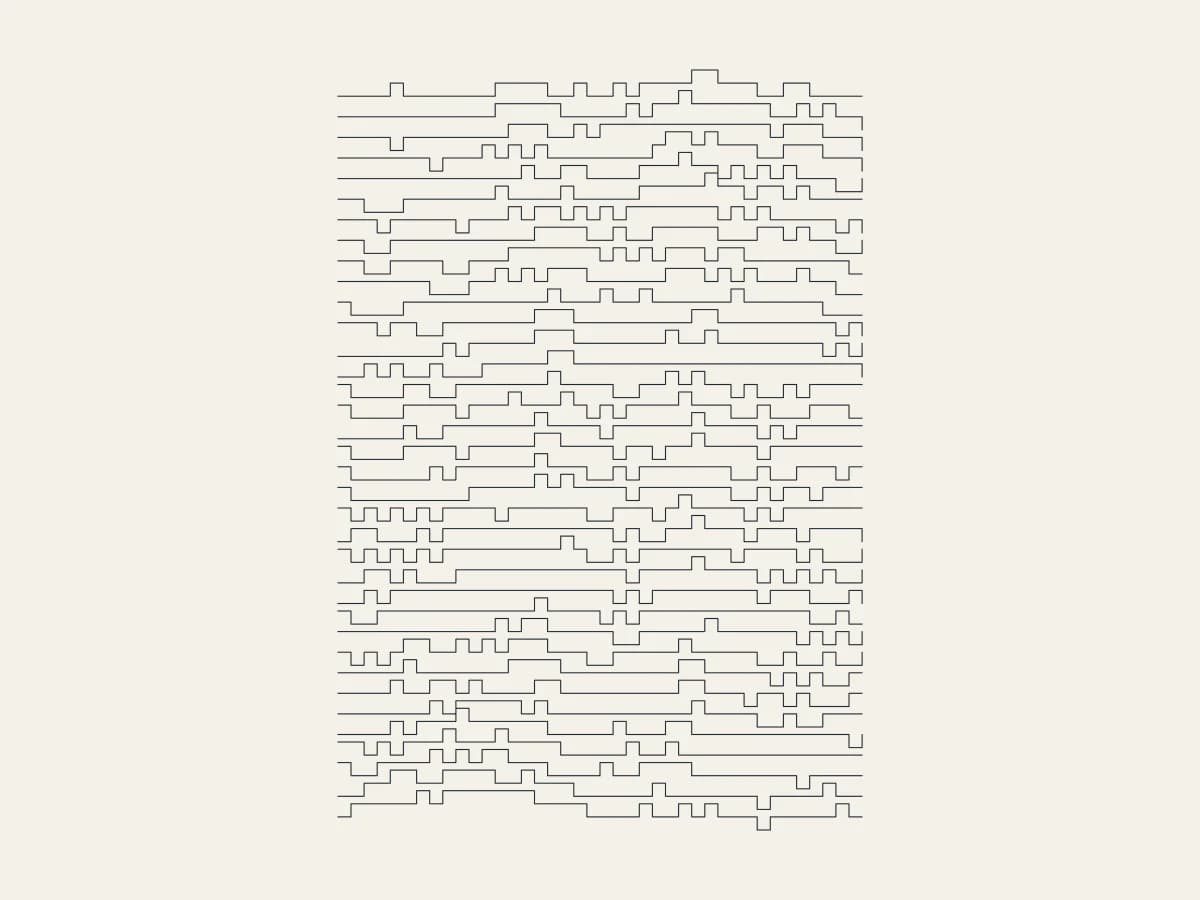
Draw lines that drift in pixel steps with Stepped, all in your browser. It is one of the newest tools in 3DPlotter Studio.
How to use Stepped
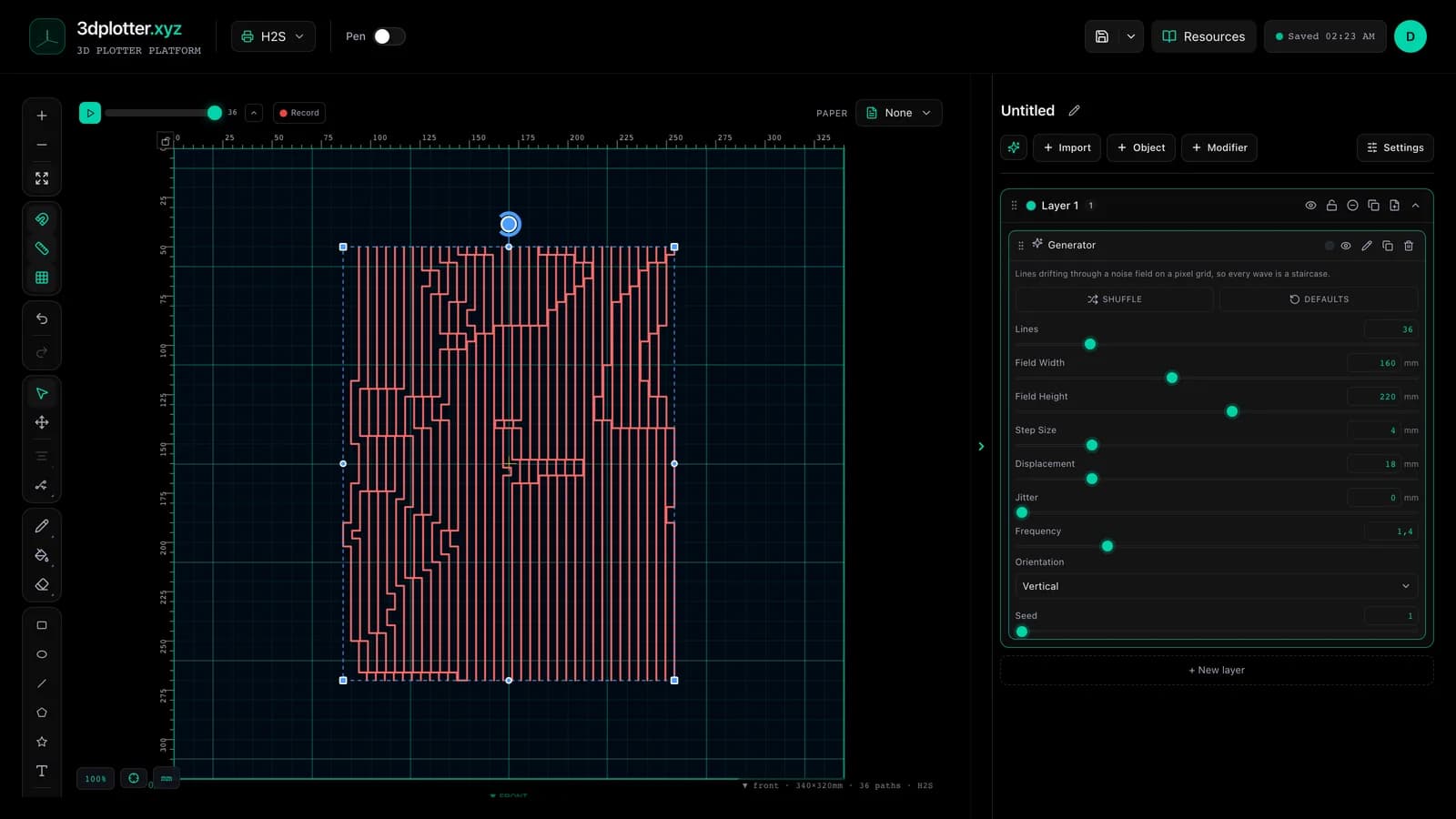
- Open Studio → Add Object → Experimental → Stepped
- A live Stepped element is added to the active layer
- Tune parameters in the element card in the right sidebar (live preview on the canvas)
- Export plot-ready G-code when satisfied
Menu path: Add Object → Experimental → Stepped
What it does
Stepped draws parallel lines that drift through a smooth noise field but can only move on a grid, so every wave becomes a staircase. Neighbouring lines move together, which makes pixelated waves across the page.
Step by step
- Add Object → Experimental → Stepped
- Set Lines, Field Width and Field Height
- Step Size is the grid; Displacement how far the lines drift
- Frequency sets how quickly the drift changes; Jitter adds random steps
- Pick Vertical or Horizontal, then export G-code
Tips for clean plots
- A Step Size of 2–4 mm reads clearly as pixels on paper.
- Leave Jitter at zero for clean waves.
Key controls
- Orientation: vertical, options: Vertical, Horizontal
- Lines: 36 (1-200 step 1)
- Field Width: 160mm (10-400mm step 1)
- Field Height: 220mm (10-400mm step 1)
- Step Size: 4mm (0.5-20mm step 0.1)
Tune orientation, lines, field width, field height, and step size in the right sidebar. Open Studio to see every control.
Shuffle (in the element card) re-rolls: seed, lines, frequency, orientation.
What I plot with Stepped
- Pen-plotter art on Bambu Lab, Prusa, Creality, and other pen-holder setups
- Layered linework exported as G-code with pen-up travel
- Combined with other V3 objects and modifiers in the same document
Frequently asked questions
Do the lines cross?
They can when Displacement is larger than the line spacing.
Is each line one path?
Yes, one continuous staircase per line.
Try Stepped
Open 3DPlotter Studio, follow the steps above, and export a test plot. Lifetime V3 access is €29.90. Creator Bundle (€39.90) adds Map to Pen Plot, String Art, Wax Seal, and 3D Model to SVG.
More tools: Feature hub · V3 launch