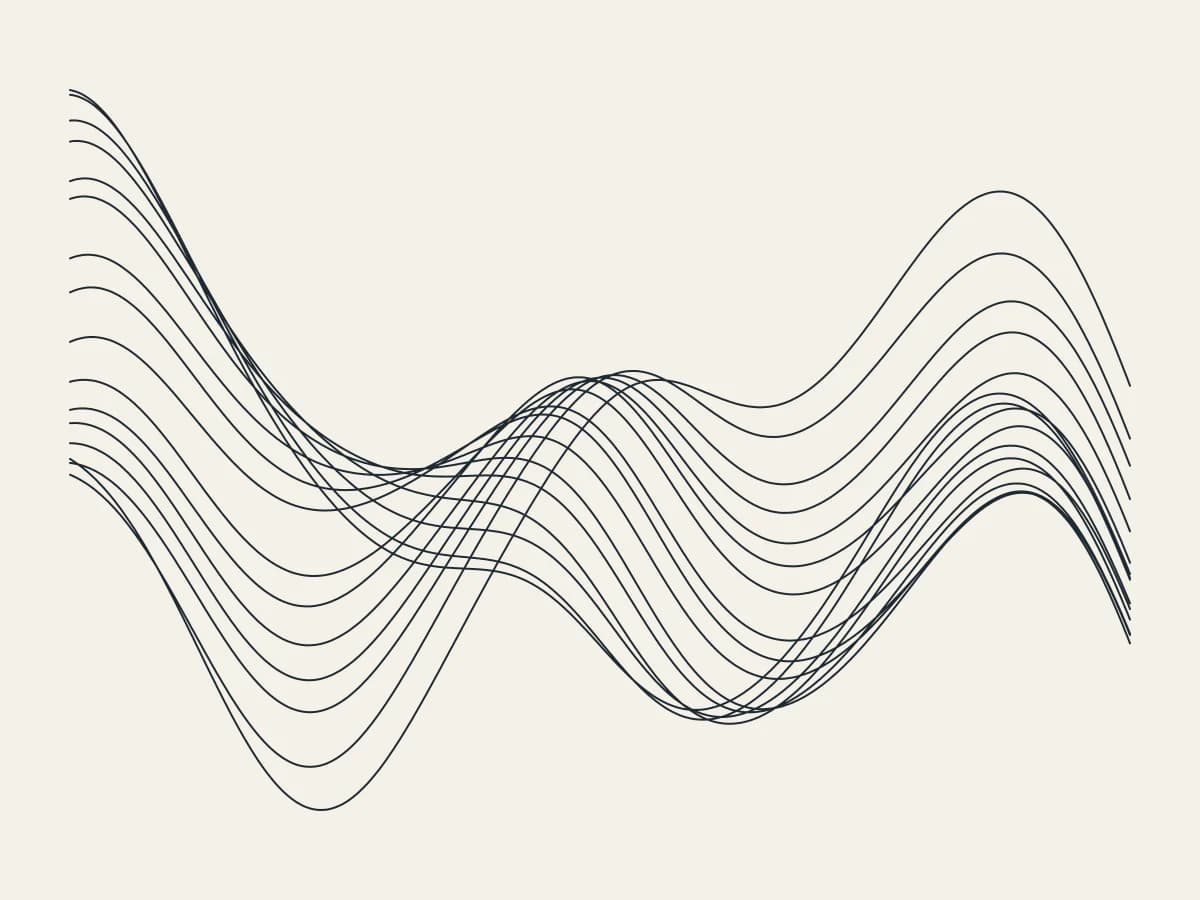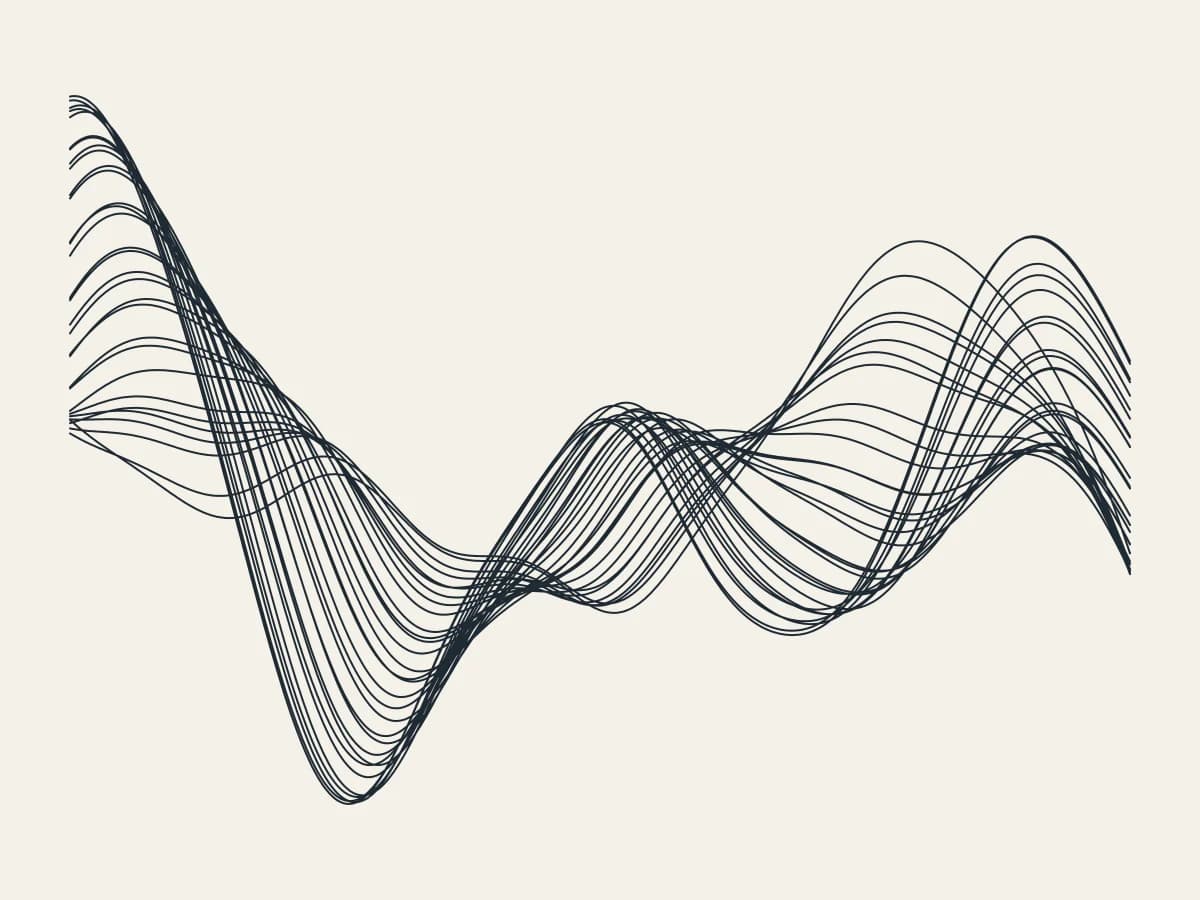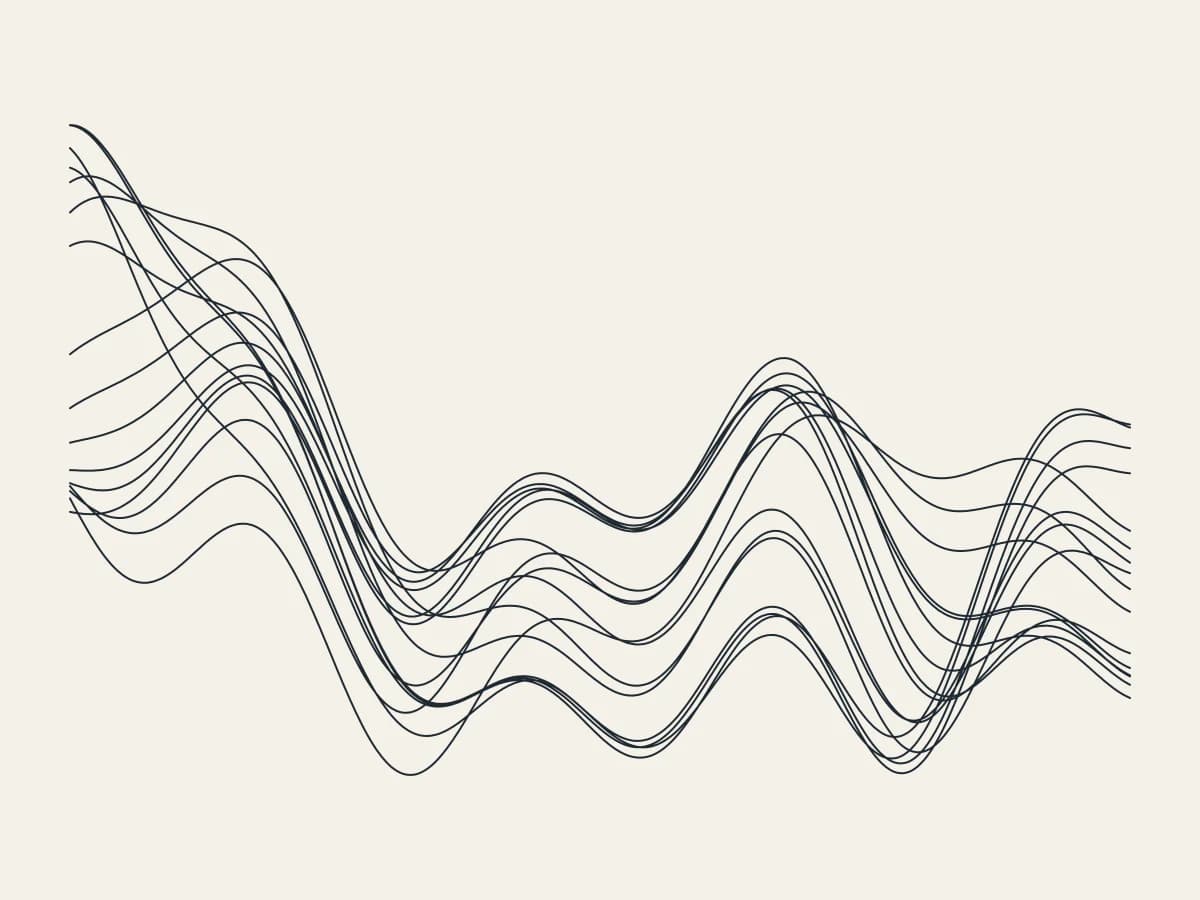
Draw a twisting band of strands with Ribbons, all in your browser. It is one of the newest tools in 3DPlotter Studio.
How to use Ribbons
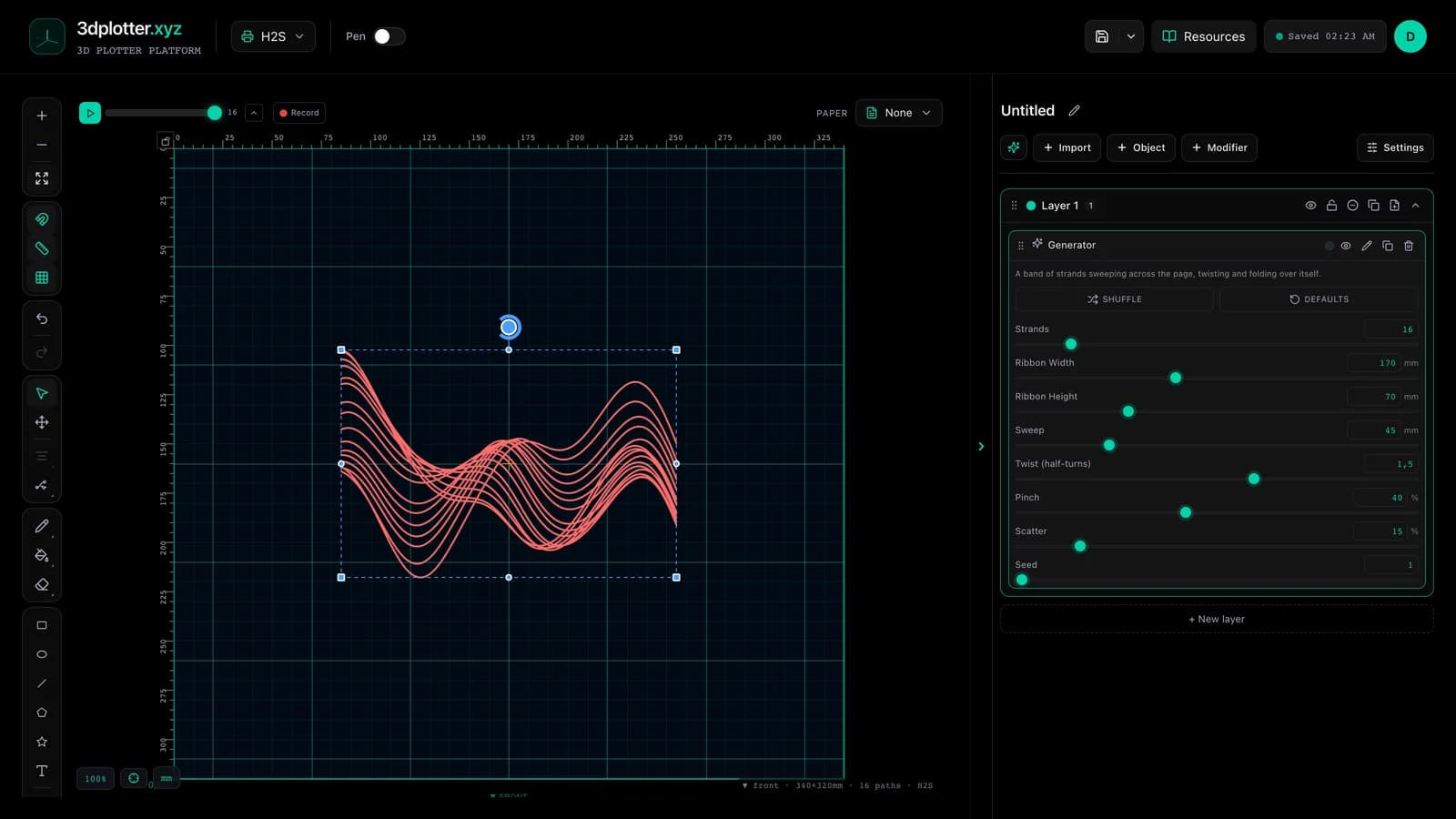
- Open Studio → Add Object → Experimental → Ribbons
- A live Ribbons element is added to the active layer
- Tune parameters in the element card in the right sidebar (live preview on the canvas)
- Export plot-ready G-code when satisfied
Menu path: Add Object → Experimental → Ribbons
What it does
Ribbons draws a band of strands that sweeps across the page and twists over itself. As the band turns, the strands rise and fall past one another; Pinch narrows it at the folds.
Step by step
- Add Object → Experimental → Ribbons
- Set Strands, Ribbon Width and Ribbon Height
- Twist sets how many half-turns it makes; Sweep how far it waves
- Pinch narrows the folds; Scatter loosens the strands
- Change the Seed for a new path, then export G-code
Tips for clean plots
- Thirty or more strands make a solid-looking ribbon.
- High Pinch with high Twist gives a folded paper look.
Key controls
- Strands: 16 (1-120 step 1)
- Ribbon Width: 170mm (20-400mm step 1)
- Ribbon Height: 70mm (2-250mm step 1)
- Sweep: 45mm (0-200mm step 1)
- Twist (half-turns): 1.5 (-8-8 step 0.1)
Tune strands, ribbon width, ribbon height, sweep, and twist (half-turns) in the right sidebar. Open Studio to see every control.
Shuffle (in the element card) re-rolls: seed, strands, twist, pinch, scatter.
What I plot with Ribbons
- Pen-plotter art on Bambu Lab, Prusa, Creality, and other pen-holder setups
- Layered linework exported as G-code with pen-up travel
- Combined with other V3 objects and modifiers in the same document
Frequently asked questions
Is each strand one line?
Yes, each strand is a single smooth path across the ribbon width.
What does Twist do?
It turns the band a number of half-turns, so strands swap places as it folds.
Try Ribbons
Open 3DPlotter Studio, follow the steps above, and export a test plot. Lifetime V3 access is €29.90. Creator Bundle (€39.90) adds Map to Pen Plot, String Art, Wax Seal, and 3D Model to SVG.
More tools: Feature hub · V3 launch