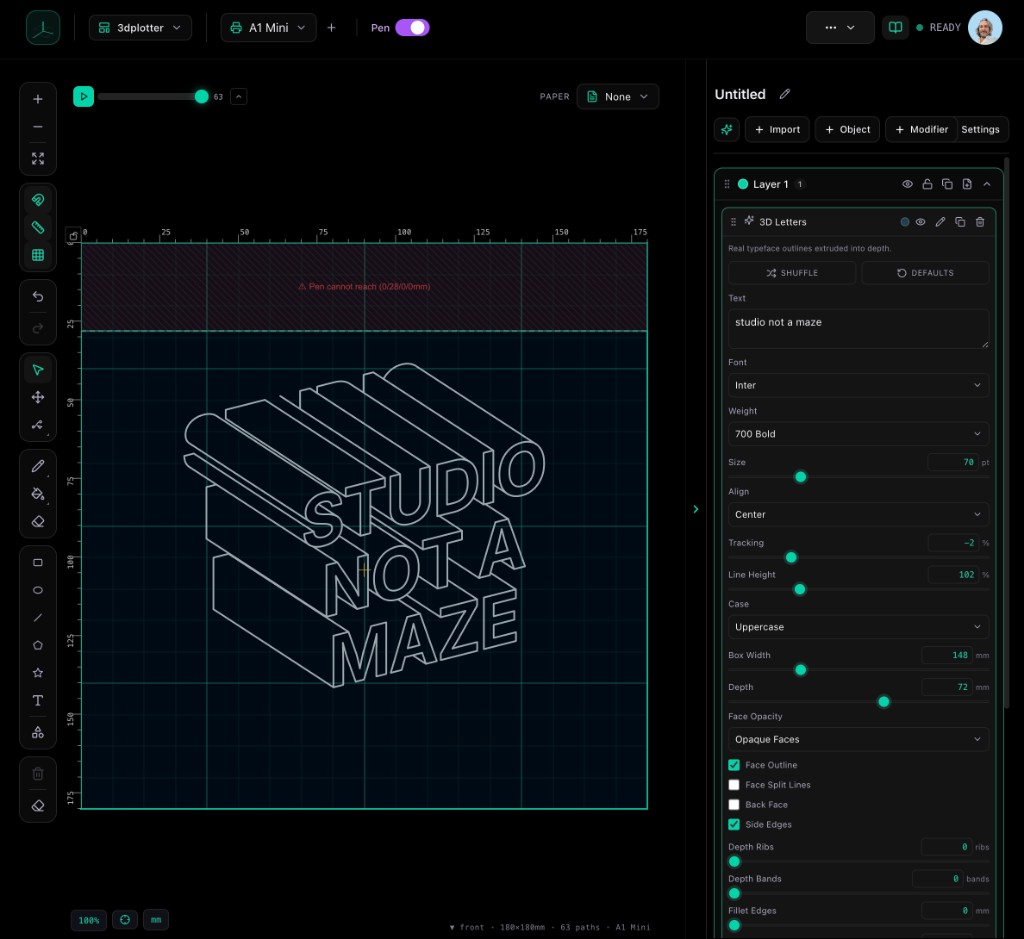
Day 2. The problem I kept running into with plotter software: too many menus before you can start a plot.
You open the app, hunt for the right panel, dig through settings, and suddenly you are debugging the tool instead of drawing. I wanted V3 to feel like sitting down at a desk, not operating a flight deck.
So I rebuilt the layout around a studio: the canvas in the middle, tools on the left, and plot settings in the right sidebar. You see your design, you adjust what you need, you export.
I am still curious what you plot most. Text, mandalas, technical drawings, something else? It helps me decide what to polish first.
If you have a UI pet peeve from other plotter tools, reply and tell me. I read these.