3DPlotter V3 Launch Series
Day 11 of 14 · Genplot AI

Day 11 of 3DPlotter V3: Meet Genplot AI

Genplot AI turns plain text into plot-ready SVG artwork, with multi-pen palettes and one-click bed placement.

Day 11 of 3DPlotter V3: Meet Genplot AI

Day 11 of building 3DPlotter V3 is here, and this one's a game changer. 🚀

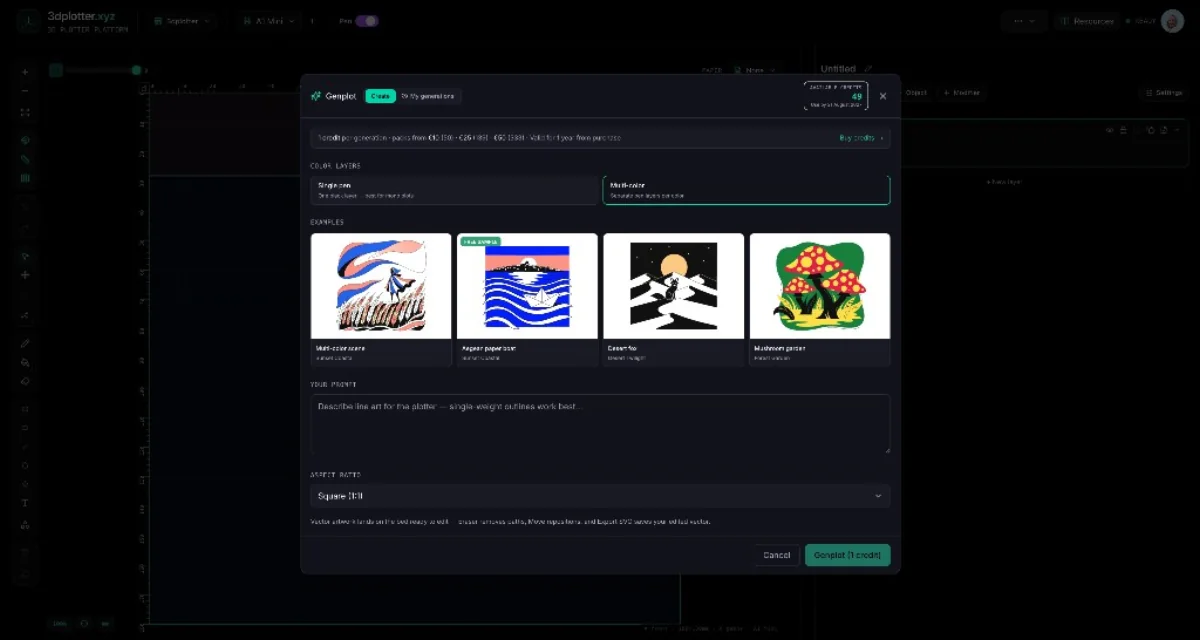
We just shipped Genplot AI, a built-in tool that turns plain text into plot-ready SVG artwork. Type a description, pick a style, and watch it generate a drawing you can plot on your 3D printer. No design skills needed.

But it gets better. Genplot AI isn't just about generating images. It's integrated right into the 3dplotter workflow:

  • Text to SVG: Describe what you want, and Genplot AI creates a clean, single-line SVG optimized for pen plotting.
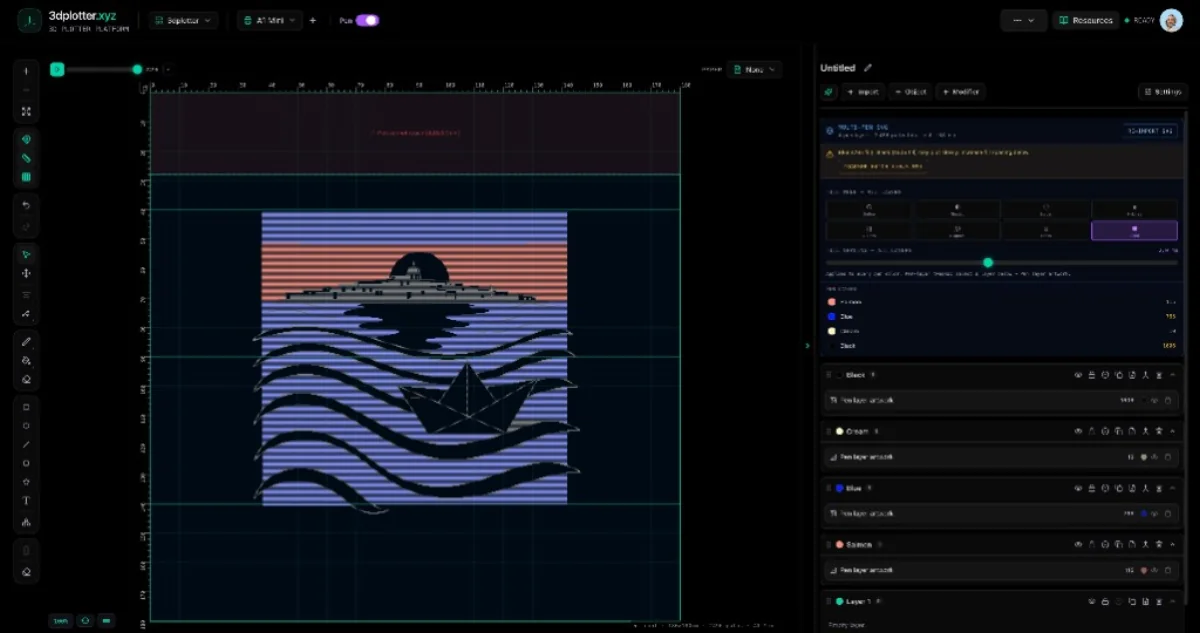
  • Multi-pen palettes: Assign different colors to different parts of your design, so you can swap pens mid-plot for stunning multi-color artwork.
  • Add to bed: One click places your generated design directly onto your printer's bed area, ready to plot.

We've been testing it with our community, and the results are incredible. From custom greeting cards to intricate line art, makers are creating things they never thought possible with a 3D printer.

Why does this matter? Because it removes the biggest barrier to pen plotting: creating the artwork. With Genplot AI, you can go from idea to plotted masterpiece in minutes.

And it's all part of 3dplotter, the complete pen plotting platform that works with your Bambu Lab, Prusa, Creality, or any 3D printer.

Ready to try it? Explore Genplot and start creating today.

What would you create with Genplot AI? Drop your ideas in the comments!

Tags

3D printingpen plotterAI artmakergenerative design

Follow the full V3 reveal

14 days of features, workflows, and maker stories leading up to launch.